
logo-darklogo-darklogo-darklogo-dark
  • Home
  • Browse
    • Assistant
    • Coding
    • Image
    • Productivity
    • Video
    • Voice
    • Writing
    • All Categories
    • AI Use Cases
  • My Favorites
  • Suggest a Tool
✕
Home › Image Generation & Editing ›

Pixlr

Published by Dusan Belic on June 19, 2023

Pixlr by INMAGINE

Pixlr
Pixlr Homepage
Categories Image Generation & Editing
An AI-powered online photo editing and design platform, enabling everyone to create stunning designs

Pixlr

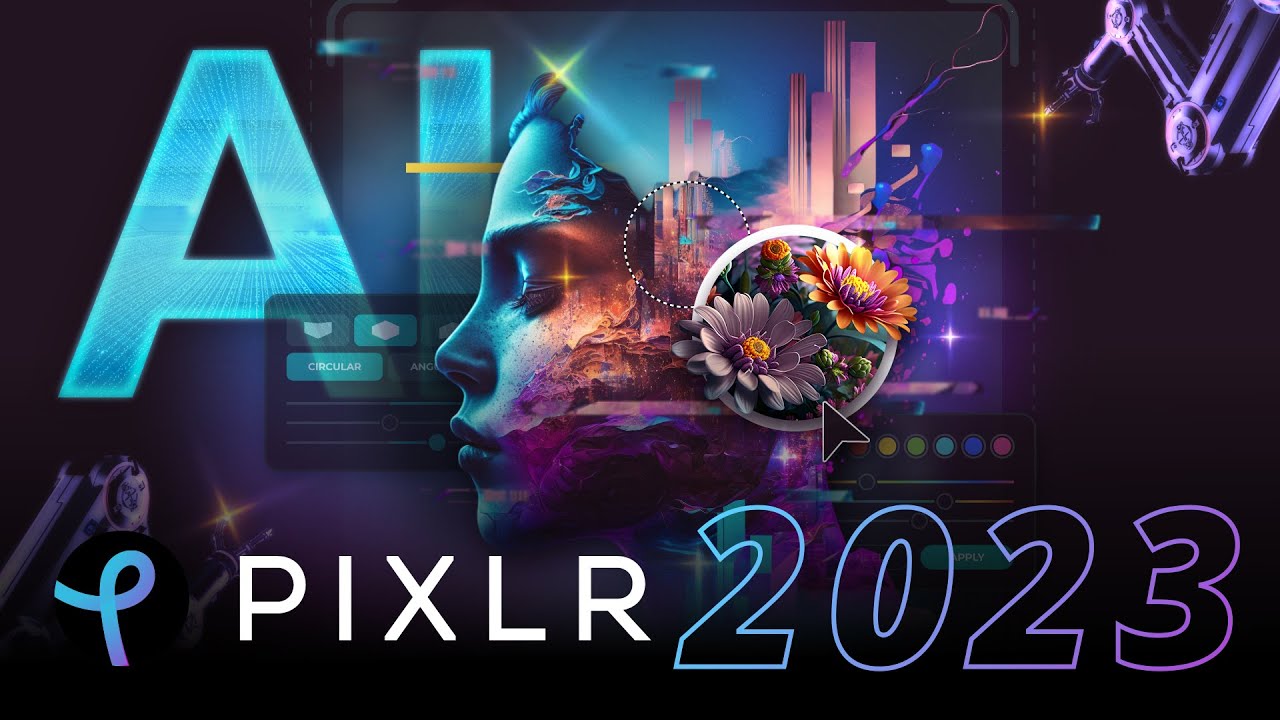
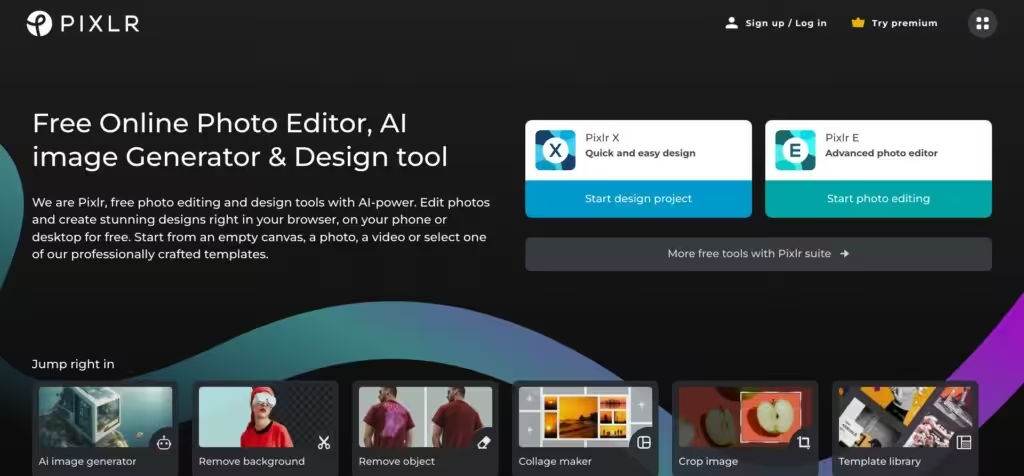
Pixlr is an AI-powered online photo editing and design platform. It enables everyone to edit photos and create stunning designs in their browser, both on their phones and computer.

You can start from scratch with an empty canvas, a photo, or a video, or select one of Pixlr’s templates. These templates are for things like creating a YouTube banner, Instagram story, resume, brochure, business card, presentation, or a fancy sales pitch​.

Basic photo editing aside, Pixlr offers an AI-powered one-click visual creator called Photomash Studio, which can remove backgrounds from your photos. As you would imagine, this feat makes it perfect for creating profile pictures, product images, YouTube thumbnails, and more.

Pixlr also allows you to quickly animate any design using its professional-looking animation presets — or you can tune into advanced options and play with timeline details. Moreover, there is a collage maker that lets you create photo collages which too are paired with fancy templates.

Photo filters are on board as well, allowing you to transform your photos into artistic visuals. There are many options to choose from, spanning effects, overlays, and neat photo borders — helping you create unique, visually striking content.

Finally, if you want to pay extra, Pixlr offers a premium access option that (obviously) goes beyond its free offering, allowing you to explore all the tools, templates, elements, and fonts it has. If you need to frequently create and edit photos, consider giving Pixlr a try.

Pixlr Homepage
Categories Image Generation & Editing

Video Overview ▶️

What are the key features? ⭐

  • Photomash Studio: A very handy tool that lets you remove backgrounds from your photos with a single click. This makes it particularly handy for creating profile pictures, product images, YouTube thumbnails, and so on.
  • Templates: Pixlr can significantly speed up your creative process if you're using one of their templates, and quite a few are included. This is particularly handy for creating YouTube banners, Instagram stories, resumes, brochures, business cards, presentation​s, and more.
  • Animations: Beyond static images, Pixlr also supports animations. It lets you easily animate any design, offering professional-looking animation presets with the option to delve into timeline details to create custom animations​.
  • Collage Maker: This feature lets you quickly create photo collages using pre-made templates. You can select a layout, upload your images, and start editing to create a collage.
  • Filters & Effects: Pixlr offers different photo filters that can transform your photos into artistic visuals. Easy to use, these let you enhance the aesthetic appeal of your photos and designs.

Who is it for? 🤔

Pixlr is an easy-to-use tool that is meant for everyone who needs to edit his/her photos. It offers all the basic image-editing features plus access to an array of filters, effects, and borders. In that sense, it is used by bloggers, social media aficionados, small business owners, marketers, influencers, and everyone else looking for a seamless way to edit and/or enhance their photos.

Examples of what you can use it for 💭

  • Edit photos by adding effects, filters, and borders
  • Create fancy social media graphics with ease
  • Design product images without background using Pixlr's Photomash Studio
  • Make fancy photo collages with Pixlr's fancy templates
  • Animate your designs with a few clicks with the ability to fine-tune the timeline

Pros & Cons ⚖️

  • Great for beginners, it's easy to use
  • Results can be rather impressive with just a few clicks
  • Background removal tool alone is worth it
  • Canva fans may find it limiting (or not offering enough templates)

FAQs 💬

What is Pixlr, and who is it best for?
Pixlr is a browser-based suite of photo editing, design, and AI tools that lets you edit images, generate art from text, and create designs without downloads. It works great for beginners wanting simple tweaks or pros needing quick AI boosts, like social media creators or small business owners. I think it shines for anyone tired of heavy software installs.
Is Pixlr completely free to use?
Yes, the core version packs solid features like basic edits, some AI tools, and no watermarks, all without an account or fees. Premium plans kick in for extras like unlimited AI credits and ad-free access, starting at $2.49 a month. Probably worth the free trial if you hit limits fast.
What AI tools does Pixlr include?
It offers cool ones like AI Image Generator for text-to-art, Generative Fill to patch images, Generative Expand to stretch canvases seamlessly, plus background remover, object eraser, upscaling, and denoise. These make complex stuff feel easy, though free users get just 20 credits monthly.
How does Pixlr compare to Photoshop?
Pixlr mirrors Photoshop’s basics like layers and effects but runs online with less fuss and no steep learning curve. It’s cheaper (free tier vs Adobe’s subs) and faster for casual work, but lacks raw file support or pro-level precision. Reviews say it’s a solid alt for 80% of tasks, especially on mobile.
Is Pixlr easy for complete beginners?
Absolutely, its clean interface and AI helpers guide you through edits without overwhelm. Start with Express mode for one-click fixes, and tutorials pop up in-app. Users on Capterra call it intuitive, though you might experiment a bit with advanced filters.
Can I use Pixlr on my phone or tablet?
Yep, it syncs across web, iOS, Android apps, and desktop, so edit on the go without losing progress. The mobile version handles most tools well, like quick crops or AI fills, but touch controls feel smoother than desktop for some.
What are Pixlr’s main photo editing features?
You get adjustments for brightness, contrast, and colors, plus text overlays, filters like glitch or bokeh, portrait retouch, and collage makers. AI adds magic with auto-designs, like product shots or grids. It’s versatile for social posts or prints.
How secure is Pixlr for uploading my photos?
With 15+ years online, Pixlr prioritizes privacy and has no major breaches reported. Images process securely, and premium includes private AI modes. Still, as a web tool, avoid sensitive files, and check their policy for peace of mind.
Does Pixlr offer a free trial or educational discounts?
Premium plans come with a 7-day trial, no card needed upfront, and you can cancel anytime. Education gets free upgrades for schools, including full AI access. Perfect if you’re a student testing waters.
How do I get started with Pixlr right now?
Head to Pixlr's website, pick Express or Editor mode, upload a photo or start blank, and dive in. No signup required for basics, but accounts unlock saves. Watch their YouTube tutorials for a 5-minute ramp-up.

Related tools ↙️

  1. Poppy AI Poppy AI Streamlines content creation with AI-powered visual tools
  2. Adobe Express Adobe Express Creates on-brand content with AI-driven design and video tools
  3. Stable Diffusion Stable Diffusion Generates high-quality images from text prompts with versatile styles
  4. InPixio InPixio An AI-powered photo editing tool that makes it easy to transform images
  5. Affogato Affogato An advanced platform for creating consistent, character-driven images and videos using AI
  6. ArchSynth ArchSynth An AI-powered tool that transforms sketches into stunning visuals in seconds
Last update: November 12, 2025
Share
Promote Pixlr
light badge
Copy Embed Code
light badge
Copy Embed Code
light badge
Copy Embed Code
About Us | Contact Us | Suggest an AI Tool | Privacy Policy | Terms of Service

Copyright © 2026 Best AI Tools
415 Mission Street, 37th Floor, San Francisco, CA 94105