Polycam AI Texture Generator
Simplify the creation of high-quality 3D textures for various digital art projects
As its name suggests, Polycam’s AI Texture Generator is designed to simplify the creation of high-quality 3D textures for various digital art projects. By inputting a descriptive text prompt, users can generate tileable textures that can be directly imported into popular software such as Blender, Unreal Engine, and Unity. This makes the tool useful for game developers, 3D artists, and VFX creators looking to enhance their projects with realistic textures.
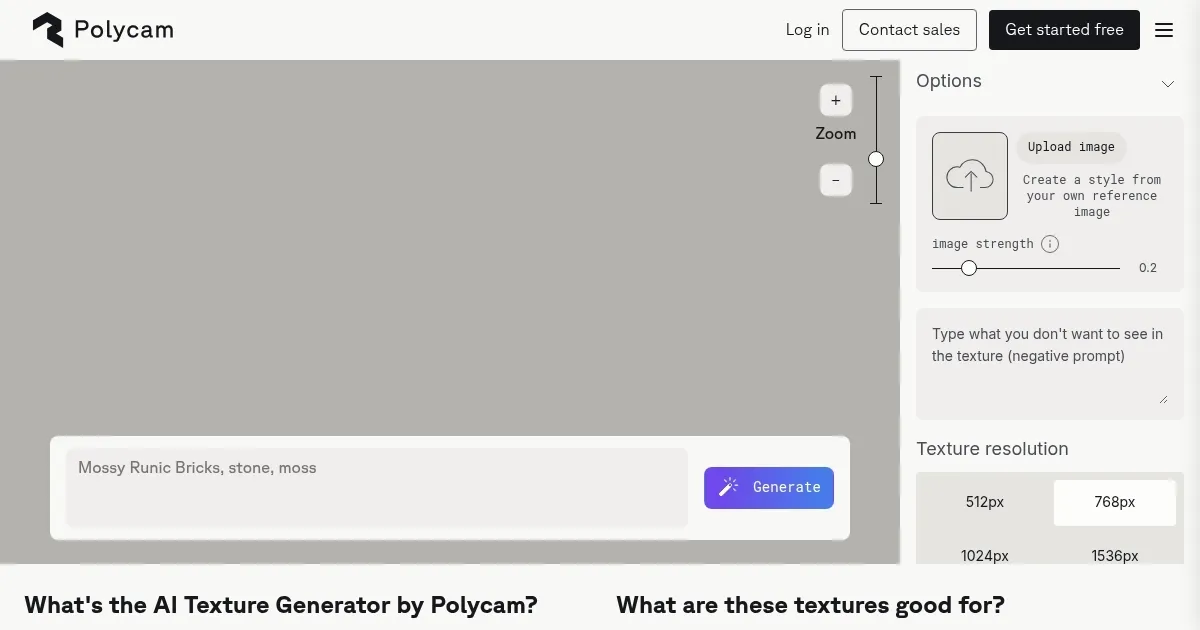
The AI Texture Generator’s interface is easy to grasp, allowing users to tweak prompts and regenerate textures until they achieve the desired results. This iterative process is streamlined to ensure creativity and precision in the final output. In addition, the tool supports various texture resolutions, catering to different project requirements and ensuring compatibility across platforms.
Polycam’s generator also offers a high level of customization and integration. For instance, users can upload their own reference images to guide the AI in generating textures that match specific styles or project needs.
In a nutshell, Polycam’s AI Texture Generator is easy to use, flexible, and can quickly produce professional-grade textures. Its integration with industry-standard software and support for commercial use make it a valuable resource for anyone involved in 3D modeling, game development, and/or digital art.
Homepage Screenshot 📸
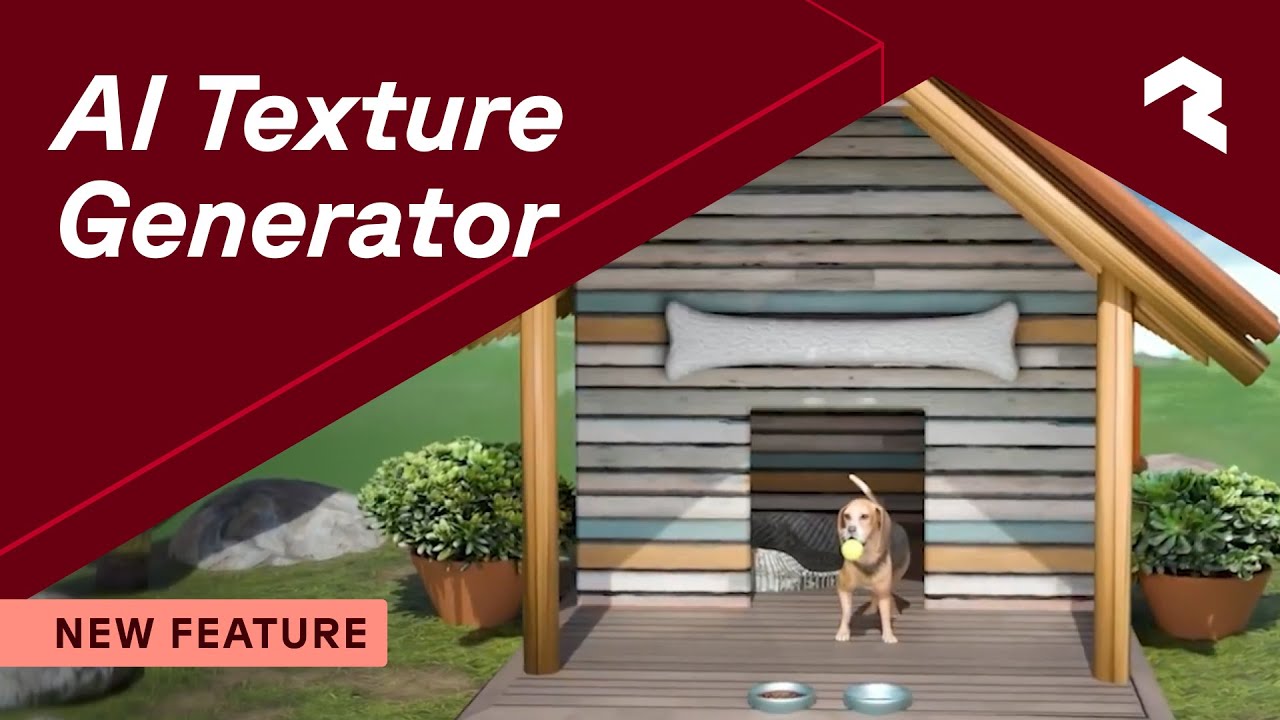
Video Overview 🎬
What are the key features? ✨
- AI-powered texture creation: It can generate realistic 3D textures from text prompts, allowing for creative and precise results.
- Seamlessly tileable: Polycam AI Texture Generator produces textures that can be seamlessly tiled, perfect for consistent application in 3D environments.
- Wide compatibility: Produced textures are ready for use in popular software like Blender, Unreal Engine, Unity, and more.
- Free & accessible: The tool is free to use, with no watermarks, and supports easy download and integration.
- Customizable output: It offers various options for resolution and the number of textures, ensuring tailored results for different projects.
Who is it for? 🤔
Examples of what you can use it for 💡
- Create detailed textures for game environments and characters
- Enhance 3D animations and visual effects with realistic textures
- Develop immersive VR experiences with high-quality textures
- Generate textures for architectural models and renderings
- Use unique textures to create intricate and appealing digital artworks
Pros & Cons ⚖️
- Makes it easy to create fancy textures
- Customization options
- Made to sing along Unity, Unreal Engine, Blender, and more
- Not sure you need it if you're already paying for some AI image-generating tool
FAQs 💬
Ready to try Polycam AI Texture Generator?
Simplify the creation of high-quality 3D textures for various digital art projects
Visit Polycam AI Texture GeneratorPolycam AI Texture Generator alternatives 🔗