
ProPhotos

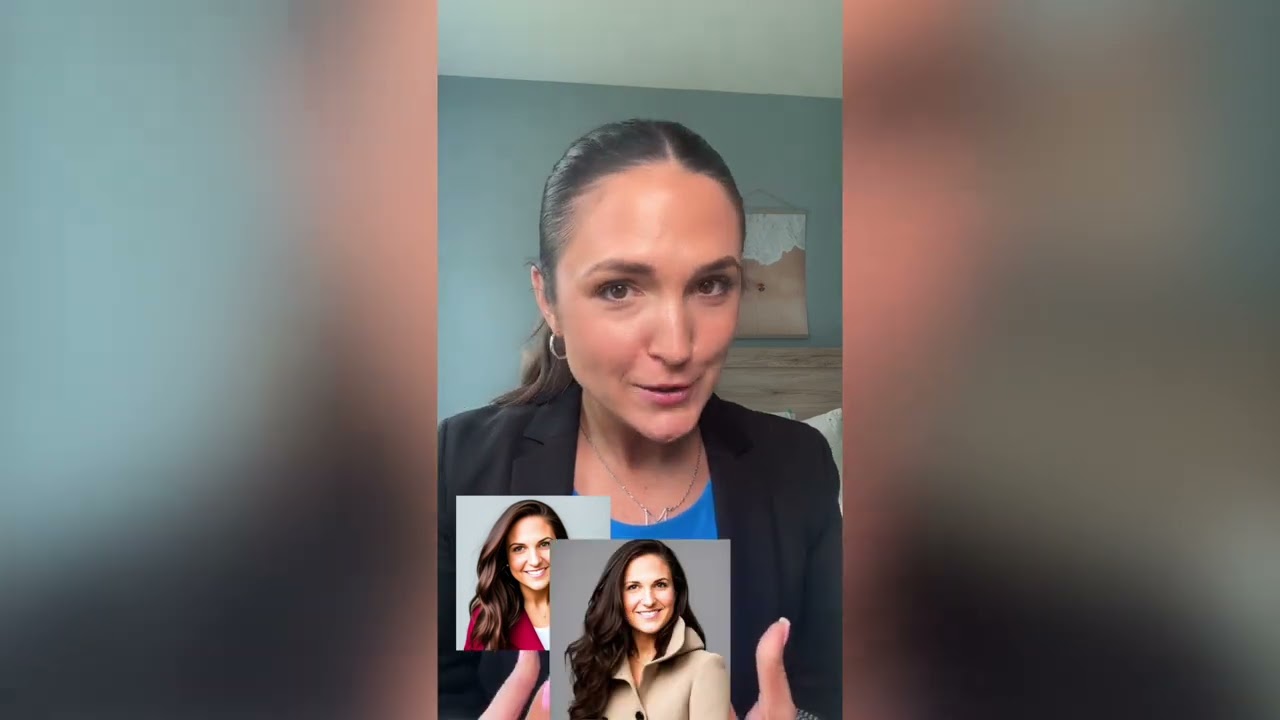
ProPhotos can produce professional headshots at an affordable price — allowing you to revamp your LinkedIn, boost your resume, or upgrade the team page on your company’s website.
The tool will quickly generate high-quality, photorealistic headshots that “capture your unique personality and style” — while delivering a professional and polished look that “sets you apart from the competition.” Except if that competition doesn’t use ProPhotos as well, that is.
As that’s the case with other similar tools, this one won’t generate a single headshot, but a bunch of them — and it is up to you to select those you like best. And from what we’ve seen, we’re sure you will be able to find at least some that you like.
Lastly, we should also mention what happens with your photos after you upload them. First, they are used to train the algorithm so it can do its magic.
Once generated, your photos remain on ProPhotos’ servers for 30 days — after which they are automatically deleted. Or you can delete your data and account at any time by selecting “delete account.”
As of November 2023, over 2.5 million headshots have been created by more than 30,000 ProPhotos customers.
Video Overview ▶️
What are the key features? ⭐
- Photorealistic Headshot Generation: creates high-quality, lifelike professional portraits from casual photos
- Industry-Specific Styles: generates outfits and poses tailored to roles like doctor, lawyer, real estate agent, or chef
- Customizable Backgrounds: offers studio, office, bokeh, and plain options with full customization available
- Fast Turnaround: delivers batches of headshots typically in 30 to 90 minutes
- Commercial Rights & Privacy: grants full usage rights and automatically deletes models after 30 days
Who is it for? 🤔
Examples of what you can use it for 💭
- Job Seeker: uses the tool to create sharp, professional headshots for LinkedIn and resume submissions to boost first impressions
- Real Estate Agent: generates branded portraits in business attire with office backgrounds to enhance property listings and profiles
- Medical Professional: produces doctor or nurse headshots in lab coats for practice websites and professional directories
- Student or Recent Graduate: creates polished images for internships, job applications, and academic networking platforms
- Small Business Team: orders bulk headshots via enterprise credits to maintain uniform branding across employee profiles
Pros & Cons ⚖️
- Fast delivery of realistic headshots
- Wide variety of outfits and backgrounds
- Strong likeness from good inputs
- Full commercial usage rights
- Occasional AI artifacts on close inspection
- Results depend heavily on photo variety








