QuillBot by Course Hero


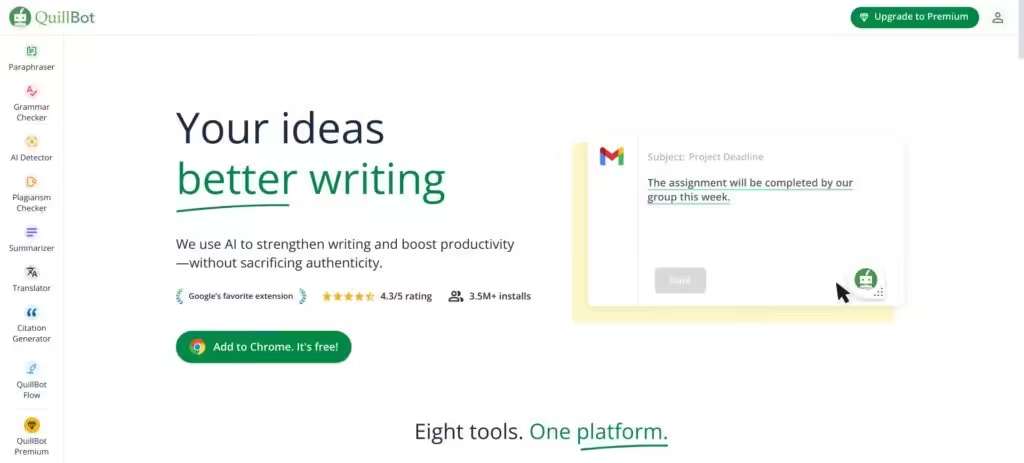
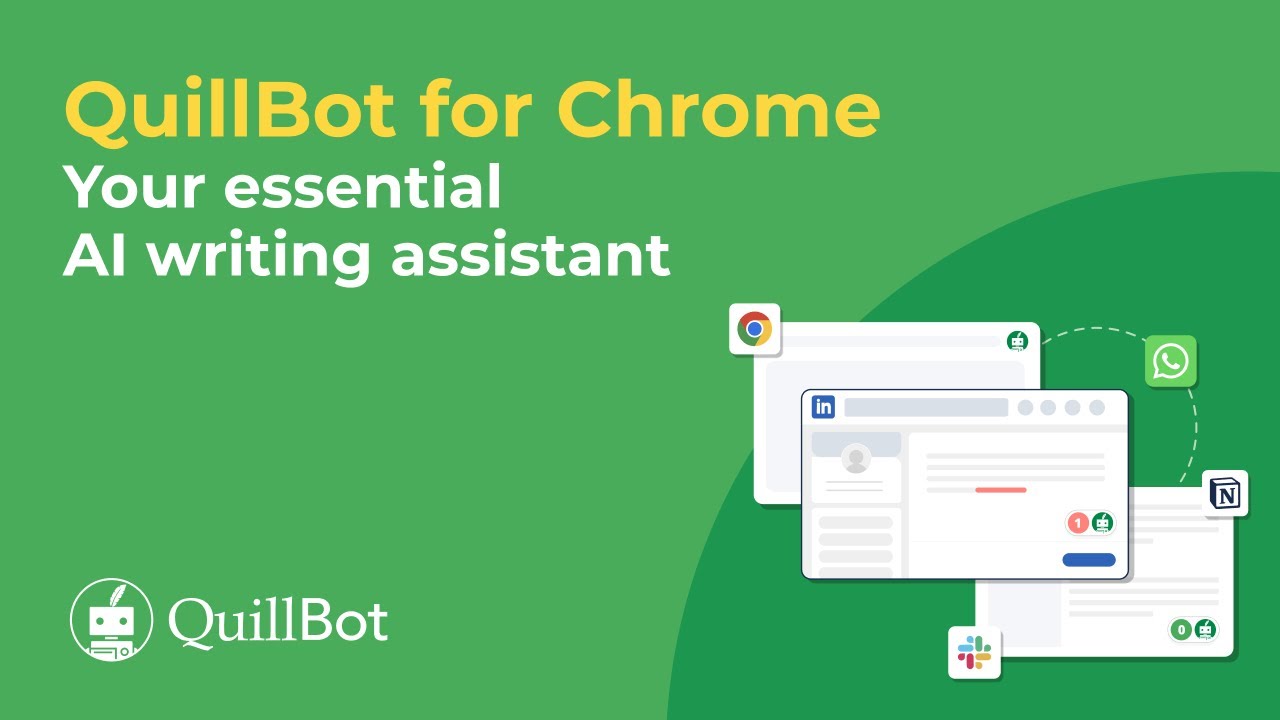
QuillBot is an AI-powered writing assistant that refines text with tools for paraphrasing, grammar checking, tone analysis, and more, making it a go-to for students, professionals, and content creators. Its Paraphraser reworks sentences in modes like Standard, Fluency, or Creative, keeping meaning intact while boosting clarity. The tool integrates with Chrome, Word, and Google Docs, streamlining workflows. It is built for clear communication without overriding your voice.
The Grammar Checker catches errors like misplaced commas or subject-verb issues, while the Tone Detector shows how your text might come across, formal, casual, or persuasive. These help polish emails, essays, or blog posts. Compared to Grammarly, QuillBot focuses more on creative rewriting than deep contextual edits. CoWriter offers similar features but emphasizes detailed style analysis, while QuillBot keeps things simpler.
The Citation Generator supports APA, MLA, and Chicago styles, saving students and researchers time. The Plagiarism Checker scans against billions of web pages to ensure originality, though it may flag common phrases. The AI Detector identifies AI-generated text, which is particularly useful for academics and editors. QuillBot’s free version offers basic tools, with premium unlocking advanced modes like Humanize and higher limits, at pricing competitive with similar tools.
Users praise QuillBot for its ease and flexibility. Its 4.7/5 Chrome Store rating from millions shows strong trust. Students find it invaluable for essays, professionals use it for polished reports, and content creators, such as those in Creative mode, use it for fresh angles. English language learners benefit from improvements in fluency, which enables them to turn rough drafts into natural text.
Drawbacks include the Paraphraser sometimes offering similar suggestions across modes, limiting variety. The interface, while clean, may confuse new users navigating multiple tools. Premium features require payment, which could frustrate those on the free plan. Still, the core tools are robust, and partnerships with brands like Microsoft add credibility.
Start with the free version to test core features. Use the Paraphraser for quick rewrites, the Grammar Checker for cleanups. Try the Citation Generator for your academic work, and consider upgrading to premium for advanced features. Experiment with modes to match your goals, and you will see why millions rely on QuillBot for sharper writing.
Video Overview ▶️
What are the key features? ⭐
- Paraphraser: Rewrites sentences in multiple modes for clarity or creativity.
- Grammar Checker: Detects and corrects grammatical errors in real time.
- Tone Detector: Analyzes text to ensure the intended tone is conveyed.
- Citation Generator: Formats citations in APA, MLA, or Chicago styles.
- Plagiarism Checker: Scans text against billions of web pages for originality.
Who is it for? 🤔
Examples of what you can use it for 💭
- Student: Uses the Citation Generator to format references for essays.
- Professional: Polishes emails with the Grammar Checker for clarity.
- Content Creator: Rewrites blog posts using Creative mode for variety.
- English Learner: Enhances fluency with the Paraphraser’s Fluency mode.
- Researcher: Scans papers with the Plagiarism Checker for originality.
Pros & Cons ⚖️
- Intuitive interface for quick edits.
- Flexible paraphrasing modes.
- Accurate citation formatting.
- Strong plagiarism detection.
- Limited variety in paraphrasing.
- Premium features need payment.