Stable Assistant by Stability AI

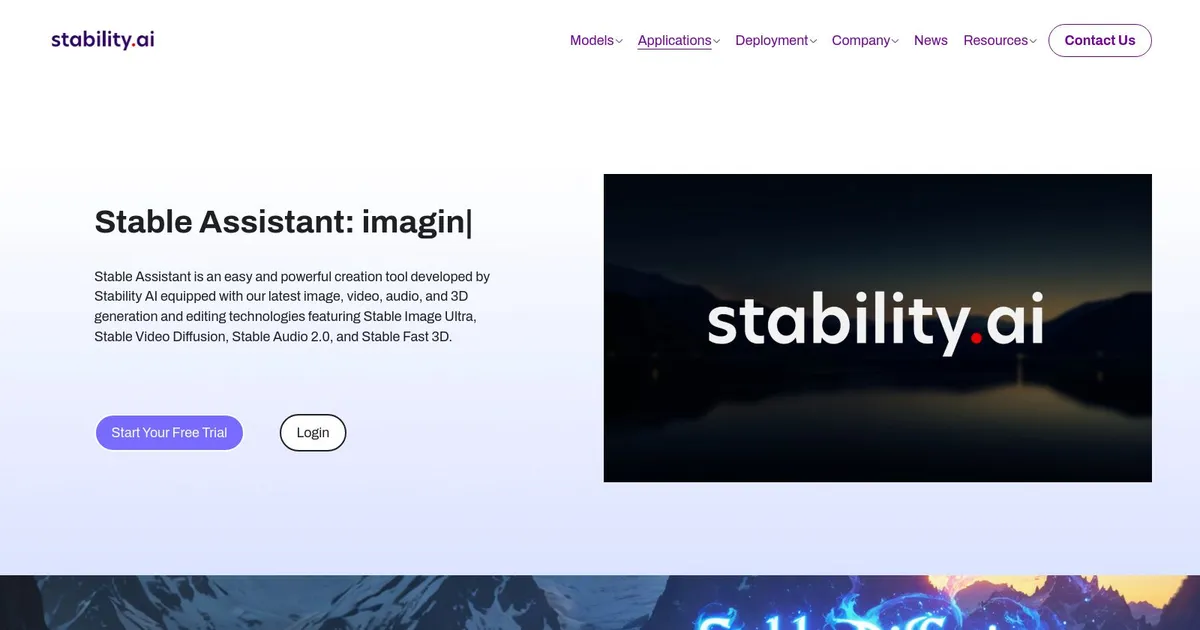
Stable Assistant is an advanced chatbot that combines the latest text and image generation technologies from Stability AI. It leverages the power of Stable Diffusion 3 and Stable LM 2 12B to create high-quality images and provide knowledgeable responses based on conversational prompts. As a result, Stable Assistant is useful for different kinds of tasks, such as generating content, drafting blog posts, and enhancing written work with matching images.
In fact, the ability to generate images is what makes it especially cool, with Stable Diffusion 3 Ultra providing the “power” in the background for this process. This, in turn, allows users to quickly and easily bring their ideas to life.
Stable Assistant also offers robust text generation capabilities, with the Stable LM 2 12B model ensuring coherent and contextually relevant outputs. As a result, Stable Assistant is a valuable tool for the likes of writers, marketers, and other content creators looking to enhance their productivity.
Stable Assistant is accessible through a subscription model, with different plans catering to different needs. Users can start with a free trial and choose from monthly or yearly billing options. All plans come with a generous allocation of credits for image and text generation. Check it out.
What are the key features? ⭐
- Advanced chatbot: Uses Stability AI's latest text and image generation technology, including Stable Diffusion 3 and Stable LM 2 12B, to provide high-quality interactions and content generation.
- Image generation: Generates images from conversational prompts, capable of creating various styles.
- Text generation: Assists in drafting blog posts, scripts, and other written content with powerful text generation capabilities.
- Integrated tools: Features additional tools like background removal, creative upscaling, and outpainting for enhanced image manipulation.
- Subscription plans: Offers different subscription tiers with free trials, making it accessible for different user needs.
Who is it for? 🤔
Examples of what you can use it for 💭
- Draft blog posts, articles, and scripts with ease, enhancing productivity for writers and marketers
- Generate illustrations and images for marketing materials, websites, and social media
- Develop intelligent chatbots to efficiently handle customer queries
- Create interactive and engaging educational content
- Artists and creators can get assistance in generating visual content for personal and professional projects
Pros & Cons ⚖️
- Best of Stability AI in a single package
- Create great photos with ease
- And get relevant responses to all kinds of topics
- ChatGPT is more popular