Private LLM
Runs local AI chatbots offline on Apple devices, ensuring privacy
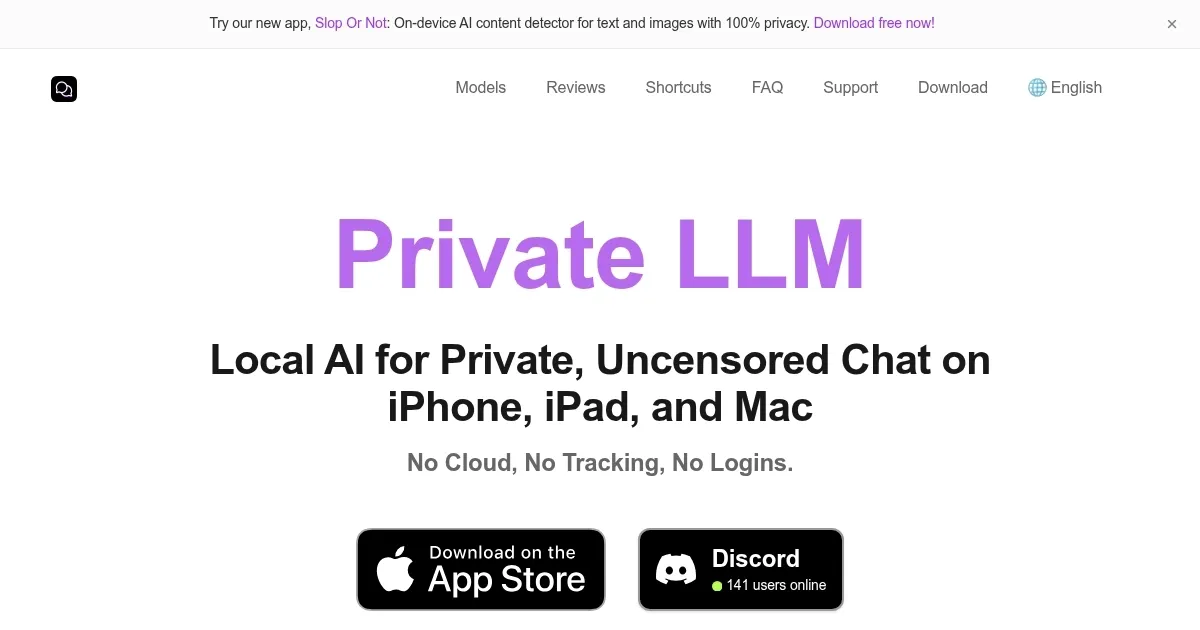
Ever wished for an AI chatbot that doesn’t snoop on your conversations or demand a constant internet connection? Private LLM delivers exactly that, a breath of fresh air in a world where data privacy often feels like an afterthought. Built for Apple’s ecosystem—iPhone, iPad, and Mac—this app runs entirely on-device, meaning your chats stay with you, not in some distant cloud server. It’s a bold move, I think, in an era where most AI tools lean heavily on subscriptions and data harvesting. With a single purchase, you unlock a suite of open-source language models, from DeepSeek R1 Distill to Google Gemma 2, all optimized for Apple’s hardware with cutting-edge OmniQuant quantization. The result? Fast, high-quality text generation without compromising your personal data.
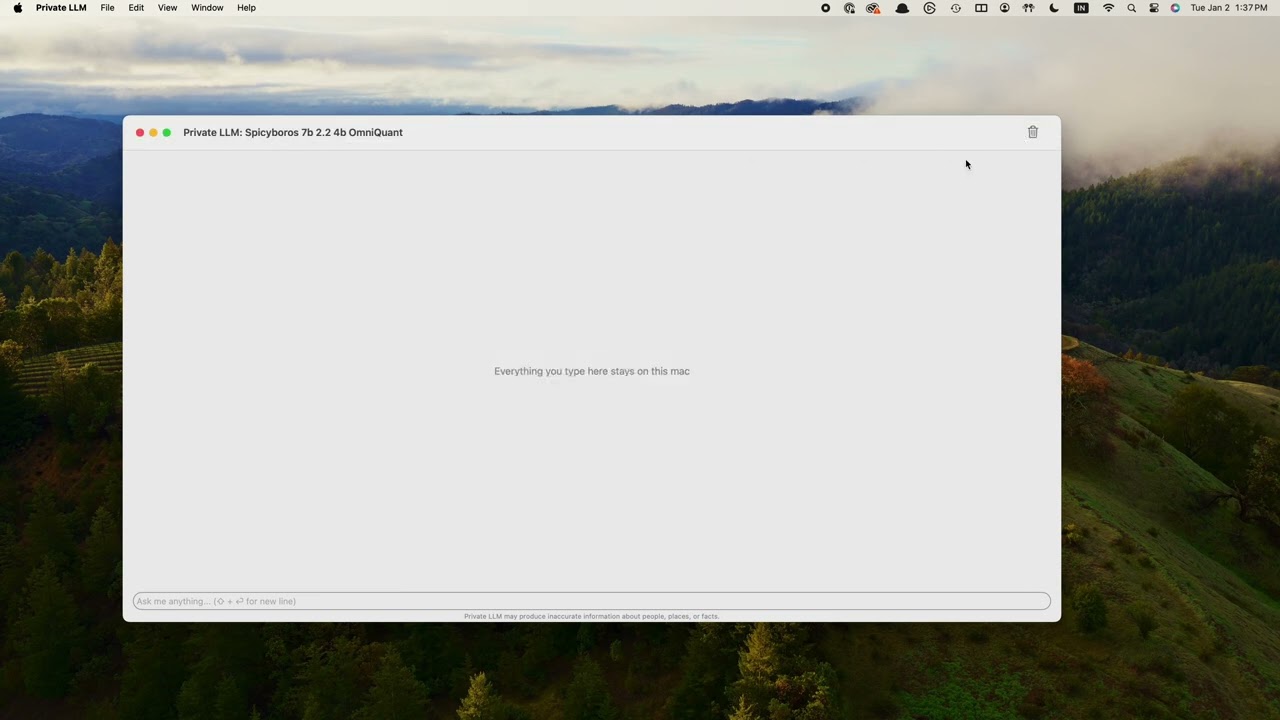
The app’s interface is straightforward, almost deceptively simple, but don’t let that fool you. Under the hood, it’s a powerhouse, supporting models like Llama 3.3 and Phi-4, which can handle everything from creative writing to coding queries. I love how it integrates with Siri and Apple Shortcuts, letting you weave AI into your daily workflows without coding expertise. Imagine dictating a task to Siri, and Private LLM churns out a polished email or summarizes a document in seconds. It’s seamless, and the x-callback-url support means it plays nice with over 70 other iOS and macOS apps. For writers, developers, or anyone who values efficiency, this is a game-changer.
That said, it’s not flawless. The UI, while functional, feels like it’s still finding its footing, a bit clunky compared to polished competitors like ChatGPT or Claude. If you’re used to those slick, cloud-based interfaces, Private LLM’s minimalism might feel sparse. Also, the app demands decent hardware—think iPhones with 4GB+ RAM or Macs with 8GB+—so older devices might struggle with larger models like Meta Llama 3.1 70B. Still, the trade-off for privacy is worth it, especially when you consider the one-time purchase model versus the subscription fees of cloud-based rivals.
What surprised me most? The sheer versatility. You can pick from a range of models tailored for specific tasks—Qwen 2.5 Coder for programming, DeepSeek R1 for general knowledge, or even uncensored models for unfiltered creativity. It’s like having a Swiss Army knife for AI, all offline. The OmniQuant algorithm deserves a shoutout too, it tackles outlier values in model weights, ensuring text generation is crisp and accurate, unlike some open-source frameworks that falter here. For Apple users, this feels like a love letter to privacy and performance.
Here’s the practical bit: if privacy matters to you, download Private LLM and start with a lightweight model like Google Gemma 3 1B to test the waters. Experiment with Shortcuts to automate tasks, and don’t shy away from exploring the uncensored models if you’re feeling adventurous. Just make sure your device has enough RAM to handle the larger models, and you’ll be set for a secure, offline AI experience that’s tough to beat.
Homepage Screenshot 📸
Video Overview 🎬
What are the key features? ✨
- Offline AI Chat: Runs powerful language models locally on Apple devices without internet.
- OmniQuant Quantization: Optimizes model performance for high-quality text generation.
- Siri and Shortcuts Integration: Enables AI-driven workflows for task automation.
- Multiple Model Support: Offers models like DeepSeek R1, Llama 3.3, and Qwen 2.5.
- System-Wide macOS Services: Enhances text across apps with grammar and summarization tools.
Who is it for? 🤔
Examples of what you can use it for 💡
- Writer: Crafts stories or articles offline using Qwen 2.5 for creative text generation.
- Developer: Generates code snippets with Qwen 2.5 Coder for programming tasks.
- Student: Summarizes study notes via Shortcuts integration for quick revision.
- Professional: Enhances emails with macOS system-wide grammar correction tools.
- Traveler: Uses offline AI to draft travel plans without internet access.
Pros & Cons ⚖️
- 100% private, offline AI
- One-time purchase model
- Wide range of AI models
- Seamless Apple integration
- Basic, unpolished interface
- High RAM requirements
FAQs 💬
Ready to try Private LLM?
Runs local AI chatbots offline on Apple devices, ensuring privacy
Visit Private LLM