Wooclap AI
An AI-powered tool designed to streamline quiz creation for educators
Wooclap AI is (obviously) an AI-powered tool designed to streamline quiz creation for teachers and trainers. It uses artificial intelligence to generate questions based on any topic quickly and efficiently.
The tool is particularly valuable because it saves educators a lot of time, enabling them to create quizzes up to four times faster than traditional methods. They can customize questions to suit their students’ needs and export quizzes to various platforms such as Wooclap, Moodle, and Excel.
Wooclap AI generates intelligent and creative questions that can surprise and engage students and enhance the learning experience. The AI’s ability to understand the context and material provided by the user helps create comprehensive and meaningful questions without the educator spending hours on question formulation.
Nevertheless, Wooclap AI is easy to use, allowing educators to input topics and material, with the AI taking care of the rest. This reduces the learning curve of new technology and ensures that even those with limited technical skills can benefit from its features.
Wooclap’s Wooclap AI also supports collaboration, enabling teachers and trainers to work together to develop quizzes, share insights, and improve the quality of the questions. This approach enhances the content and fosters a community of practice among educators.
Lastly, we should mention that Wooclap AI keeps all data and interactions within the platform securely encrypted. This is crucial for maintaining the trust of educators and trainers who handle sensitive information.
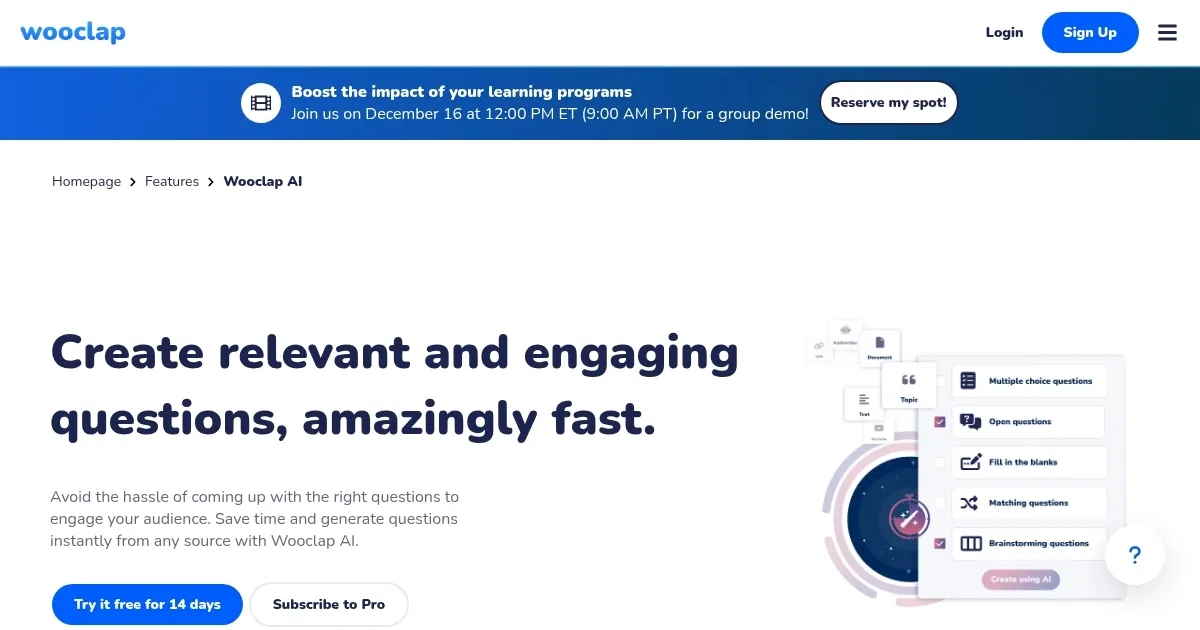
Homepage Screenshot 📸
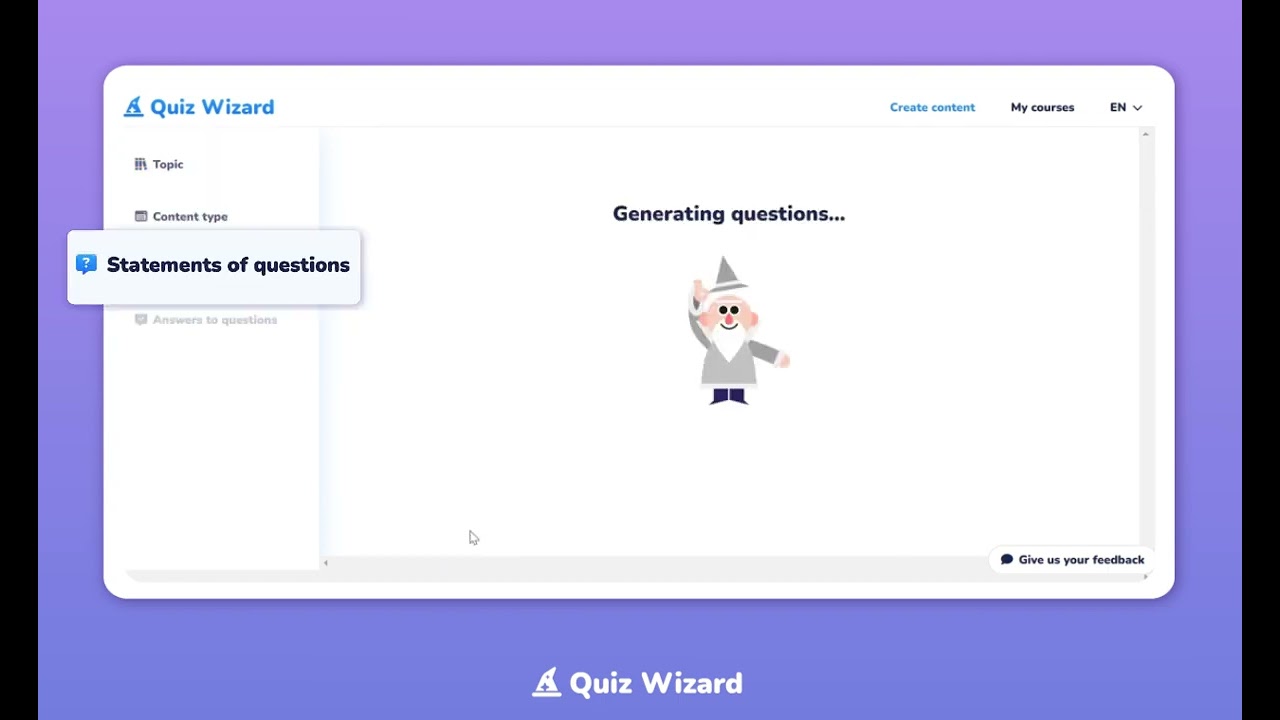
Video Overview 🎬
What are the key features? ✨
- Quiz generation: Automatically generate multiple-choice questions and flashcards based on any topic using AI.
- Customizable content: Personalize and adapt questions to suit the needs and levels of your students.
- Multi-platform export: Export quizzes to various platforms like Wooclap, Moodle, Excel, and Word.
- Speed & efficiency: Create quizzes up to four times faster than traditional methods to enhance productivity.
- Engaging questions: Generate creative and unexpected questions that stimulate student curiosity and engagement.
Who is it for? 🤔
Examples of what you can use it for 💡
- Quickly create quizzes for in-class evaluations to gauge student understanding
- Develop quizzes for e-learning platforms to support remote education
- Generate practice questions and flashcards to help students prepare for exams
- Create interactive quizzes for employee training and skill development
- Provide students with engaging and personalized quiz homework to reinforce learning
Pros & Cons ⚖️
- Lets anyone quickly create different kinds of quizzes
- Makes life easier for teachers
- Also useful for HR staff and corporate trainers
- Some users reported slower-than-expected customer support
FAQs 💬
Ready to try Wooclap AI?
An AI-powered tool designed to streamline quiz creation for educators
Visit Wooclap AI