
Wordtune by AI21 Labs


Wordtune is an AI-powered writing assistant that refines your text with paraphrasing, grammar corrections, tone adjustments, and summarizing capabilities. It integrates seamlessly into your workflow, offering contextual rewrite suggestions that align with your writing style. Whether you’re drafting an email, crafting an essay, or summarizing a report, it aims to make your words clearer and more impactful. The tool supports translation from 10 languages into English, making it accessible for non-native speakers. Its Chrome extension and mobile apps ensure you can use it anywhere, from Gmail to social media platforms.
The core strength lies in its rewrite suggestions. Unlike basic synonym swappers, Wordtune analyzes context, offering rewrites that match your intent, whether you want a casual tone or a formal one. The tone-switching feature is intuitive, allowing you to toggle between professional and friendly modes with a single click. For students, the summarizing tool is a standout, condensing long articles or videos into concise summaries with citations for credibility. The Smart Synonym generator helps diversify vocabulary without losing meaning, and the Continue Writing feature can jumpstart a stalled sentence, though it’s not always spot-on.
Compared to competitors like Grammarly and QuillBot, Wordtune balances versatility and simplicity. Grammarly excels in grammar and spelling precision, while QuillBot focuses on paraphrasing depth. Wordtune, however, excels in tone flexibility and summarization, making it an ideal choice for users who require a versatile tool. Its pricing includes a free tier with basic features and a premium plan for advanced capabilities, which aligns with industry standards but may feel restrictive for heavy users on the free plan.
The summarizing feature is a hidden gem, especially for academic or professional use. Feed it a lengthy document, and it delivers a tight summary, saving hours of reading. The translation feature also helps non-native English speakers sound fluent, though it only outputs in English. The Chrome extension is lightweight, embedding into your browser without slowing it down, and the mobile apps are equally smooth for on-the-go edits.
Drawbacks exist. The tool requires an internet connection, which can be a hassle offline. Its suggestions, while solid, sometimes lack the creative flair necessary for artistic writing, and the free version limits access to premium features, such as advanced tone adjustments. Compared to Grammarly’s deep grammar checks, Wordtune’s corrections are less comprehensive but still effective for most users.
To get the most out of Wordtune, use it for quick edits on emails or social posts, leverage the summarizer for research, and experiment with tone settings to match your audience. It’s a reliable tool for refining your writing, but don’t rely on it for highly creative tasks or offline work.
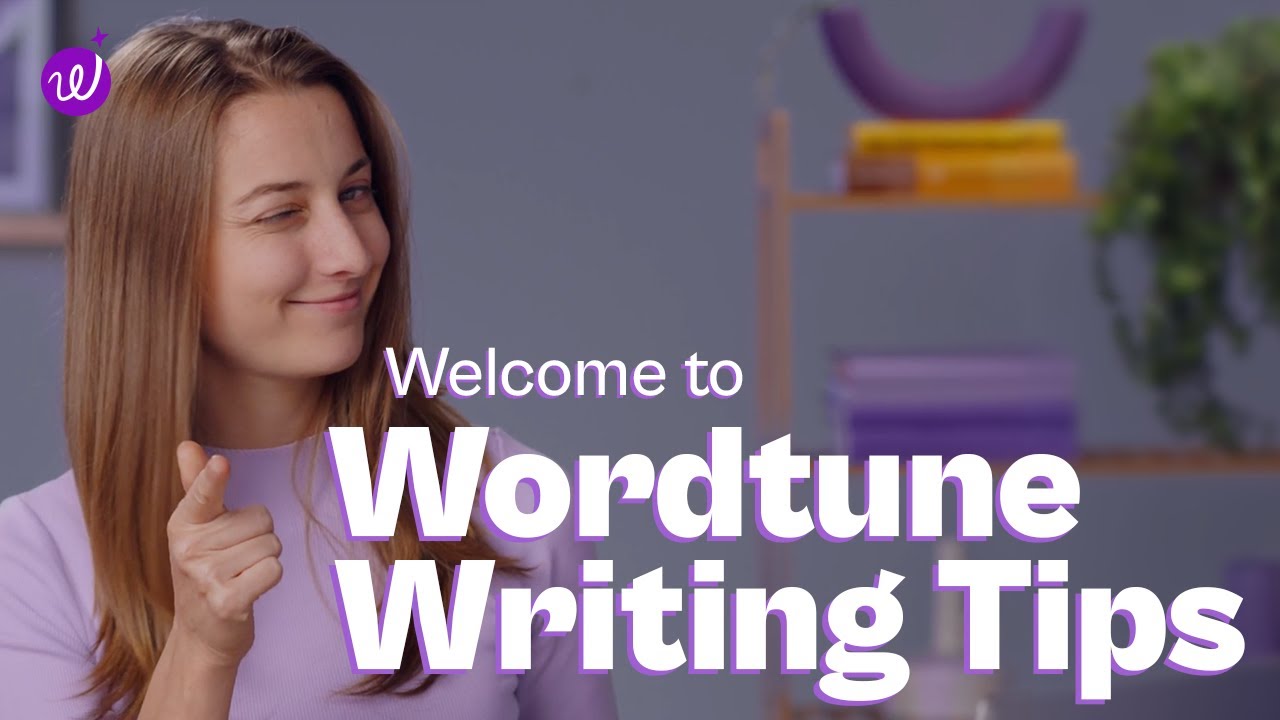
Video Overview ▶️
What are the key features? ⭐
- Rewrite Suggestions: Offers context-based rewrites to match your writing style.
- Tone Switching: Adjusts text between casual and formal tones instantly.
- Summarizing Tool: Condenses articles, documents, or videos into concise summaries.
- Smart Translate: Translates text from 10 languages into natural English.
- Continue Writing: Generates text to continue your sentences when stuck.
Who is it for? 🤔
Examples of what you can use it for 💭
- Student: Summarizes research articles for essays with credible citations.
- Professional: Refines emails to sound polished and professional.
- Content Creator: Adjusts tone for social media posts to match audience vibe.
- Non-Native Speaker: Translates text into natural English for clear communication.
- Researcher: Condenses long reports into concise summaries for quick insights.
Pros & Cons ⚖️
- Intuitive tone-switching feature
- Powerful summarizing tool
- Context-aware rewrite suggestions
- Seamless Chrome extension
- Limited creative flair
- Requires internet connection