
123RF AI Image Generator

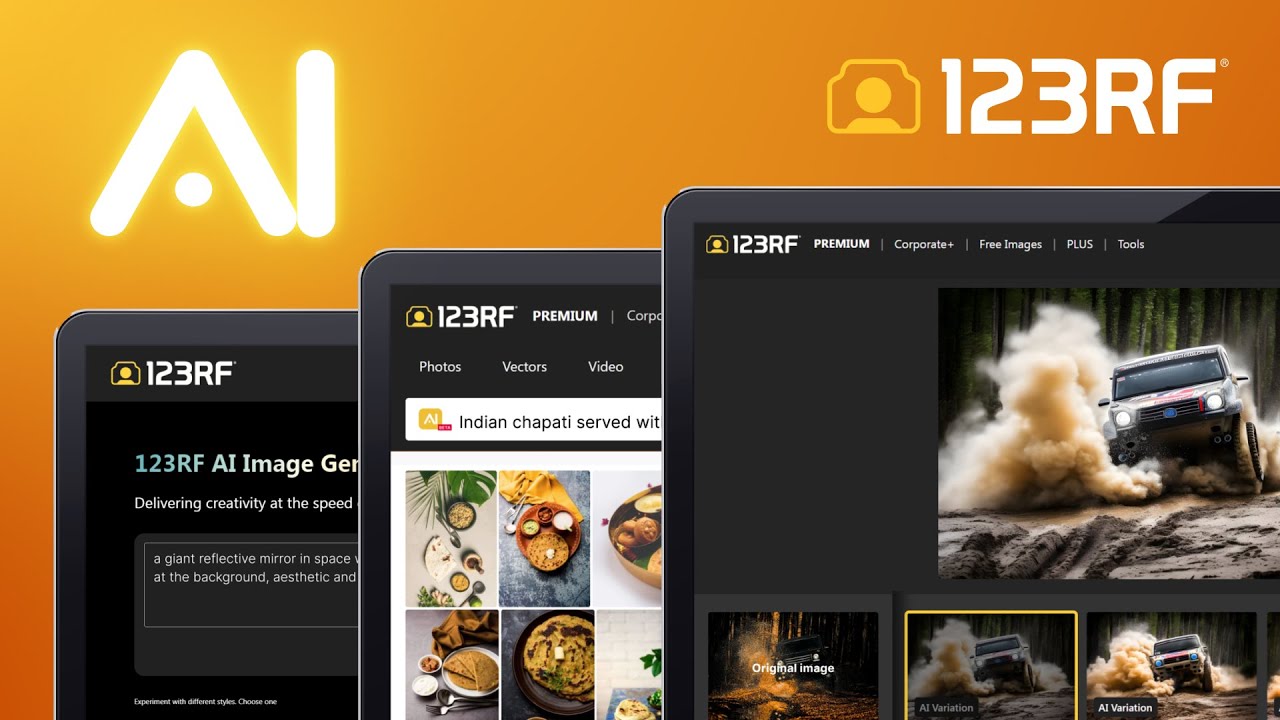
123RF AI Image Generator is an AI-powered image-generating tool from the popular stock photography service. It provides an array of engines tailored to various artistic styles, including the versatility of SDXL for a range of expressions, Eimis Anime for anime visuals, and specialized engines like RealismEngine SDXL for lifelike images, among others. Each engine is crafted to cater to specific artistic inclinations, whether it’s dynamic scenes, intense imagery, dreamlike creations, or DALL-E art.
A cool feature we’d like to emphasize is 123RF AI Image Generator’s one-click AI image variation feature, which allows users to instantly create composition variations from an original image. This functionality offers new perspectives on existing images, ensuring that users can explore various artistic avenues with ease. And the best part is that all the images generated, including their variations, are fully covered by 123RF’s commercial-use license.
123RF also offers comprehensive guidance for those looking to master the art of prompting AI for image generation. The tool teaches users they should provide clear objectives, define the desired style, specify image dimensions, select the appropriate mood and lighting, and direct the scene with precision.
Overall, the 123RF AI Image Generator is a cool service from a company that is known for selling other people’s photos and illustrations. With this tool, they have their truly own offering, albeit the one that is generated by AI.
The tool is powerful yet easy to use, and given 123RF’s wide reach – it will undoubtedly find a big audience. If you need images for a project you’re working on, you may want to check it out.
Video Overview ▶️
What are the key features? ⭐
- Diverse artistic engines: The platform houses multiple engines for generating images, each tailored to specific styles. Whether you're looking for something hyper-realistic, anime-style, dynamic, intense, or dreamlike, there's an engine for that.
- AI image variations: Instantly create variations of an original image with a single click. This allows for easy exploration of different compositions, colors, and styles.
- Guided prompting: 123RF provides clear, step-by-step guidance on how to craft prompts to generate images that match your vision.
- Three-step creation process: The AI Image Generator is designed for ease of use, with a straightforward three-step process: write a detailed text prompt, review the images generated by the AI, and license the chosen image for download and use.
- Comprehensive licensing included: All images generated come with a commercial-use license, ensuring that they're legally safe to use in a wide range of projects.
Who is it for? 🤔
Examples of what you can use it for 💭
- Create unique visuals that grab attention for social media, blog posts, and/or online ads
- Use the generator to create backgrounds, icons, and other design elements tailored to your website or app's aesthetic
- Design all kinds of print materials, from flyers and posters to business cards and brochures
- Add custom images to presentations and reports to make them more engaging and memorable
- For artists and hobbyists, the AI Image Generator offers a playground for experimentation
Pros & Cons ⚖️
- Lets you access multiple AI image-generation engines from one place
- You can experiment with different artistic styles
- Great for both businesses and individuals (freelancers)
- Or you may want to try Midjourney, which generates amazing images








