Amp by Sourcegraph


Amp is an AI-powered coding assistant developed by Sourcegraph, integrating with VS Code, Cursor, Windsurf, and CLI to automate code writing, debugging, and refactoring using Claude Sonnet 4. It processes user prompts to execute complex tasks, manages context with a 168k token limit, and supports thread sharing for collaboration. Key features include a persistent TODO list, secret redaction, and image upload support for visual debugging. Recent updates include a 30% faster Amp Tab for in-editor completions and subagent support via the oracle tool using OpenAI’s o3.
Amp excels at understanding existing codebases, automatically detecting dependencies and tech stacks. It runs commands, fixes errors, and generates code with high accuracy. The system redacts sensitive data like API keys, ensuring security, and supports multi-root workspaces. Pricing is credit-based, tied to token usage, competitive with alternatives like Cursor and Cody. The CLI supports execute mode for programmatic tasks, and AGENT.md files provide codebase-specific guidance.
Drawbacks include the lack of a model selector, limiting users to Claude Sonnet 4. The 168k token context window is smaller than Cursor’s 200k MAX mode. UI placement in VS Code can conflict with other extensions, and folder references are not supported, which may cause file management issues. Cost tracking requires visiting the website dashboard, which could be more convenient.
Amp’s strengths lie in its agentic approach, handling end-to-end tasks with minimal user input. It’s SOC 2 Type II certified, with data encrypted at rest and in transit. The oracle tool enhances debugging, and thread forking allows exploring alternative implementations. For optimal use, write clear prompts, start new threads for large tasks, and leverage AGENT.md files to guide Amp’s behavior.
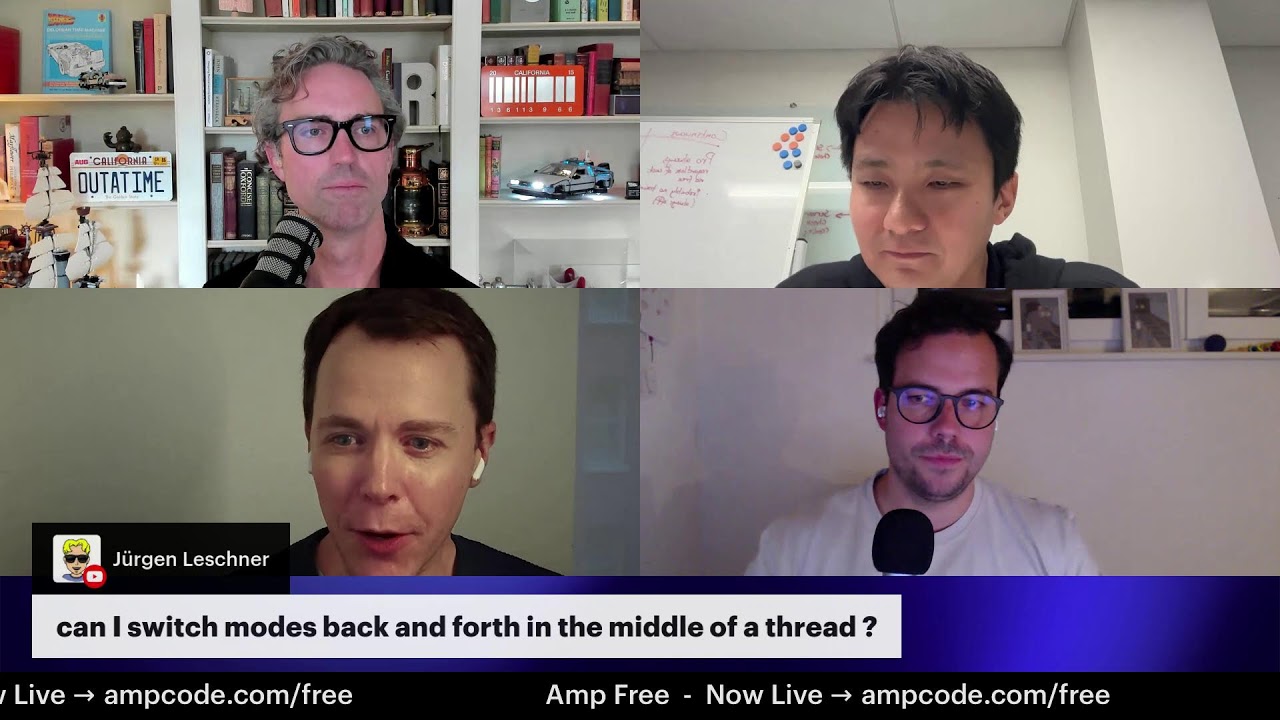
Video Overview ▶️
What are the key features? ⭐
- Context Management: Monitors token usage and compacts threads to maintain efficiency.
- Thread Sharing: Allows online access and sharing of conversation threads for collaboration.
- Secret Redaction: Automatically detects and redacts sensitive data like API keys.
- Image Support: Enables uploading screenshots for visual debugging and UI analysis.
- Amp Tab: Provides 30% faster in-editor code completions with predictive suggestions.
Who is it for? 🤔
Examples of what you can use it for 💭
- Solo Developer: Implements a new dashboard feature using existing codebase dependencies.
- Team Lead: Shares threads to collaborate on refactoring across multiple project files.
- Debugging Engineer: Uses image uploads to diagnose UI bugs via screenshots.
- CI/CD Integrator: Runs CLI commands to automate file renaming in scripts.
- Code Reviewer: Employs the oracle tool to analyze commits for potential errors.
Pros & Cons ⚖️
- Automates complex coding tasks.
- Integrates with multiple editors.
- Fast in-editor completions.
- No model selector available.
- Limited 168k token window.