logo-darklogo-darklogo-darklogo-dark
  • Home
  • Browse
    • Assistant
    • Coding
    • Image
    • Productivity
    • Video
    • Voice
    • Writing
    • All Categories
    • AI Use Cases
  • My Favorites
  • Suggest a Tool
✕
Home › Assistant / Document Generator ›

AnythingLLM

Published by Dusan Belic on January 6, 2025

AnythingLLM

AnythingLLM
AnythingLLM Homepage
Categories AssistantDocument Generator
An open-source AI application that lets you interact with your documents using LLMs

AnythingLLM

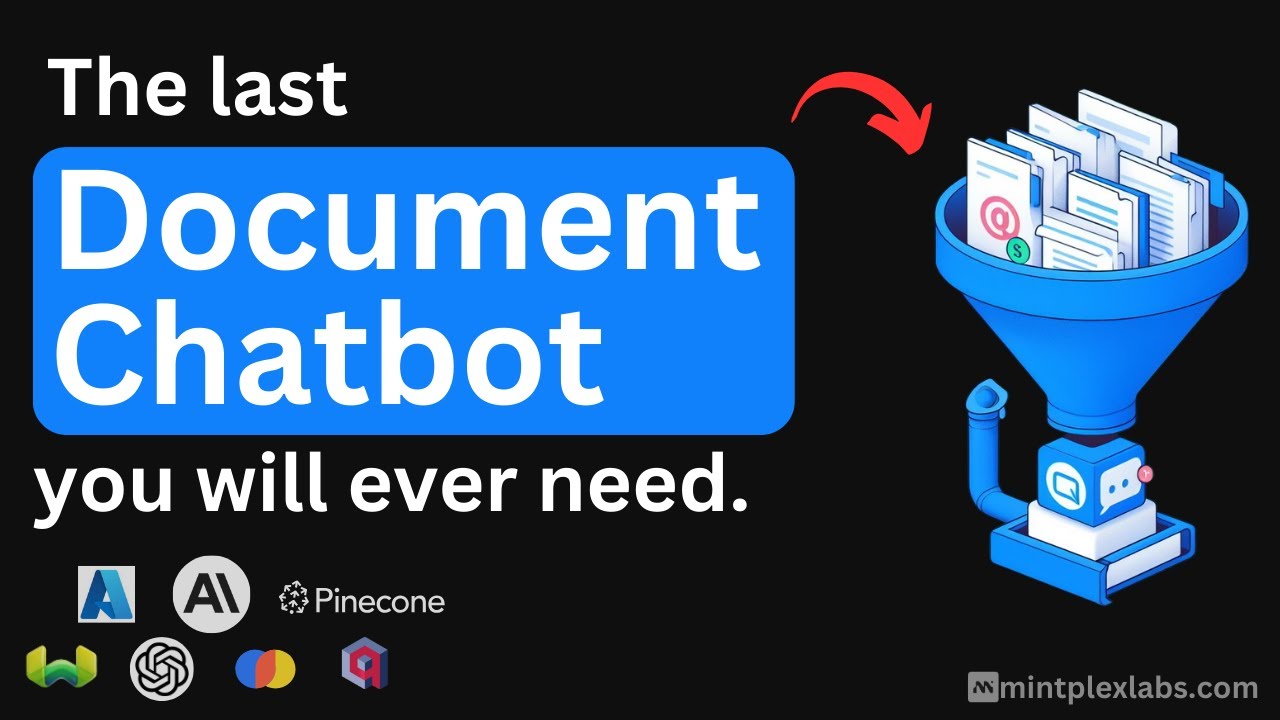
AnythingLLM is an open-source AI application that lets you interact with your documents using large language models (LLMs). It supports various LLMs, including GPT-4 and open-source models like Llama and Mistral. This flexibility allows you to choose the model that best fits your needs.

Setting up AnythingLLM is easy — you can install it on your desktop, whether you use Windows, macOS, or Linux. Once installed, it runs locally on your machine, ensuring that your data remains private and secure. This local operation means you don’t need an internet connection to use its features.

AnythingLLM can “handle” various document types beyond just PDFs, including Word documents and more. This makes it suitable for business use cases where different document formats are common.

In my experience, AnythingLLM has been invaluable for managing and interacting with diverse documents. Its user-friendly interface and solid support have made document analysis more efficient and less stressful.

So, whether you’re dealing with complex reports or simple text files, AnythingLLM can adapt to your needs — making it super-handy for effective document management.

AnythingLLM Homepage
Categories AssistantDocument Generator

Video Overview ▶️

What are the key features? ⭐

  • Custom model support: AnythingLLM allows you to run your preferred LLM locally with just a click, or connect to your local or cloud LLM engine.
  • Document handling: The application supports various document types, including PDFs, Word documents, CSVs, and codebases.
  • Full privacy: Designed with privacy in mind, AnythingLLM operates entirely on your local machine, ensuring that your data remains secure and under your control.
  • User-friendly interface: AnythingLLM makes it easy for users to leverage AI capabilities without requiring technical expertise.
  • Open-source & customizable: As an open-source project, AnythingLLM is free to use and MIT-licensed, allowing users to extend its functionality with custom agents, data connectors, and more.

Who is it for? 🤔

AnythingLLM targets individuals and organizations seeking a comprehensive AI solution that prioritizes privacy and ease of use. Its versatility makes it suitable for professionals across various fields, including researchers, content creators, developers, and business analysts, as well as individuals looking to enhance personal productivity. By providing robust AI capabilities in a user-friendly, locally run application - AnythingLLM empowers users to harness the benefits of AI without compromising on data security.

Examples of what you can use it for 💭

  • Researchers can utilize AnythingLLM to analyze large volumes of text, generate summaries, and interact with complex data sets
  • Writers and content creators can leverage AI assistance for drafting articles, generating ideas, and editing text
  • Developers can integrate AnythingLLM into their workflow to assist with code generation, debugging, and documentation
  • Analysts can process and interpret business documents, financial reports, and market data more effectively
  • Individuals can use AnythingLLM for tasks such as drafting emails, organizing information, and automating routine tasks

Pros & Cons ⚖️

  • Run LLMs locally on your machine
  • Multi-LLM support
  • Good for different use cases
  • Initial setup could take some time

FAQs 💬

What is AnythingLLM mainly used for?
AnythingLLM lets you chat with your own documents using AI, run AI agents, and work with any LLM while keeping everything private and often local.
Does AnythingLLM require an internet connection?
No, the desktop version works fully offline once models and components are downloaded, although connecting to cloud LLMs needs internet.
What kinds of documents can I use with AnythingLLM?
It supports PDFs, Word documents, CSVs, codebases, and more, plus you can import from online locations.
Can I use my own local LLM with AnythingLLM?
Yes, it includes a built-in provider for running any local model, and it also connects easily to tools like Ollama.
Is AnythingLLM suitable for beginners?
It is quite beginner-friendly with a simple interface and one-click desktop install, though some advanced features might take a little learning.
Does AnythingLLM support multi-user setups?
Yes, the self-hosted and cloud versions offer multi-user access with isolation and admin controls for teams.
Can AnythingLLM handle images or multi-modal inputs?
Yes, it works with multi-modal LLMs that process images, audio, and other formats beyond plain text.
Is AnythingLLM open source?
Yes, it is fully open source under the MIT license, so you can customize or extend it freely.
What makes AnythingLLM different from similar tools like LM Studio?
It focuses more on document chatting, RAG, and agents with a polished UI, while many alternatives emphasize raw model management.
Can I extend AnythingLLM with custom features?
Yes, it includes a Community Hub for plugins, custom agents, system prompts, and an API for building your own integrations.

Related tools ↙️

  1. AiChatting AiChatting The free GPT-powered chatbot that can answer any question you may have
  2. MyNinja MyNinja An AI-powered personal assistant designed to boost productivity by leveraging multiple AI agents
  3. Dexa AI Dexa AI Using AI to explore, search, and ask questions about your favorite podcasts
  4. God of Prompt God of Prompt Great resource offering many prompts for tools like ChatGPT, Claude, Midjourney, and Gemini AI
  5. MindMac MindMac A macOS app offering an enhanced ChatGPT experience through a native and customizable interface
  6. Cohere Cohere An enterprise-targetted solution for providing natural language processing integrations at scale
Last update: January 28, 2026
Share
Promote AnythingLLM
light badge
Copy Embed Code
light badge
Copy Embed Code
light badge
Copy Embed Code
About Us | Contact Us | Suggest an AI Tool | Privacy Policy | Terms of Service

Copyright © 2026 Best AI Tools
415 Mission Street, 37th Floor, San Francisco, CA 94105