
Black Forest Labs

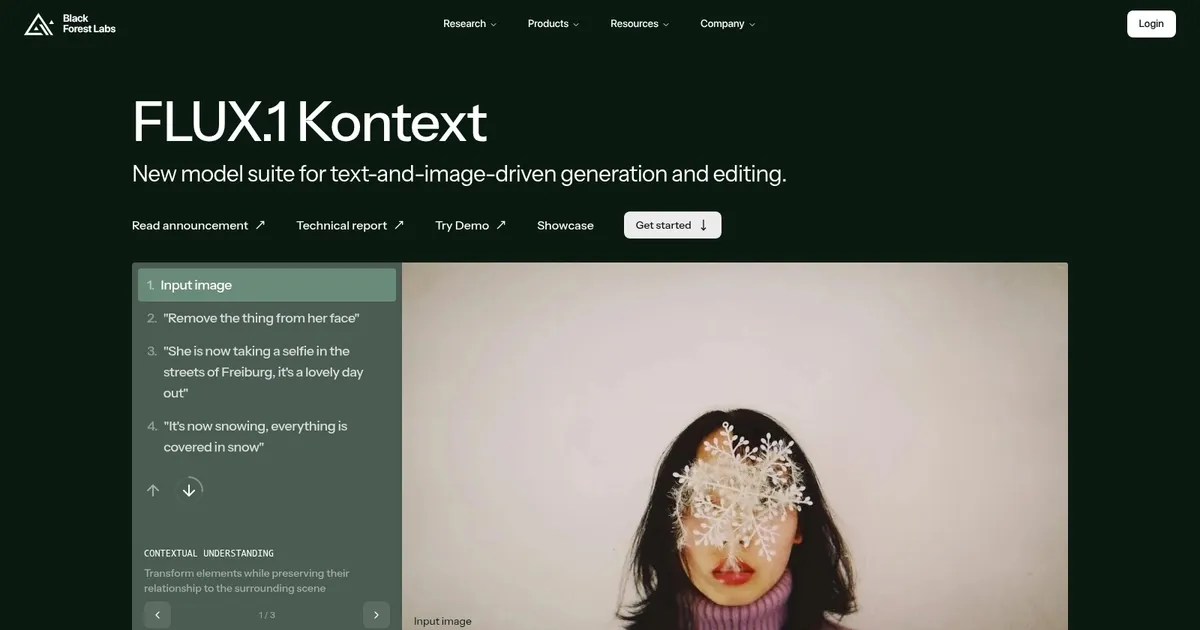

Black Forest Labs has developed FLUX.1, a suite of text-to-image AI models that generate high-fidelity visuals from prompts. Available in a few variants (Pro, Dev, and Schnell), FLUX.1 uses flow matching for training, incorporating rotary positional embeddings and parallel attention layers to boost efficiency and output quality. What’s more, it can work on hardware from consumer GPUs to enterprise setups.
The models handle diverse styles, from photorealistic portraits to surreal landscapes, with strong prompt adherence that often surpasses competitors in detail and typography.
Key features include the API for scalable integration, open weights for custom deployment and fine-tuning, and the browser-based playground for no-code experimentation. FLUX.1 Kontext adds in-context editing, allowing step-by-step refinements with text or image inputs via Kontext Komposer presets, which support zero-prompt transformations for intuitive iteration. Technical specs note 12 billion parameters in the core architecture, enabling varied aspect ratios and high-resolution outputs up to 2 megapixels without common artifacts like distorted anatomy.
Users appreciate the model’s ability to produce coherent, diverse results quickly, with the Schnell variant generating images in seconds on standard hardware. The Pro version excels in commercial workflows, powering products with premium quality and ease of use, while Dev offers near-pro performance for non-commercial tinkering. Compared to Midjourney, FLUX.1 provides better prompt fidelity and open-source flexibility, though Midjourney edges in purely artistic flair. Versus Stable Diffusion, it improves text rendering and human forms, but it requires building an ecosystem of tools like LoRAs.
Potential drawbacks involve the learning curve for advanced customization, as fine-tuning via the API may yield inconsistent multi-concept blends initially, and playground access can face queues. Against DALL-E, FLUX.1 offers superior typography and diversity but less built-in accessibility for vague inputs. A surprise element is its post-quantization hardware efficiency: FP4 and FP8 versions run 4.7 times faster than the originals, broadening access for indie users.
Integrations like Hugging Face Diffusers facilitate workflows, supporting inpainting, outpainting, and structural guidance via tools like FLUX.1 Depth and Canny. Also, enterprise options provide product licensing, focus on scale and customization without specific pricing details, and generally align with competitors’ subscription models.
For practical use, test prompts in the playground to refine phrasing, then deploy Dev weights locally for control; combine with external editors for final touches to leverage its strengths in raw generation.
What are the key features? ⭐
- Text-to-Image Generation: Converts detailed prompts into high-quality visuals across styles like photorealistic and surreal.
- FLUX.1 Kontext: Enables step-by-step image editing with text or image inputs using Kontext Komposer presets.
- API Integration: Provides simple access to models for production-scale workloads with premium quality.
- Open Weights: Allows full deployment, fine-tuning, and customization on user infrastructure.
- Playground: Offers no-code browser testing for prompt iteration and experimentation.
Who is it for? 🤔
Examples of what you can use it for 💭
- Graphic Designer: Creates concept art for client campaigns by generating varied styles from detailed prompts in minutes.
- Content Marketer: Produces custom product visuals and social media assets using Kontext for quick edits.
- Game Developer: Prototypes character designs and environments via open weights for fine-tuned iterations.
- Film Storyboard Artist: Builds surreal scene mockups with photorealistic details for pre-production planning.
- Indie Novelist: Illustrates book covers and internal scenes through playground experiments with diverse outputs.
Pros & Cons ⚖️
- Excellent prompt adherence
- High photorealism
- Fast on consumer hardware
- Strong typography rendering
- Fine-tuning inconsistencies
- Steep setup for locals








