logo-darklogo-darklogo-darklogo-dark
  • Tool Categories
    • 🎨Art & Creative Design505
    • 🏢Business Management644
    • 💻Coding & Development515
    • 👮Detection83
    • 🧠General Use727
    • 🏥Health & Wellness55
    • 📷Image & Photo Analysis100
    • 🖼️Image Generation & Editing618
    • 📐Interior & Architectural Design37
    • 🎓Learning & Education483
    • ⚖️Legal & Finance90
    • 🎭Lifestyle & Entertainment236
    • 📢Marketing & Advertising627
    • 🎧Music & Audio138
    • 👔Office & Workplace1,014
    • 🔬Research & Data Analysis372
    • 👥Social Media245
    • 🎥Video Generation & Editing426
    • 👧🏻Virtual Companion135
    • 🎤Voice Generation & Editing381
    • ✍️Writing & Editing808
    • All Categories
    • AI Use Cases
  • News
  • Events
    • Academic Conferences
    • Developer Conferences
    • Expos / Trade Shows
    • Industry Summits
    • Workshops / Training
    • All Events
    • Past Events
  • Saved Tools
  • Suggest a Tool
✕
Home › Image Generation & Editing › Product Photography› Flair
Flair

Flair

The AI design tool to create product photography and branded content

Flair AI emerges as a digital marketing and product visualization tool offering an AI-powered platform that enables users to easily create high-quality, branded content. As such, it caters to a broad spectrum of businesses — from small startups to large corporations — facilitating the generation of product photographs without the need for Photoshop or professional studio setups​​​​.

Flair AI features an intuitive drag-and-drop interface that allows users to upload product images, remove backgrounds, resize, rotate, and customize their visuals to match their brand’s aesthetic seamlessly. It also offers a range of predefined templates and styles, as well as the ability to add and edit 3D elements and props and even integrate AI-generated human models for a more lifelike presentation of products​​​​.

Flair AI can produce entire photoshoots and product photography within minutes, enabling businesses to iterate on design concepts rapidly. This not only saves time and resources but also allows for a greater degree of creative freedom in visual marketing strategies.

You can use Flair AI for yourself or as part of a team, thanks to the built-in real-time collaboration support. It also offers an API developers could use to extend the capability of their own apps and services.

The bottom line is – Flair AI can help you with digital content creation efforts, providing you with the means to produce high-quality, branded images with ease.

Visit Flair ↗
Categories
🖼️ Image
🛍️ Product Photography 🏞️ Background Generation 🖼️ Image Generation
📢 Advertising
🎨 Ad Creative 🚀 Marketing 📣 Advertising
🎨 Art
🖼️ Design Generation 📷 Photography 📐 Mockup Generation

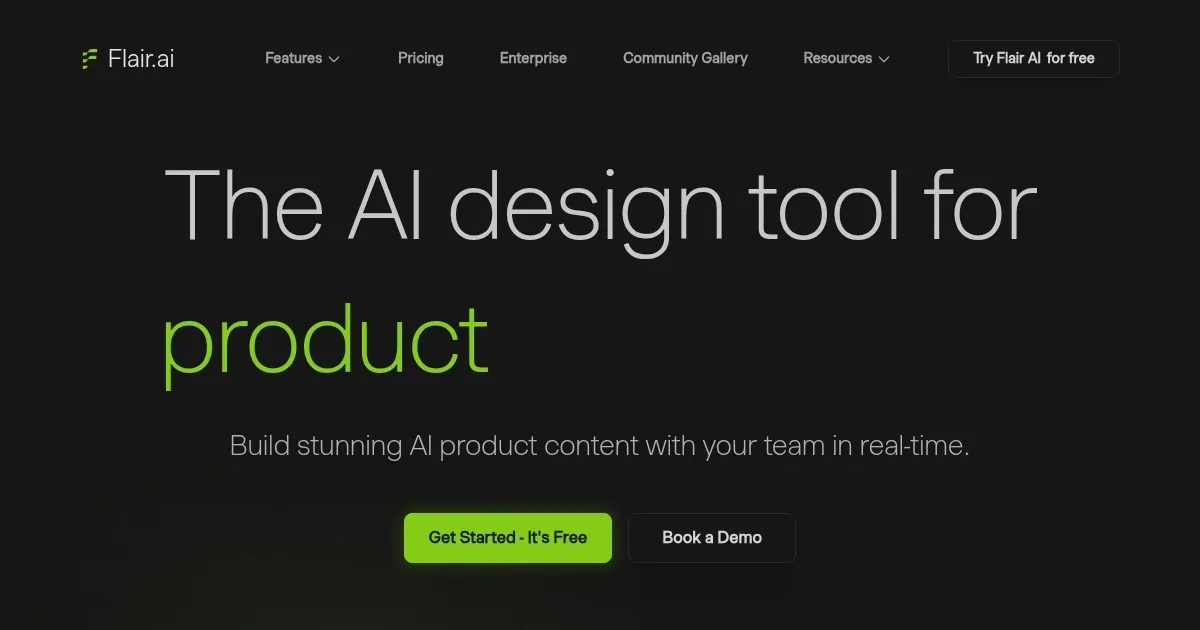
Homepage Screenshot 📸

Flair screenshot

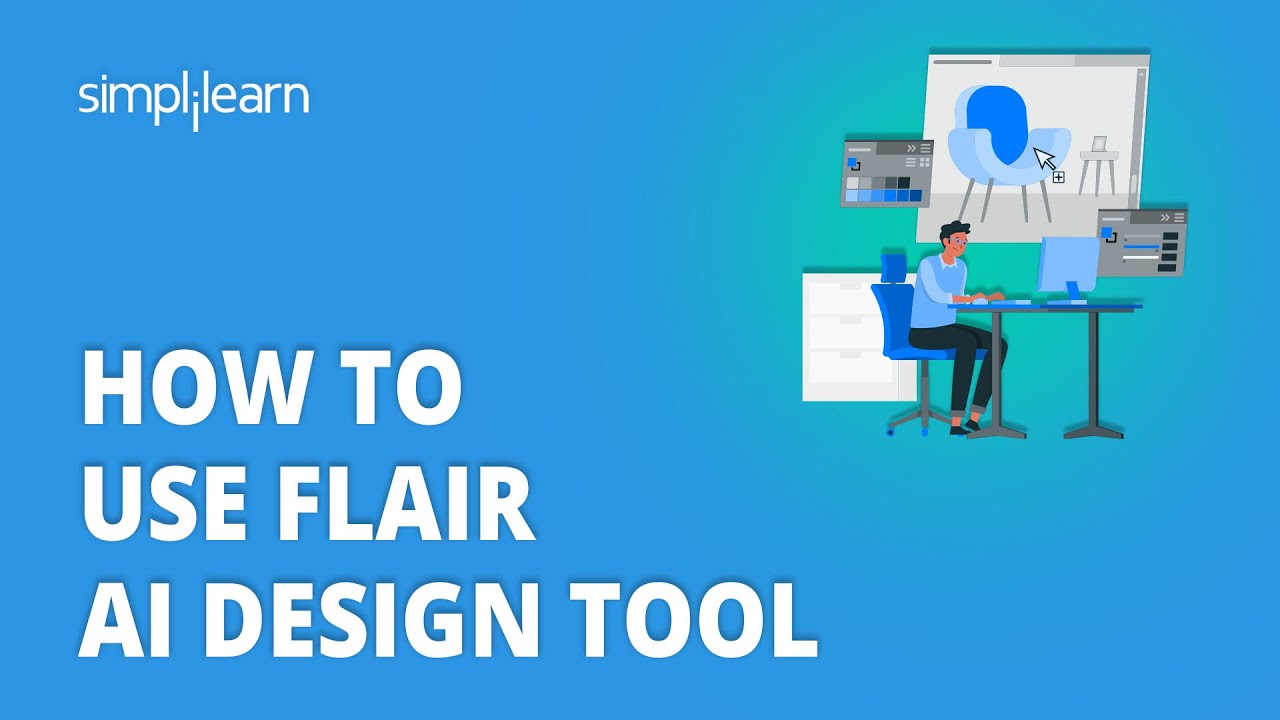
Video Overview 🎬

Flair - Video Overview

What are the key features? ✨

  • Drag-and-drop interface: This means you don't need to be an expert to make professional-looking product photos​​.
  • AI-powered design: You can describe what you want in the image, and Flair AI will use its AI to turn your words into a stunning visual.
  • Background removal and editing: You can easily remove the background from your product images and use various editing tools to adjust your photos.
  • 3D elements and human models: Flair AI allows you to add 3D elements and human models to your images, making your product photos look more lifelike and appealing.
  • Templates and customization: The platform offers a range of templates that you can use to quickly design your images. Plus, it gives you the flexibility to customize these templates or create your designs from scratch.

Who is it for? 🤔

Flair AI is primarily made for businesses and professionals who require high-quality, branded content for their digital marketing efforts. This includes e-commerce businesses looking to create attractive product images for their online stores, marketing teams in need of engaging visuals for campaigns and social media, and freelancers or agencies offering design services to clients. The tool is designed to be user-friendly, making it accessible to individuals without much graphic design experience yet powerful enough to meet the needs of more advanced users seeking efficiency and customization in their design processes.

Examples of what you can use it for 💡

  • Create stunning images of your products for your or your client's online store
  • Generate high-quality, branded images for use in your marketing campaigns
  • Create engaging and visually appealing content for your social media profiles
  • Visualize new product ideas without needing a physical prototype
  • If you're a freelancer, Flair AI can be a valuable tool for creating product images, marketing materials, and more for your clients

Pros & Cons ⚖️

  • Great for creating different social media graphics
  • Also good for other marketing materials
  • Could be a serious time-saving tool for freelancers
  • There are many amazing AI-powered image editing apps out there, not sure this one's the best

FAQs 💬

What types of products work best with Flair AI?
Flair AI excels with apparel, accessories, jewelry, and general e-commerce items. It preserves details like logos and patterns when placing products on AI models or in scenes.
Can I create custom AI human models for my brand?
Yes, the tool lets you build custom AI human models by selecting features like body type, hair color, and skin tone. You can then scale them across multiple photoshoots for consistent branding.
Does Flair AI support generating videos as well as images?
It does. You can create professional product videos and animations from a single product image using AI motion enhancement, no video equipment needed.
How does the drag-and-drop editor work?
Upload your product, then drag props, backgrounds, and elements onto a canvas. AI automatically blends everything realistically for quick scene staging.
Is Flair AI suitable for fashion brands needing on-model shots?
Absolutely. It specializes in fitting clothing and accessories onto AI-generated models while keeping textures and details intact, making it ideal for scalable fashion imagery.
Can teams collaborate on projects in real time?
Yes, the platform supports real-time team collaboration, so multiple people can edit and review visuals together.
Does it allow custom backgrounds and props?
You can add your own backgrounds, props, and brand assets to ensure everything matches your aesthetic perfectly.
How fast can I generate a complete photoshoot?
Most users create studio-quality images or scenes in seconds to minutes, depending on complexity.
What makes Flair AI different from general AI image generators?
Unlike broader tools, Flair focuses on product photography with features like precise on-model fitting, brand consistency tools, and e-commerce-specific templates.
Is there a free trial available?
Yes, you can try it free to test generating product images and explore the editor before committing.

Ready to try Flair?

The AI design tool to create product photography and branded content

Visit Flair ↗

Flair alternatives 🔗

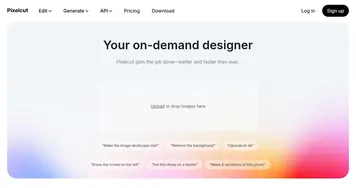
  1. Remove.bg Remove.bg A free online tool that automatically removes backgrounds from images
  2. Pixelcut Pixelcut A suite of AI-powered image editing and upscaling tools
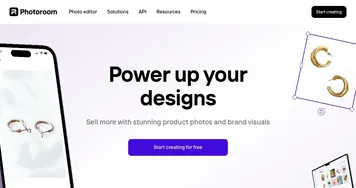
  3. PhotoRoom PhotoRoom An AI-powered photo editing tool that removes backgrounds and enhances photos with user-friendly features.
  4. Cutout.Pro Cutout.Pro An AI-powered automatic visual design platform that saves time & money
  5. Vmake AI Vmake AI An AI-powered platform designed to enhance the online retail experience
  6. insMind insMind An AI-powered photo editing tool made to simplify the creation of professional product images
Share
Flair screenshot enlarged
Promote Flair
light badge
Copy Embed Code
dark badge
Copy Embed Code
neutral badge
Copy Embed Code
Best AI Tools

Discover the best AI tools for any use case

Explore
  • Tool Categories
  • AI Use Cases
  • AI Events
  • AI News
  • Saved Tools
Company
  • About Us
  • Contact Us
  • Media & Partnerships
  • Suggest a Tool
Legal
  • Privacy Policy
  • Terms of Service
Copyright © 2026 Best AI Tools 415 Mission Street, 37th Floor, San Francisco, CA 94105