Flowstep
Generates user flows, wireframes, and UI designs from simple text prompts
Flowstep is an AI-driven design platform that enables users to generate user flows, wireframes, and high-fidelity UI designs from text prompts on an infinite canvas.
The tool uses large language models, reinforcement learning, and computer vision to create consistent design assets quickly, allowing manual edits or AI-assisted refinements via chat. It supports vibe design, which prioritizes usability and quality over automation, helping product teams ideate and prototype faster. Integration with Figma allows direct copy-paste of designs, enhancing workflow efficiency without needing additional plugins.
Key features include prompt-based generation of multi-screen UIs, real-time collaboration for teams, and a typography panel for detailed adjustments like font, color, and alignment. Users report it reduces design time significantly, though outputs may require tweaks for complex scenarios. Competitors like PathPilot and Visily offer similar capabilities, but Flowstep stands out with its focus on augmentation rather than full replacement of designer input.
Pricing includes a free access period for early users, with subscription plans for advanced features, positioning it affordably against comprehensive suites. The platform targets product design teams, studios, and startups, with enterprise enhancements like security and compliance in development.
Readers may appreciate the tools speed and intuitive interface, but some note limitations in handling highly customized or intricate designs without additional prompts. To get started, join the waitlist via email and begin with basic prompts to explore its potential in daily workflows.
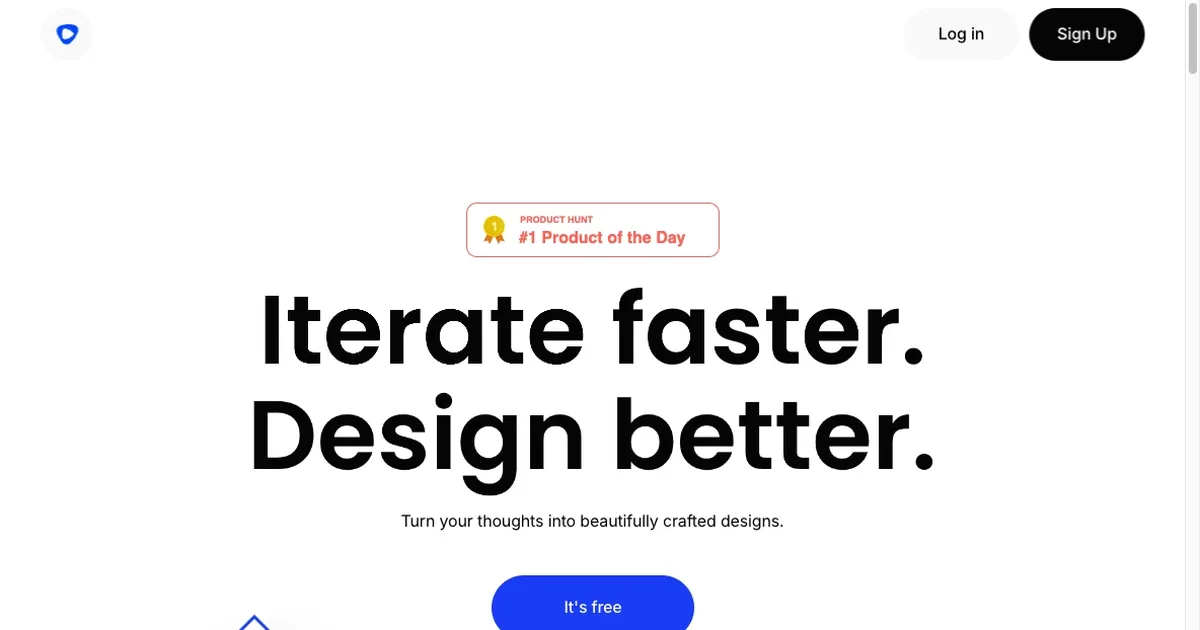
Homepage Screenshot 📸
Video Overview 🎬

What are the key features? ✨
- Vibe Design: Enables intuitive creation of designs that align with team workflows and user experience focus.
- Infinite Canvas: Provides unlimited space for editing and iterating on generated designs manually or with AI.
- Prompt-Based Generation: Turns text descriptions into user flows, wireframes, and UI elements instantly.
- Chat Editing: Allows conversational adjustments to designs, such as color changes or layout tweaks.
- Figma Integration: Supports seamless copy-paste of designs into Figma for further refinement.
Who is it for? 🤔
Examples of what you can use it for 💡
- Product Designer: Creates rapid wireframes for app interfaces to test concepts with stakeholders.
- Startup Founder: Generates user flows for pitch decks to visualize product journeys quickly.
- UI Developer: Produces high-fidelity designs from prompts to streamline frontend implementation.
- Marketing Specialist: Builds promotional UI mockups for campaigns without design software.
- Educator: Demonstrates design principles by generating examples from student prompts.
Pros & Cons ⚖️
- Fast prototyping
- Easy integration
- Intuitive editing
- Team collaboration
- Occasional glitches
- Limited complexity
FAQs 💬
Ready to try Flowstep?
Generates user flows, wireframes, and UI designs from simple text prompts
Visit Flowstep