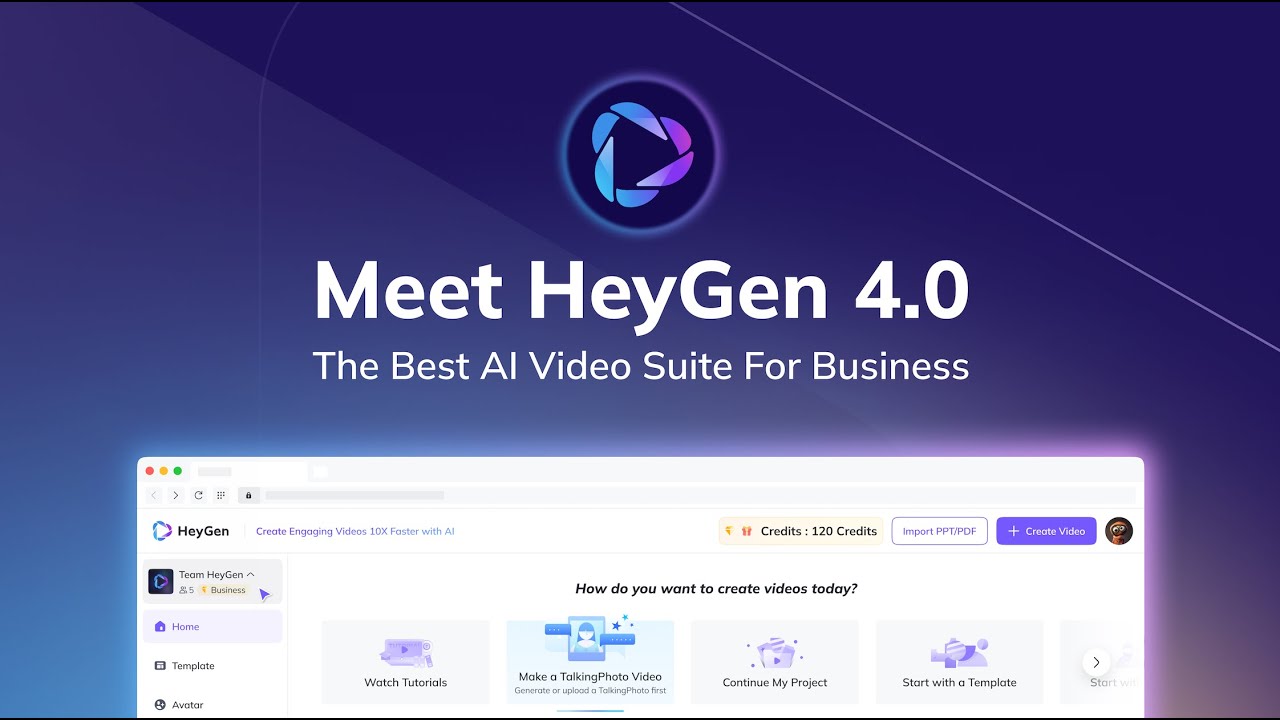
Generative AI video creation platform
HeyGen offers AI-powered video creations at scale, allowing just about anyone to easily produce studio-quality videos with AI-generated avatars and voices.
Once generated, you can use these videos for social media, presentations, education, and more. Or, you can use them as part of your sales and marketing efforts for education, onboarding of new employees and customers, and more.
The HeyGen video creation process starts by creating a new or choosing one of over 100 existing avatars. Then, you can record or choose a voice from HeyGen’s library. Finally, you select one of the provided templates (and there are quite a few of them) or start from scratch. Voila, your video will be created.
Developers can also programmatically integrate HeyGen’s AI capabilities into their products and services with HeyGen’s API. This paves the way for new app creation and integration into existing processes.
Finally, if you’re unsure about the message you want to convey in a video, you can use ChatGPT script writer to accelerate your video creation further.
To sum it up – whether you’re a professional or a beginner, HeyGen allows you to create stunning videos in minutes instead of hours.
FAQs
💬
What is HeyGen and how does it work for beginners?
HeyGen is an AI-powered video creation platform that turns text scripts, images, or audio into polished videos using lifelike avatars and voiceovers. Beginners start by signing up for the free plan, selecting an avatar from over 500 stock options or uploading a photo for a custom one, then inputting a script. The AI handles lip-sync, gestures, and translations in 175+ languages automatically. It's intuitive, with a text-based studio editor that feels like writing an email, though some users note a short learning curve for advanced customizations like gesture controls.
What are the main features that make HeyGen useful for marketing teams?
Core features include AI avatars (like the advanced Avatar IV for natural expressions), text-to-video generation, image-to-video conversion, and video translation with voice cloning. Marketing pros love the brand kit for consistent logos and colors, plus integrations with Zapier and HubSpot for automated workflows, such as creating personalized sales videos from CRM leads. Recent updates in 2025 emphasize faster rendering and emotional tone adjustments, helping teams produce explainers or social clips 10x quicker than manual methods.
How much does HeyGen cost, and is there a free trial?
HeyGen offers a free plan with 3 videos per month (up to 3 minutes at 720p), no credit card needed—perfect for testing. Paid tiers start at $29/month for Creator (unlimited videos, 1080p, voice cloning) or $39/seat/month for Team (4K, collaboration tools). Enterprise is custom-priced with API access. Annual billing saves about 20%, but some reviewers gripe about hidden add-ons like extra avatars. I think it's value-packed for frequent users, though solopreneurs might stick to free initially.
Can HeyGen create videos in multiple languages, and how accurate is the translation?
Yes, it supports 175+ languages with auto-translation, lip-sync, and voice cloning to match the original tone—ideal for global campaigns. Accuracy is high for common languages like English to Spanish, preserving pacing and emotions, but less polished dialects might need tweaks. Users on Capterra praise it for e-learning localization, though occasional unnatural pauses pop up in complex scripts.
What integrations does HeyGen support for workflow automation?
HeyGen connects via Zapier to over 5,000 apps, including HubSpot for sales personalization, Canva for design tweaks, and ChatGPT for script generation. API options allow batch video creation or real-time streaming avatars. Common setups automate onboarding videos from form submissions or social posts from blog RSS feeds. It's seamless for no-coders, but developers appreciate the SDK for custom embeds.
Is HeyGen suitable for creating training or educational videos?
Absolutely, especially with features like scenario-based templates and interactive avatars for engagement. Teams at companies like Miro use it to scale onboarding 5x faster, adding subtitles and quizzes without extra tools. It shines for short modules under 30 minutes, but longer sessions might require the Team plan for 4K exports. Reviewers note it's empowering for non-video experts, though it lacks built-in SCORM exports for some LMS systems.
What are common limitations or issues with HeyGen?
While powerful, users report occasional uncanny valley effects in avatars (stiff gestures in free tiers), slow rendering for 4K, and credit limits on translations (e.g., 5 minutes on basic plans). Customer support gets mixed marks—email responses are prompt for tech issues, but billing disputes drag on. Reddit threads from 2025 highlight surprise plan changes, so double-check terms. Still, most find workarounds easy.
How does HeyGen compare to alternatives like Synthesia or Elai.io?
HeyGen edges out in avatar variety (700+ stock) and translation depth, but Synthesia offers better emotional voices and enterprise security for $22/month starters. Elai.io is cheaper ($23/month) with stronger e-learning templates, though less intuitive. For UGC creators, Tagshop.ai feels more affordable without HeyGen's steep add-ons. Choose based on needs: HeyGen for speed, others for niche polish.
Can I use HeyGen to create personalized videos at scale?
Yes, via API and templates, it generates dynamic videos from user data—like birthday greetings or prospect pitches. Integrate with CRMs to swap names/scripts automatically, boosting engagement 3x per user tests. Limits apply (e.g., 30-minute max per video), but batch processing handles hundreds efficiently. It's a game-changer for sales, though custom avatars add setup time.
Is HeyGen secure and compliant for business use?
It holds GDPR, SOC 2 Type II, and CCPA certifications, with user-owned content and no data training on uploads. Enterprise plans add role-based access and audit logs.