
logo-darklogo-darklogo-darklogo-dark
  • Home
  • Browse
    • Assistant
    • Coding
    • Image
    • Productivity
    • Video
    • Voice
    • Writing
    • All Categories
    • AI Use Cases
  • My Favorites
  • Suggest a Tool
āœ•
Home › Design Generation / Image Generation & Editing›
Published by Dusan Belic on May 8, 2024
Ideogram

Ideogram

Ideogram
Ideogram Homepage
Categories Design GenerationImage Generation & Editing
Integrating advanced AI technologies to transform text descriptions (prompts) into visual creations

Ideogram

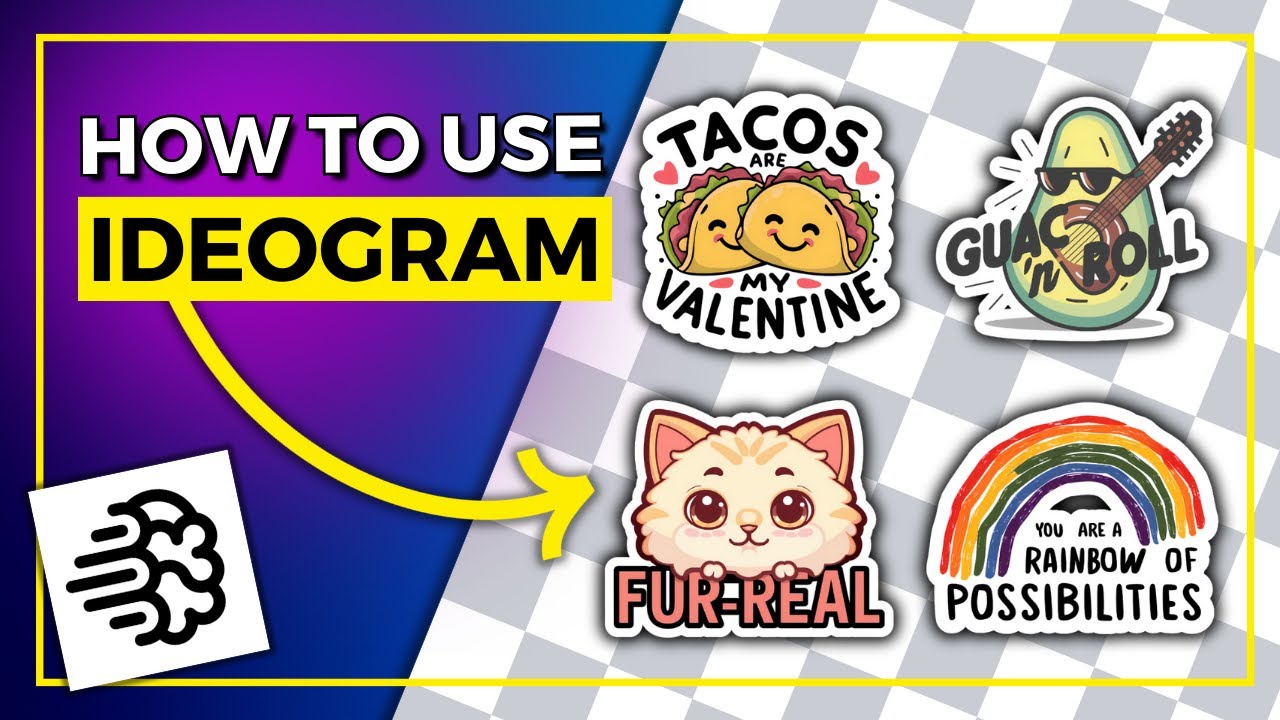
Ideogram is a text-to-image generation tool integrating advanced AI technologies to transform text descriptions (prompts) into visual creations. The tool’s Magic Prompt feature enhances simple text prompts to better capture the user’s artistic vision, thus producing highly tailored and impactful images.

As that’s the case with many AI tools, using Ideogram is easy. All you have to do is enter your text prompt, choose an artistic style, and the AI will do the rest — generating the visual content on your behalf. As you can imagine, this makes it accessible even to those with minimal artistic expertise.

To make things more social, Ideogram fosters a collaborative environment where users can connect, share, and innovate together. This lets users gain inspiration from others, which could benefit projects requiring diverse inputs and creative synergy.

But, as there is always some “but,” some users have noted the need for occasional image enhancements to meet professional standards. From what we’ve seen, that’s not a biggie – but we should mention it here, nonetheless.

All in all, Ideogram will let you create some fancy images, and if that’s what you need – check it out.

Ideogram Homepage
Categories Design GenerationImage Generation & Editing

Video Overview ▶️

Ideogram - Video Overview

What are the key features? ⭐

  • Magic Prompt: Takes your basic text input and enhances it to better capture the essence of what you're trying to create.
  • Different artistic styles: Ideogram offers a wide range of styles for your images, from elegant typography to lifelike 3D renders.
  • Easy to use: The platform is easy to navigate, making it accessible even to those who aren't tech-savvy.
  • Community included: Ideogram fosters a community where users can connect, share their works, and collaborate on projects.
  • Text integrations: The tool seamlessly incorporates text into images, which is particularly useful for projects requiring captions or textual artwork.

Who is it for? 🤔

Ideogram is made for a broad market that includes artists, writers, marketers, and anyone else involved in creative projects who might lack professional design skills. It is especially useful for small business owners looking to create their own branding materials, like logos and promotional content, without hiring a designer. The platform also appeals to social media managers and content creators needing to generate visually appealing images to engage their audiences. And finally, it can serve educational and recreational users who enjoy exploring digital art and expanding their creative capabilities.

Examples of what you can use it for 💭

  • Generate eye-catching graphics for social media posts for different platforms
  • Small businesses or startups can utilize Ideogram to design logos and other branding materials
  • Marketers can create customized graphics for advertisements, flyers, or online campaigns
  • Writers and illustrators can use Ideogram to bring scenes from their stories to life
  • Create personalized artwork or posters for gifting or decorating your home

Pros & Cons ⚖️

  • Magic Prompt makes it easy for anyone to create fancy images
  • Text renders nicely on images
  • Community aspect can come in handy when you're looking for inspiration
  • We prefer Midjourney for our image-generating needs

FAQs 💬

What is Ideogram AI?
Ideogram AI is a web-based text-to-image generator that turns simple descriptions into high-quality visuals, with a standout focus on accurate text rendering inside images. It helps creators, marketers, and hobbyists produce logos, posters, and art without needing design skills. I think it's especially useful for anyone frustrated with garbled text in other tools.
How do I get started with Ideogram AI?
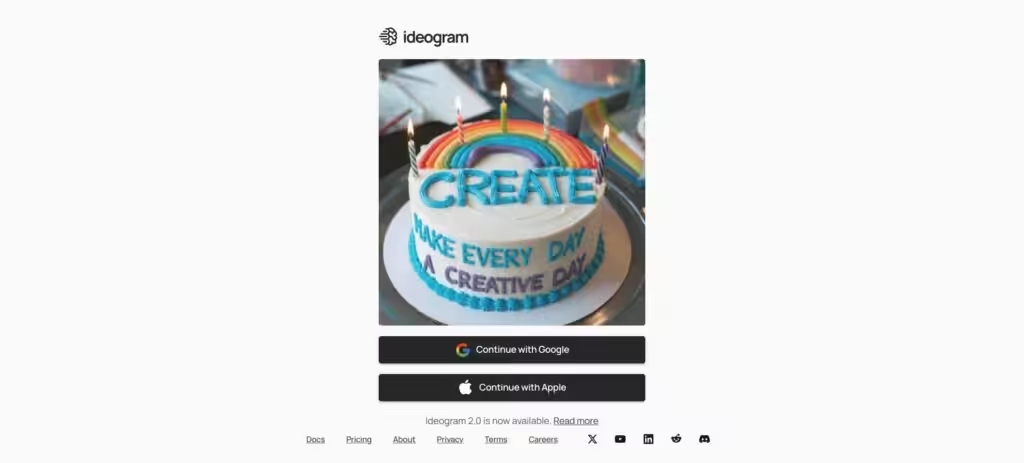
Head to ideogram.ai and sign up using Google or Apple—it's free and quick. Once in, just type a prompt like "a cozy cafe sign saying 'Welcome Home'" and hit generate. You'll get four variations right away. The interface is straightforward, no steep learning curve, though you might want to tweak prompts for best results.
Is there a free version of Ideogram AI?
Yes, the free plan lets you generate up to 40 images per day with basic access to features like Magic Prompt. It's great for testing, but downloads are compressed JPGs. Paid plans start at $7/month for faster speeds and more options—probably worth it if you're creating regularly.
What makes Ideogram AI different from tools like Midjourney or DALL-E?
Ideogram shines at legible, stylish text in images, which trips up Midjourney and DALL-E sometimes. It's faster for quick iterations (under 15 seconds per set) and has a clean web app, not Discord-based like Midjourney. Reviews say it's better for branding and typography, while Midjourney edges out on artistic flair.
Can Ideogram AI generate consistent characters across images?
Absolutely, with the Character Reference feature—you upload one image, and it recreates that character in any pose, style, or scene. Users on X rave about it for comics or moodboards; no extra training needed. It's free for all, and works surprisingly well even with just a selfie.
What are the pricing plans for Ideogram AI?
Free: 40 slow generations/day. Basic ($7/month annually): 400 priority credits. Plus ($16/month): 1,000 credits, private images. Pro ($48/month): 3,000 credits for up to 12,000 images, plus bulk CSV uploads. API access starts separate, around $0.08/image—scales with use.
Does Ideogram AI support editing or remixing images?
Yes, through Canvas—an infinite board for inpainting, extending, and combining images. Upload your own, use Magic Fill to edit parts, or remix generations. It's like a lightweight Photoshop; pros love it for quick fixes, though free users have limits on advanced tools.
How good is Ideogram AI at handling text in prompts?
Excellent—it's built for typography, so prompts like "neon sign reading 'Open 24/7' in cyberpunk style" come out crisp and integrated. Common pitfall: vague descriptors like "cool logo" might flop; specify fonts or colors for precision. Recent updates in 3.0 make it even sharper.
What file formats and resolutions does Ideogram AI output?
Standard outputs are JPG or PNG up to 1024x1024 pixels; Pro users get upscales to 2048x2048. Free tier compresses files a bit, but paid unlocks high-res for print. It handles aspect ratios well for social media or banners—just add that to your prompt.
Is Ideogram AI safe for commercial use, and what about copyrights?
Yes, generated images are yours for commercial projects, per their terms—no training on licensed art means lower risk. But always check prompts avoid real brands. Users report it's "brand-safe" compared to open-source like Stable Diffusion; a16z-backed, so trustworthy.
Visit Ideogram

Related tools ā†™ļø

  1. MyArchitectAI MyArchitectAI Transforms architectural designs and sketches into photorealistic renders in seconds using AI
  2. Dawn AI Dawn AI Generates personalized avatars and images from selfies using advanced AI technology
  3. Cloudinary Cloudinary Manages, transforms, optimizes, and delivers images and videos with AI-powered features
  4. Imgix Imgix Optimizes images in real-time using AI for faster web delivery
  5. Imajinn Imajinn Transforms user photos into artistic images and custom visuals using AI
  6. SVG AI SVG AI Transforms text prompts into scalable vector icons and logos instantly
Last update: November 18, 2025
Share
Promote Ideogram
light badge
Copy Embed Code
dark badge
Copy Embed Code
neutral badge
Copy Embed Code
About Us | Contact Us | Suggest an AI Tool | Privacy Policy | Terms of Service

Copyright Ā© 2026 Best AI Tools
415 Mission Street, 37th Floor, San Francisco, CA 94105