logo-darklogo-darklogo-darklogo-dark
  • Home
  • Browse
    • Assistant
    • Coding
    • Image
    • Productivity
    • Video
    • Voice
    • Writing
    • All Categories
    • AI Use Cases
  • My Favorites
  • Suggest a Tool
✕
Home › Research & Data Analysis / Writing & Editing ›

Jenni

Published by Dusan Belic on July 10, 2023

Jenni

Jenni
Jenni Homepage
Categories Research & Data AnalysisWriting & Editing

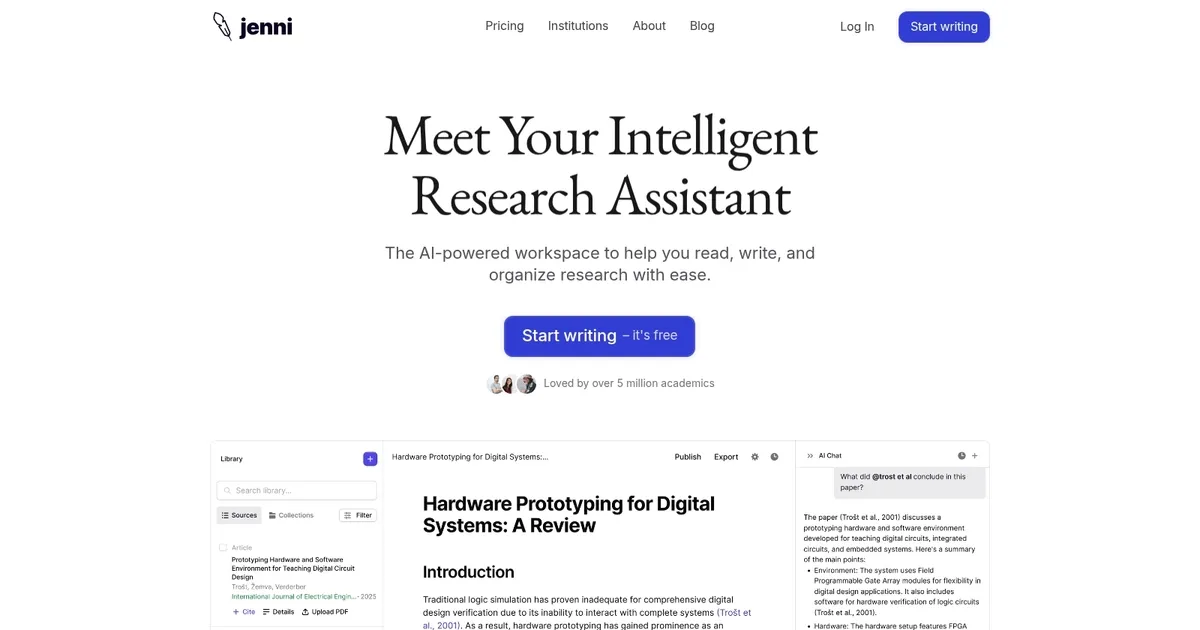
Jenni - screenshot

An AI research and writing assistant that uses the latest research as well as your own files for citations

Jenni

Jenni is an AI-powered service for researchers, designed to help them “supercharge their next research paper.”

Instead of doing it all by yourself, you can use Jenni’s AI assistant to get suggestions whenever you are stuck or expand your notes into full paragraphs. As a result, you can write up to 10 times faster while making sure you are crafting the original work.

This is made possible with Jenni’s autocomplete features, as well as its ability to paraphrase and rewrite content for you. Heck, you can even start with your PDF files and even chat with them to uncover insights with ease.

All in all, there is a reason why Jenni is used by more than 1 million academics and writers. As of September 2023, it has helped write over 970 million words — from academic essays, journals, to top-ranking blog posts.

Among the organizations using Jenni are the University of Cambridge, MIT, Aston University, University of Melbourne, Harvard University, and Google, to name a few.

Jenni Homepage
Categories Research & Data AnalysisWriting & Editing

What are the key features? ⭐

  • AI autocomplete: Jenni's autocomplete will write alongside you to beat writer's block whenever you need a helping hand.
  • In-text citations: Jenni consults the latest research, and your PDF uploads. Easily cite in APA, MLA, IEEE, or Harvard style.
  • Paraphrase & rewrite: Paraphrase any text in any tone. Rewrite the internet customized to you.
  • Generate from your files: Bring your research papers to life with source-based generation.
  • Chat with your PDFs: Quickly understand and summarize your research papers with Jenni's AI chat assistant.
  • Outline builder: Enter your prompt and get a list of section headings ready for you to flesh out.
  • Custom styles & tones: From academic to persuasive, pick the tone to suit your writing needs.
  • Research library: Save and manage research in your library. Easily cite research in any document, fast.

Who is it for? 🤔

As a writing assistant, Jenni is used by all kinds of folks and organizations. Students love it, and so do bloggers and authors. However, it is primarily targeted toward researchers and scientists who would benefit most from Jenni. The tool features AI autocompletion, paraphrasing, and rewriting options - which combined should help you write up to 10 times faster. And it will do that whether you're writing academic essays, journals, or blog posts. Check it out.

Examples of what you can use it for 💭

  • Save hours writing your essay or thesis with Jenni
  • Discover and write about relevant research
  • Polish your writing to increase submission success
  • Create a compelling college motivation letter
  • Write blogs & articles faster with the help of AI
  • Craft your next compelling speech in less time

Pros & Cons ⚖️

  • Lets you write up to 10 times faster
  • Includes support for multiple languages
  • Chat with PDFs comes included
  • Mobile support is still not there

FAQs 💬

What is Jenni mainly used for?
Jenni serves as an AI-powered writing and research assistant, mainly helping students and academics draft essays, research papers, and literature reviews. It focuses on overcoming writer's block through real-time suggestions and structured tools.
How does Jenni handle citations?
It generates in-text citations from over 2,600 styles like APA or MLA, pulling from uploaded PDFs or its library for traceable sources. Users can verify links directly to paragraphs, though some reviews note occasional inaccuracies in references.
Can Jenni help with non-academic writing?
While built for academics, it adapts to blogs, emails, or speeches with tone adjustments and paraphrasing. I think it's less ideal for creative fiction, where outputs might feel too formal.
Is Jenni suitable for beginners in research?
Yes, its outline builder and AI chat simplify starting projects by summarizing papers and suggesting structures. New users might need a short learning curve to get the best results.
Does Jenni support multilingual writing?
It responds to prompts in various languages and aids non-native speakers with grammar tweaks. This makes it handy for global researchers, but English outputs are strongest.
How does Jenni integrate with other tools?
It imports .bib files from Zotero or Mendeley and handles PDF uploads for seamless workflows. No deep ties to Google Docs yet, but exports to .docx work well.
What makes Jenni different from general AI like ChatGPT?
Jenni emphasizes academic workflows with built-in citations and source verification, unlike ChatGPT's broader chats. Reviews say it's more focused but sometimes less flexible.
Can teams or institutions use Jenni collaboratively?
Team plans offer multi-seat access, shared libraries, and analytics for groups like labs. It's great for professors and students co-editing papers.
Does Jenni reduce plagiarism risks?
It paraphrases to avoid direct copies and flags issues, but users should always review outputs. Experts recommend combining it with manual checks for ethical use.
Is there a free version of Jenni?
The free plan includes limited autocompletes, PDF uploads, and edits daily. It lets you test core features before upgrading for unlimited access.

Related tools ↙️

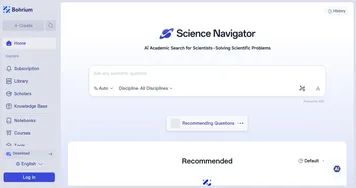
  1. Bohrium Bohrium Empowers researchers with AI-driven literature reviews and precise academic insights.
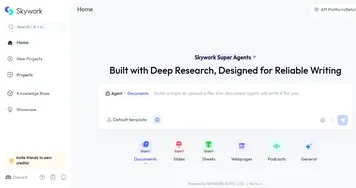
  2. Skywork Skywork Transforms simple prompts into research-backed docs, slides, and podcasts
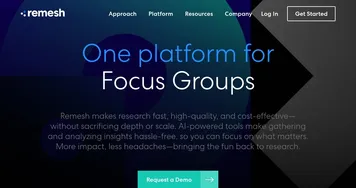
  3. Remesh Remesh Conducts AI-powered qualitative research through live and asynchronous sessions at scale
  4. Constella Constella Captures thoughts visually, connects ideas with AI, and aids decision-making in a secure environment.
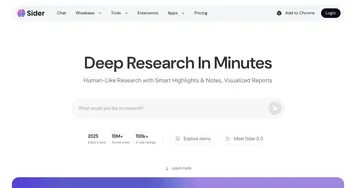
  5. Sider Sider Quick access to ChatGPT from a sidebar of your web browser
  6. GoMoon.ai GoMoon.ai Tracks economic events, predicts impacts, and identifies affected assets for traders
Last update: December 18, 2025
Share
Promote Jenni
light badge
Copy Embed Code
light badge
Copy Embed Code
light badge
Copy Embed Code
About Us | Contact Us | Suggest an AI Tool | Privacy Policy | Terms of Service

Copyright © 2026 Best AI Tools
415 Mission Street, 37th Floor, San Francisco, CA 94105