Constella
Captures thoughts visually, connects ideas with AI, and aids decision-making in a secure environment.
Constella is an AI-driven app focused on visual note-taking and personal knowledge management, using an infinite graph to connect ideas without traditional folders. It enables users to capture notes instantly via text, voice, or images, and AI automatically surfaces related past content to build connections. Core elements include the visual canvas for mind mapping, where nodes represent ideas that users can drag and link, fostering a brain-like structure.
Key functionalities cover quick searching with semantic AI, which runs locally for speed and privacy, and integrations like Readwise for clipping web content directly into the graph. Stella AI provides recommendations, auto-tagging, and voice interactions, limited by tier but enhancing decision-making. The app supports offline work, data exports in markdown, and imports from other tools, ensuring flexibility.
Compared to alternatives, Constella emphasizes AI privacy over Heptabase‘s collaborative boards, while sharing graph views with Obsidian but adding built-in intelligence without plugins. Users often praise the intuitive connections and productivity gains, though some note a adjustment period to the visual interface and minor issues with feature consistency. Pricing offers basic access freely, with advanced tiers for unlimited AI and integrations, aligning closely with competitors like Scrintal in value.
Technical aspects include encrypted cloud sync for multi-device use and local models to minimize latency. A standout is the PKMS approach, automating backlinks to reduce manual effort.
To get started effectively, import existing notes first and use daily capture to build your graph gradually.
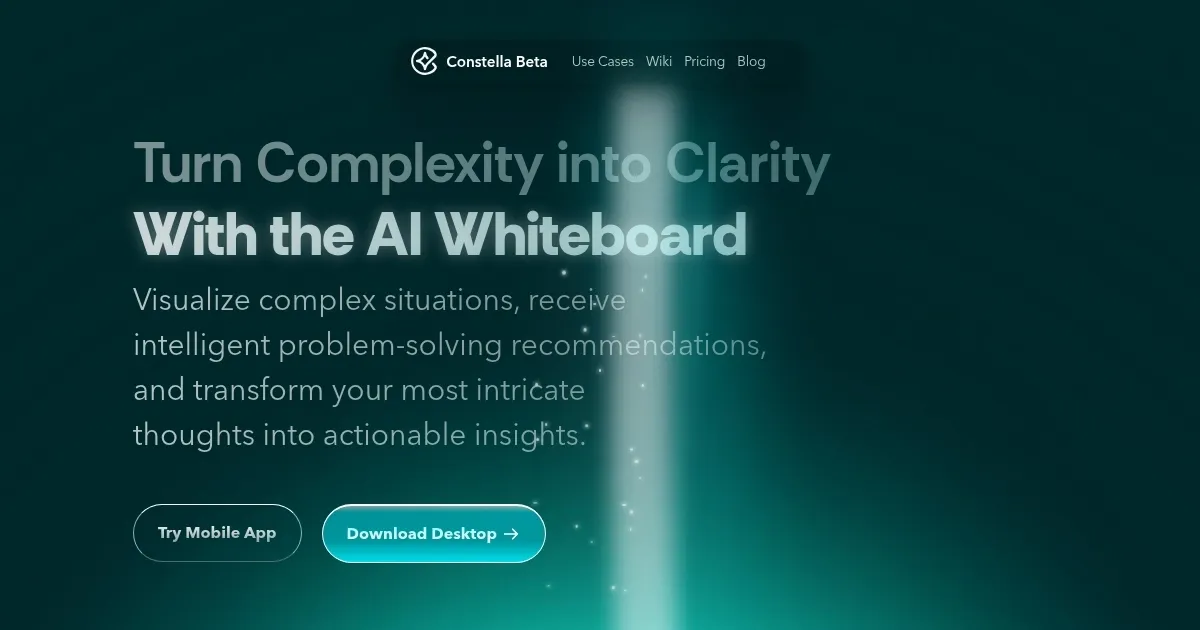
Homepage Screenshot 📸
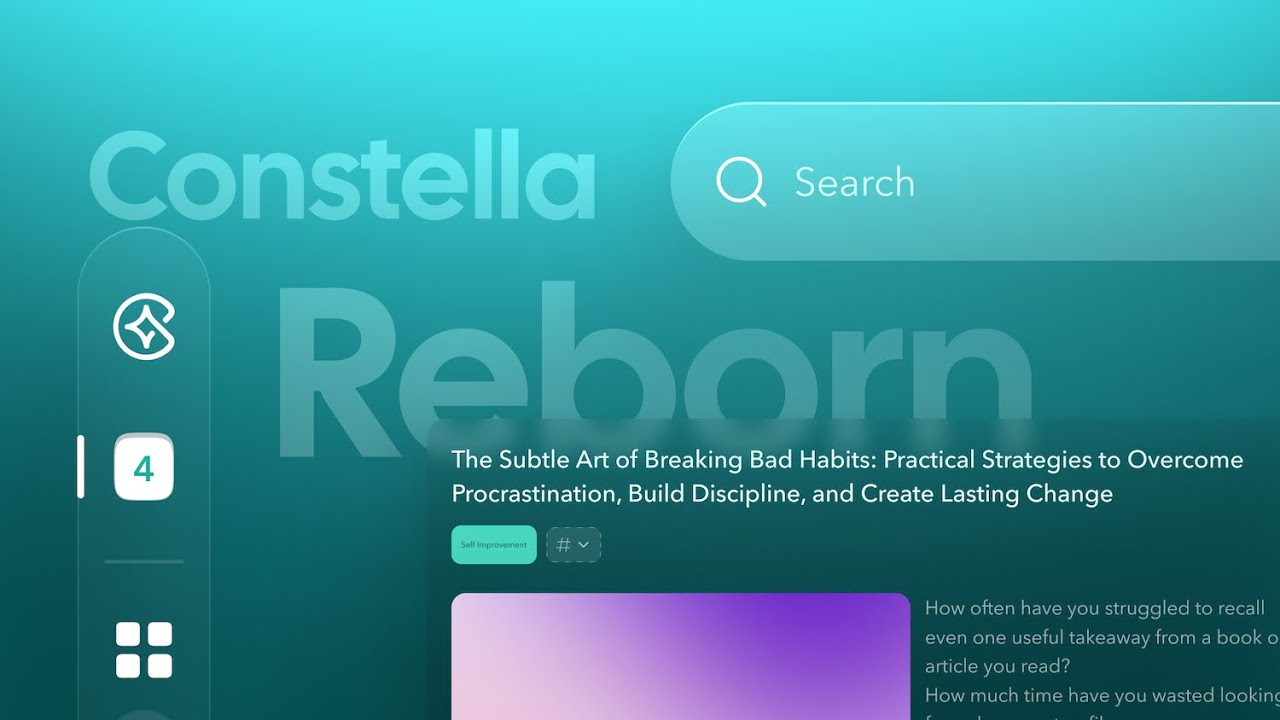
Video Overview 🎬
What are the key features? ✨
- Visual Infinite Graph: Connects ideas on an expandable canvas mimicking brain associations.
- AI-Powered Search: Uses local models to find notes by meaning quickly and privately.
- Stella AI Assistant: Offers insights, tagging, and voice chats for problem-solving.
- Quick Capture: Allows instant note addition from mobile or desktop without organization.
- Data Import/Export: Supports bringing in content from other apps and outputting in formats like markdown.
Who is it for? 🤔
Examples of what you can use it for 💡
- Student: Links lecture notes to form study maps and quizzes with AI.
- Researcher: Captures findings and auto-surfaces related past data for analysis.
- Professional: Organizes meeting insights and gets Stella suggestions for decisions.
- Writer: Builds visual plots connecting characters and themes effortlessly.
- Entrepreneur: Tracks business concepts and evaluates them via AI insights.
Pros & Cons ⚖️
- Visual connections aid thinking
- Privacy with local storage
- AI speeds up insights
- Offline access available
- Easy data transfer
- Adjustment period needed
- Some features glitchy
- Limited platform support
FAQs 💬
Ready to try Constella?
Captures thoughts visually, connects ideas with AI, and aids decision-making in a secure environment.
Visit Constella