my mind
Saves notes, bookmarks, images effortlessly with AI handling organization and search
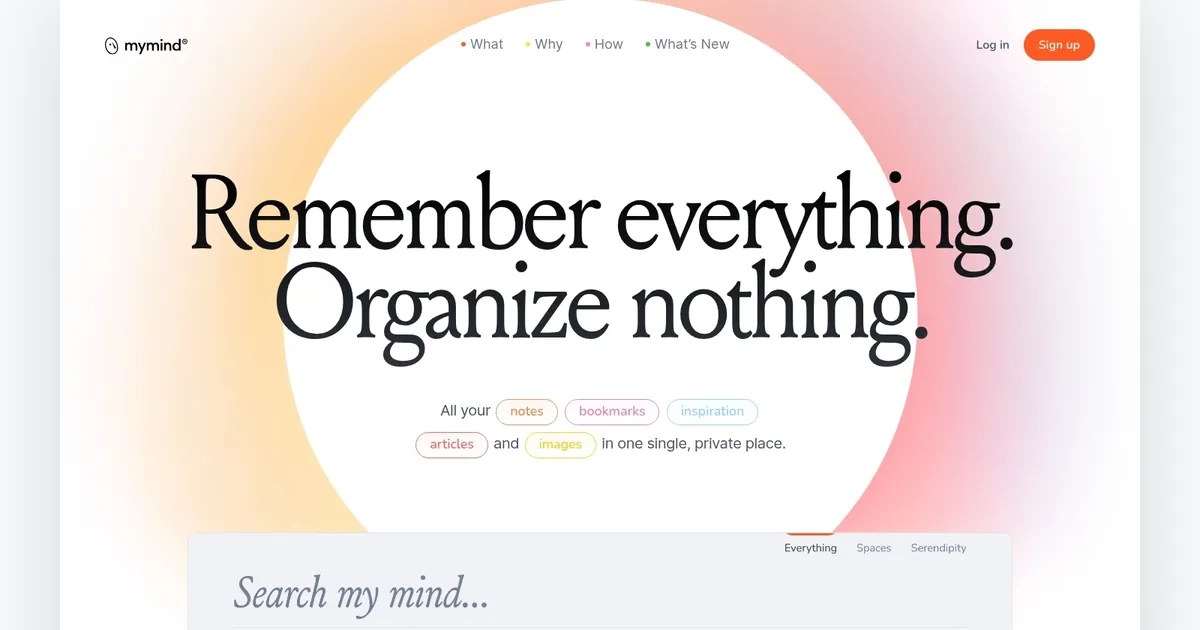
my mind is a digital platform designed to serve as an extension of your natural memory, offering a single, private space for all your notes, bookmarks, inspirations, articles, and images. Without the need for traditional organization methods like filing, labeling, or tagging – my mind employs advanced AI to organize and visualize your saved content for you. This allows for a seamless and intuitive way to both save and retrieve information, relying on associative search and visual cues that align with the way your brain naturally works.
my mind’s innovative approach to data storage and retrieval aims to enhance productivity, creativity, and personal knowledge management in a privacy-first, beautifully simple design. The platform also introduces several features aimed at maximizing usability and minimizing distractions.
Notable features include smart bookmarking, where my mind distinguishes between different types of content (such as articles, products, or recipes) and saves links in a visually appealing and meaningful way. These text recognition capabilities enable users to find text within images, simplifying the search for specific details in visual content.
Furthermore, my mind offers a focus mode for taking quick notes, creating smart spaces for auto-sorting saved content, and a private sharing option.
By stripping away the excess clutter and providing a space wholly centered on the user’s needs and privacy, my mind represents a shift towards a more mindful and efficient digital experience.
Homepage Screenshot 📸
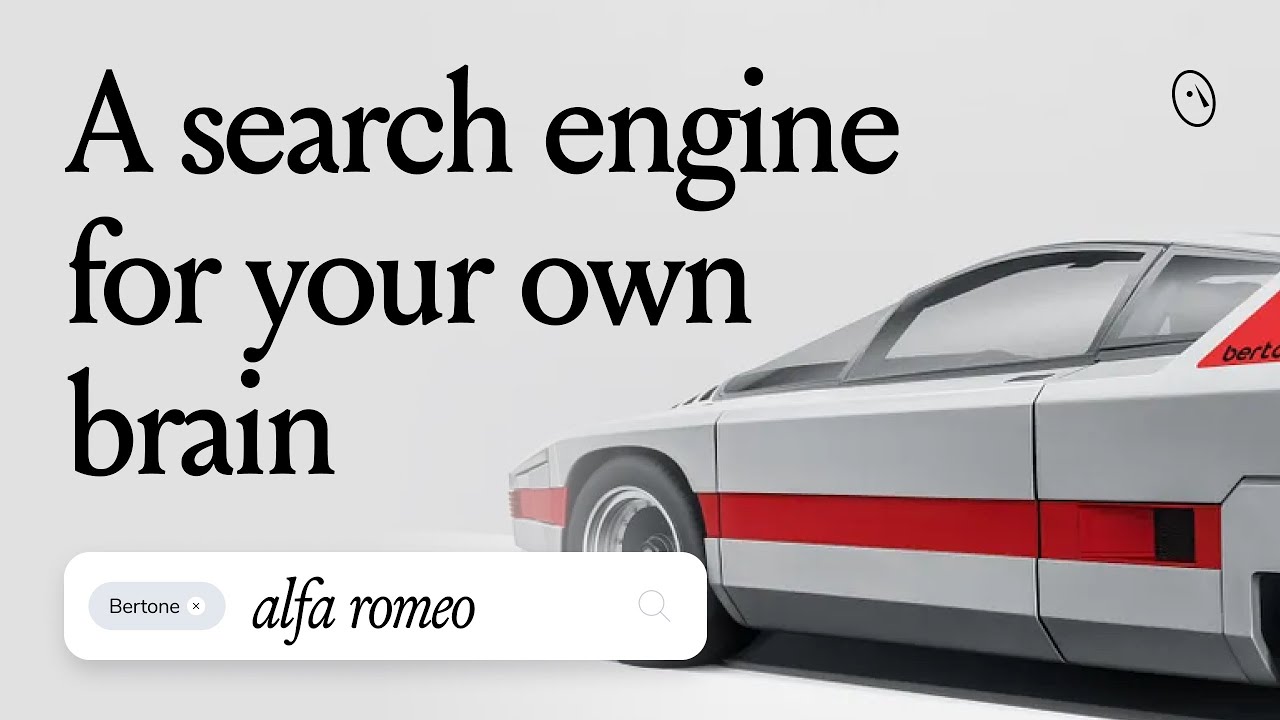
Video Overview 🎬
What are the key features? ✨
- Smart Bookmarking: AI automatically categorizes and enriches saved articles, products, and other content for easy retrieval.
- Associative Search: Search by keywords, colors, dates, or visuals without needing folders or manual tags.
- Frictionless Notetaking: Quickly capture notes and expand them in Focus Mode for distraction-free writing.
- Instant Moodboards: AI analyzes images and suggests matching ones to create visual collections effortlessly.
- Bidirectional Linking: Connect saved notes and content to build interconnected ideas naturally.
Who is it for? 🤔
Examples of what you can use it for 💡
- Designer: Curate visual moodboards from saved images with AI suggesting similar styles.
- Writer: Save quotes, articles, and notes distraction-free and link them for research.
- Researcher: Collect references, PDFs, and web content in one searchable private hub.
- Developer: Store code snippets, docs, and inspiration without complex tagging.
- Everyday user: Capture random ideas, bookmarks, and images for personal reflection.
Pros & Cons ⚖️
- Beautiful, intuitive design
- Effortless AI organization
- Strong privacy focus
- Fast, visual search
- Limited free tier
- No collaboration features
FAQs 💬
Ready to try my mind?
Saves notes, bookmarks, images effortlessly with AI handling organization and search
Visit my mind