
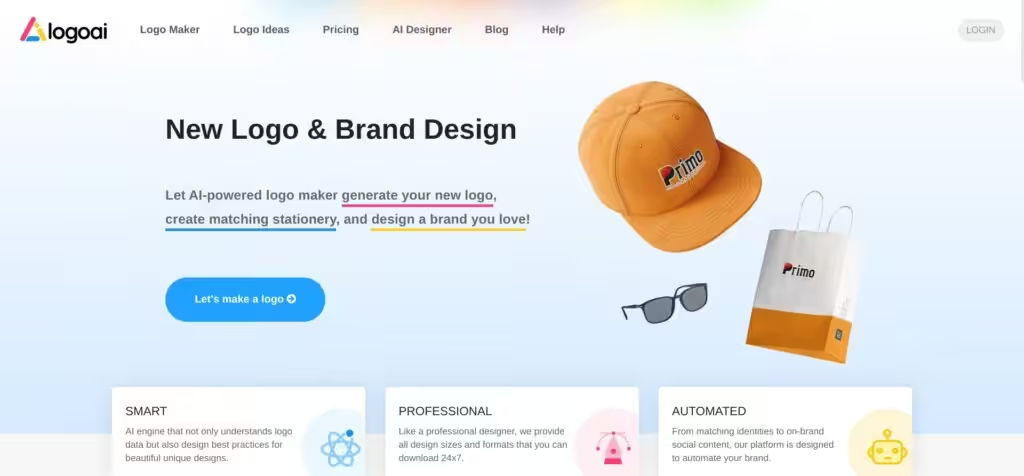
LogoAI by TingPing.co

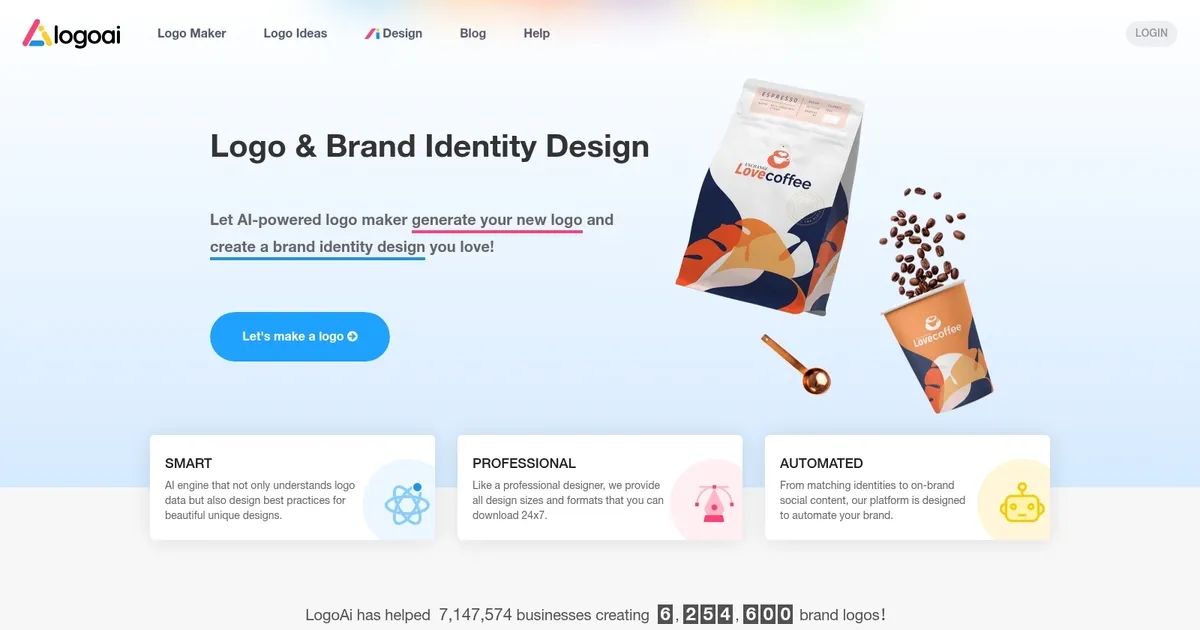
Generate your new logo & create matching stationery
LogoAI lets everyone generate a logo and create matching stationery in minutes.
It claims to “understand logo data” and also uses best practices to return the best results. Said results come in different sizes and formats that can be downloaded as soon as you are satisfied with the design.
The important thing is that you only pay if you like the logo, and there are discounts for every consecutive logo design.
Beyond logos, LogoAI could also be used for designing business cards, posters, flyers, social media graphics, and more.
As of May 2023, the service has helped almost half a million businesses create over 900,000 brand logos.
Categories Image Generation & Editing
What are the key features? ⭐
- AI for the logo design: LogoAI's design engine claims to understand logo design best practices so your logo will be both beautiful and professional.
- Brand Center: This is where you get to create and download all kinds of visuals for all your branded content.
- Business cards & more: LogoAI offers dozens of business card designs customized based on your logo styles and colors. Also, the service lets you create posters, flyers, and other promotional materials.
- Social media graphics: You can also use LogoAI to create Facebook covers, Twitter headers, Instagram stories, and more.
- AI-powered name generator: A neat little tool that asks for a simple description to generate brandable business names using GPT-4.
Who is it for? 🤔
LogoAI is used by new businesses looking for a logo for their venture. Also, some companies use it to get a brand for their latest product or service offering, and there are also those that take advantage of the AI-powered name generator to come up with a name for the new product/service.
Examples of what you can use it for 💭
- Create a logo for your company or product/service
- Get brand assets like business cards, social media graphics, print materials, etc.
- Get an idea for the name of your company with an AI-powered name generator
Pros & Cons ⚖️
- Designing is free - you only pay when you are satisfied
- You can also use it for business cards, flyers, social media, etc.
- Included templates could help you find inspiration
- The most affordable option doesn't include vector files
FAQs 💬
What is LogoAI and who is it for?
LogoAI is an AI-driven platform that generates custom logos, brand identities, and social media assets for small businesses and startups. It's ideal for entrepreneurs without design experience who want professional results fast, as it automates the process based on your company name and industry.
How does LogoAI generate logos?
You enter your business name, industry, and style preferences, then the AI engine analyzes design best practices to create multiple unique options in seconds. It pulls from a vast library of elements to ensure logos feel fresh and tailored, not generic.
Do I need design skills to use LogoAI?
No skills required at all. The intuitive interface lets beginners customize colors, fonts, and layouts with simple drag-and-drop tools, making it accessible even if you've never opened a design app before.
What customization options does LogoAI offer?
Once generated, you can tweak icons, adjust colors with a picker, swap fonts (including custom uploads), and rotate elements for a perfect fit. It also previews how your logo looks on business cards or websites.
What file formats can I download from LogoAI?
Downloads include high-res PNG, SVG vectors, and PDF files, all scalable for print or digital use. Higher tiers add animated versions and mockups to make your brand ready to launch right away.
Can LogoAI help with full brand identity?
Yes, beyond logos, it auto-generates matching business cards, social media templates, flyers, and PPT slides. The Brand Center ensures everything stays consistent across your visuals.
Is there a free version or trial for LogoAI?
You can generate and preview logos for free, but downloading requires a one-time purchase. This lets you test ideas without commitment, perfect for brainstorming before buying.
How long does it take to create a logo with LogoAI?
Most users report finishing a polished logo in under 10 minutes, thanks to the AI's speed and built-in editing. It's a huge time-saver compared to hiring a designer.
What makes LogoAI different from other AI logo makers?
Unlike basic generators, LogoAI focuses on full branding automation, like on-brand social content and scalable vectors. Reviews highlight its professional output that avoids generic looks.
Is LogoAI suitable for any industry?
Absolutely, it supports everything from tech startups to cafes, with industry-specific templates like mascots for food brands or sleek icons for law firms. Just input your niche for relevant suggestions.
Related tools ↙️






Last update:
December 18, 2025
Promote LogoAI


