Capture and experience the world in lifelike 3D
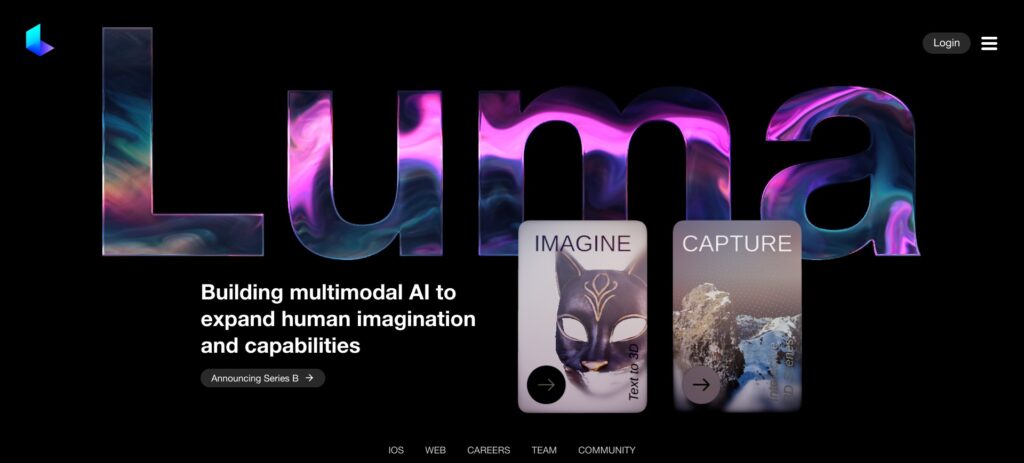
Luma has developed a rather impressive piece of AI-enabled technology that lets users create lifelike 3D objects using their mobile phones. Called Luma Interactive Scenes, it is used to capture products, objects, landscapes and scenes wherever you are.
Specifically, with nothing but their phone, users can capture 3D scenes with details, including reflections and lighting and share with everyone. They can also capture products and game assets in 3D.
This is made possible using a technique known as Neural Radiance Fields (NeRF), which is similar to the ray-tracing technique that makes the graphics in high-end gaming look so realistic.
Unsurprisingly, Luma Interactive Scenes is getting increasingly popular among the TitTok community, game developers and other folks looking to “relive the moment.”
FAQs
💬
What is Luma AI Interactive Scenes?
Luma AI Interactive Scenes lets you capture real-world objects, products, or environments using just your smartphone camera, turning short videos into stunning, interactive 3D models. It uses advanced AI techniques like Gaussian Splatting and Neural Radiance Fields to create photorealistic scenes that feel alive, with details like reflections and lighting that match what you see in person. You can explore these scenes from any angle, making it perfect for reliving moments or showcasing items in a fresh way.
How do I get started with capturing a 3D scene?
Download the free Luma AI app on iOS or Android, then point your phone at the subject and record a quick video walkaround, about 30 seconds to a minute works best. The app processes it in the cloud, and soon you have an interactive 3D scene ready to view or share. No extra gear needed, though steady lighting helps for cleaner results.
What devices does Luma AI Interactive Scenes support?
It runs smoothly on iOS devices like iPhone 11 and newer, and Android phones through the app. For viewing your scenes, it works across web browsers, iOS, and Android, hitting 30 to 60 frames per second on the web for that fluid feel. Keep in mind, processing happens in the cloud, so a stable internet connection matters.
Can I use these 3D scenes for business or commercial projects?
Yes, all scenes you create are yours to use commercially, no extra licenses required. They're private by default until you choose to share, which makes it great for product demos, real estate tours, or game assets without worrying about rights issues.
How long does it take to process a capture into an interactive scene?
Most captures finish in minutes, but during busy times it might queue up for a few hours or even a day. Recent updates aim to speed things up, and users report quicker turns now compared to last year. I think patience pays off, especially for complex scenes.
What file sizes and performance can I expect from the 3D scenes?
Scenes come in at around 20 MB, objects about 8 MB, keeping things lightweight for easy sharing. They stream right away and stay interactive while loading fully, running at 30 FPS on web browsers. That efficiency means you can embed them on sites without slowing down the experience.
Can I export or integrate these scenes into other software?
Absolutely, export options include .Luma files for Unreal Engine, Gaussian Splat files for tools like SIBR or Nerfstudio, and even OBJ for meshes with textures. Developers love the API for bulk creation, letting you pull scenes into three.js projects or WebGL setups seamlessly.
Is there an API for automating 3D scene creation?
The Luma API handles video-to-3D conversions, so you can generate scenes programmatically, say for apps or large-scale projects. Documentation covers endpoints for uploads and retrievals, though some users note it's still evolving, with code snippets available on the site to kick things off.
What are some real-world use cases for Interactive Scenes?
E-commerce folks scan products for interactive views that boost engagement, game devs grab assets for prototypes, educators build 3D models of artifacts for classes, and creators capture travel spots to share immersive memories. It's versatile, probably even more so as AI refines the details.
How does Luma AI handle privacy and data for my captures?
Your videos and scenes stay private unless you publish them, and Luma doesn't claim ownership. They process data securely in the cloud, with options to delete anytime. That builds trust, especially for sensitive shoots like personal events or proprietary designs.