

logo-darklogo-darklogo-darklogo-dark
  • Home
  • Browse
    • Assistant
    • Coding
    • Image
    • Productivity
    • Video
    • Voice
    • Writing
    • All Categories
    • AI Use Cases
  • My Favorites
  • Suggest a Tool
✕
Home › Coding & Development / Search Engine ›

phind

Published by Dusan Belic on July 10, 2023

phind

phind
phind Homepage
Categories Coding & DevelopmentSearch Engine
A search engine optimized for developers and technical questions

phind

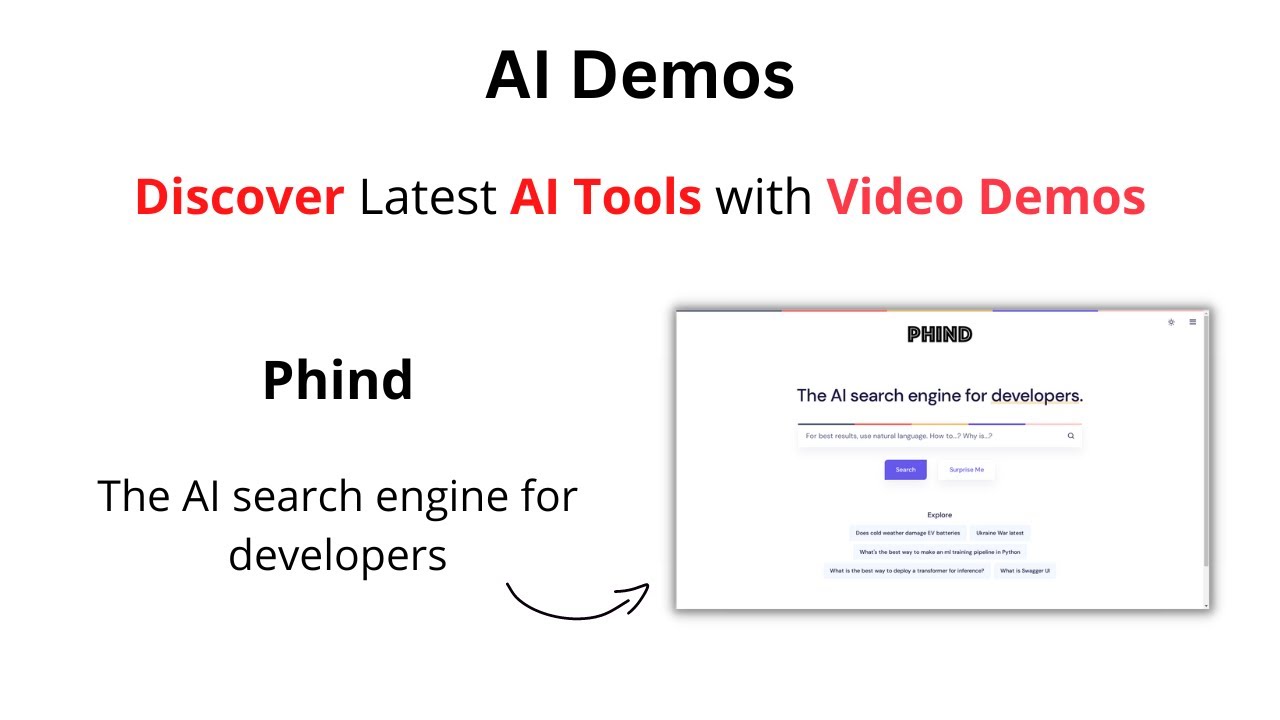
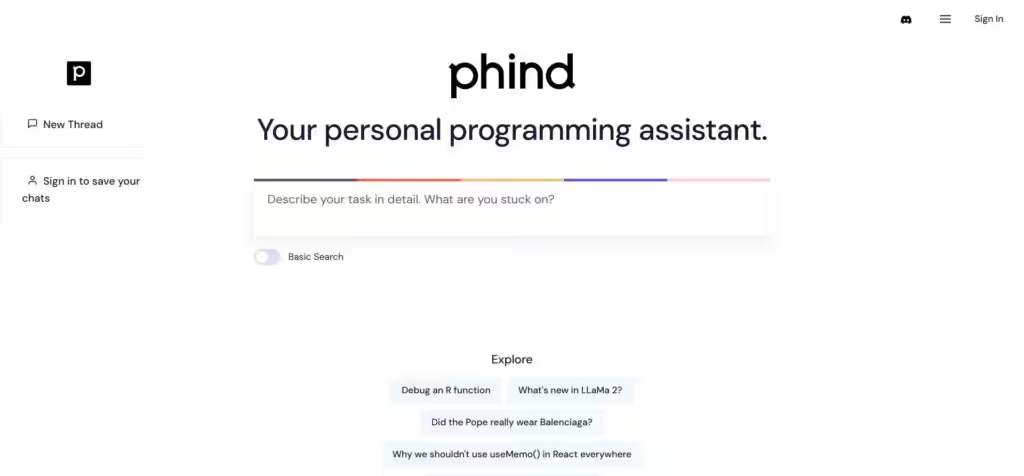
Phind is an intelligent assistant and a search engine for programmers. With Phind, you’ll get the answer you’re looking for in seconds instead of hours.

The service will guide you step-by-step from that idea in your head to a working app. Phind is smart enough to proactively ask you questions to clarify its assumptions and to browse the web (or your codebase) when it needs additional context.

You can customize search results to, for instance, prioritize results from GitHub or some other website or repository. Then, after some time, you can go through your search/conversation history to go back to any thread you want.

Also, after some time, you’ll want to be even faster and start using Phind’s search shortcuts that will let you easily search on different sites by adding bang shortcuts to your query. For example, you can add “!g” or “!d” shortcuts to quickly use Google or DuckDuckGo.

Phind doesn’t have a mobile app, but it offers progressive web app support — allowing you to add it to your home screen and use it as a native app.

Finally, you’ll want to check out Phind’s extension for Visual Studio Code, which will let you code that much faster.

phind Homepage
Categories Coding & DevelopmentSearch Engine

Video Overview ▶️

What are the key features? ⭐

  • Customizable search results: You can artificially change how results are ranked by adding domain names and keywords to the list. For instance, you can set the rule to prioritize results from "github.com."
  • Conversation history: See your conversation history and then click on any of the threads to go back to that thread.
  • Search shortcuts: You can easily search on different sites by adding bang shortcuts to your query. For example, you can add "!g" or "!d" shortcuts to quickly use Google or DuckDuckGo.
  • Works on mobile: While Phind lacks a native mobile app, it offers progressive web app support. This, in turn, lets you add Phind.com to your home screen and use it as a native app.
  • VS Code extension: There is the Phind extension for Visual Studio Code that lets you code faster with AI.

Who is it for? 🤔

Phind is made for developers, helping them be more productive with the help of AI. It is like a pair programmer that can catch errors in their code. Also, Phind lets coders search the Internet for pieces of code they could then reuse in their apps. Finally, the tool is easily accessible from Visual Studio Code through an extension, providing assistance as you code.

Examples of what you can use it for 💭

  • Get answers to your coding questions
  • Find code snippets you could use in your apps
  • Get solutions for your coding problems
  • Code faster with your very own AI assistant

Pros & Cons ⚖️

  • Could be the best search engine for developers
  • Provides solutions to all kinds of coding problems
  • VS Code extension is particularly handy
  • The free plan is limited

FAQs 💬

What exactly is Phind designed for?
Phind serves as an AI search engine tailored for developers, delivering instant, accurate answers to technical and coding questions with code examples, explanations, and source citations.
How does Phind differ from general AI chatbots like ChatGPT?
Phind specializes in developer needs with strong code understanding, real-time web integration for up-to-date info, and precise technical responses, often providing better first-try accuracy on programming problems than more general tools.
Does Phind support multiple programming languages and frameworks?
Yes, it handles a wide range including Python, JavaScript, TypeScript, Go, React, Next.js, and many others, pulling relevant docs and examples accordingly.
Can Phind help with debugging code?
Absolutely, users paste code snippets, describe bugs, and get targeted suggestions, explanations of issues, and potential fixes, often with context from web sources.
Is there an integration for code editors like VS Code?
Phind offers a VS Code extension that brings its search and assistance directly into the editor for real-time help without switching tabs.
Does Phind provide sources or citations for its answers?
Yes, responses typically include links to original documentation, Stack Overflow, GitHub repos, or other credible references so you can verify information easily.
How accurate is Phind for complex technical questions?
It frequently achieves high accuracy on coding and system design queries thanks to specialized models and focused retrieval, with many developers reporting it outperforms general AIs in these areas.
Can beginners use Phind effectively?
Beginners find it helpful for learning concepts, getting code examples, and understanding errors, since answers come with clear explanations alongside solutions.
Does Phind work for non-coding technical questions?
While optimized for developers, it handles broader technical topics like system architecture, cloud services, or algorithms reasonably well due to its search capabilities.
What kind of output formats does Phind support?
Answers often include rich elements like code blocks, diagrams, images, or interactive components to make complex ideas easier to grasp.

Related tools ↙️

  1. CodeDesign CodeDesign The AI-powered website builder that will help you launch, host & validate your next website from a simple prompt
  2. DocuWriter.ai DocuWriter.ai Generates automated code documentation, tests, and refactors from source files
  3. CodeRabbit CodeRabbit An AI-driven platform designed to drastically improve the code review process
  4. Kodezi Kodezi Dubbed "Grammarly for programmers," it auto-corrects programmers as they code
  5. dora AI dora AI Generates fully custom, animated 3D websites from a single text prompt using AI
  6. CodePal CodePal AI code generation tool with support for multiple programming languages
Last update: January 7, 2026
Share
Promote phind
light badge
Copy Embed Code
light badge
Copy Embed Code
light badge
Copy Embed Code
About Us | Contact Us | Suggest an AI Tool | Privacy Policy | Terms of Service

Copyright © 2026 Best AI Tools
415 Mission Street, 37th Floor, San Francisco, CA 94105