Hyperbrowser
Scales headless browsers for AI agent web automation and data extraction
Hyperbrowser is a cloud platform that runs and scales headless browsers in isolated containers for web automation and AI-driven tasks. It supports browser automation for scraping, testing, and form filling. Data extraction structures web content at scale for analysis. AI agent operations enable browsing, collection, and web app interactions. Captcha handling automates solutions in workflows. Stealth browsing avoids bot detection through mode operations. Session management provides logging, debugging, and isolation.
The platform handles massively concurrent sessions, supporting 1,000+ browsers without degradation. It guarantees 99.9% uptime for reliability. Browser launches occur in sub-second times for scaling. Fault tolerance includes auto-recovery mechanisms. APIs integrate with tech stacks via SDKs in Python and Node.js. Code examples demonstrate agent tasks like ordering via DoorDash using OpenAI CUA.
Pricing includes a free tier with 1,000 credits, one concurrent browser, and basic stealth. The Startup plan costs $30 monthly plus usage, offering 30,000 credits and 25 concurrents with captcha solving. Scale plan at $100 monthly provides 100,000 credits and 100 concurrents with advanced stealth. Enterprise offers custom pricing with premium support and HIPAA compliance. Credits cost $0.001 each, browser hours $0.10, and proxy data $10 per GB.
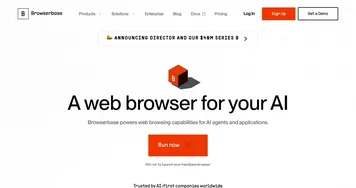
Competitors include Browserbase for similar agent infrastructure but with added no-code tools, and Browserless for Docker-based deployments suited to smaller QA scales. Hyperbrowser excels in AI integrations and stealth features. Users report stable long sessions but note occasional proxy configuration needs. The platform processes 10M+ sessions and 5M+ pages scraped.
For implementation, start with the SDK to launch sessions and monitor via dashboard. Use MCP for multi-agent links. Test with free credits on simple scrapes before scaling. Integrate proxies for geo-specific tasks and review logs for optimizations.
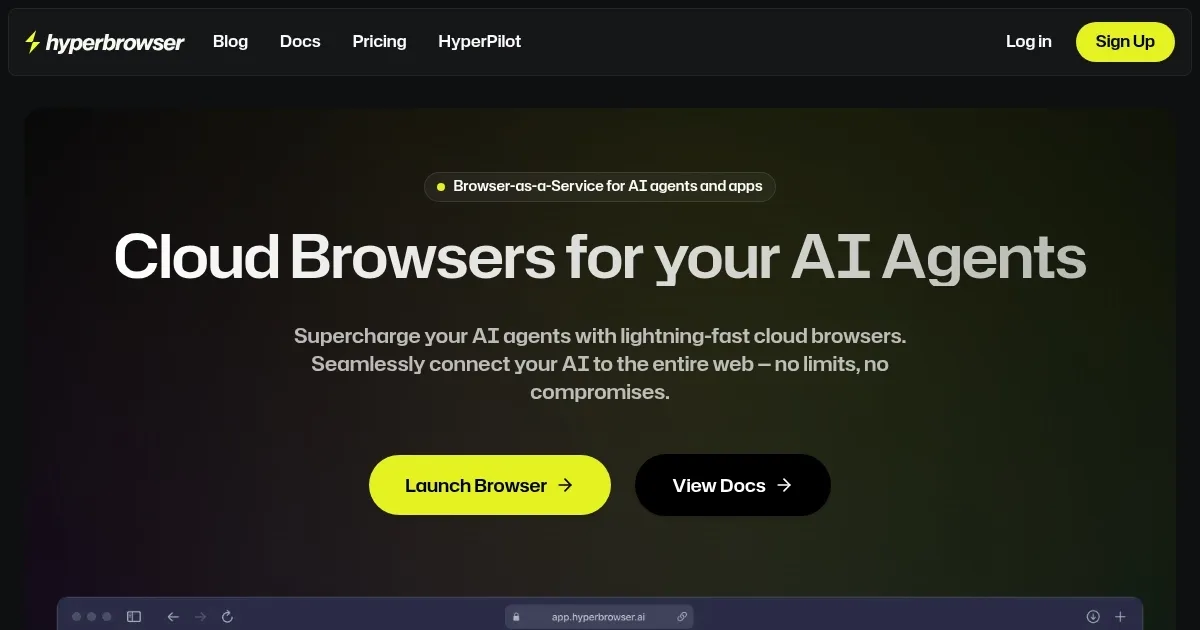
Homepage Screenshot 📸
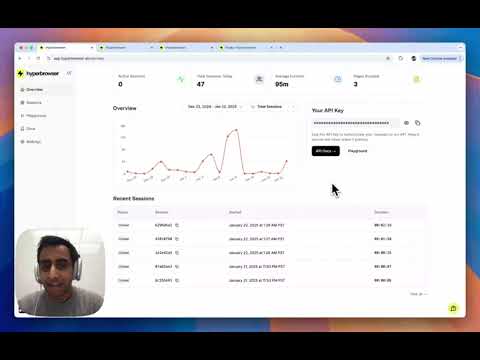
Video Overview 🎬
What are the key features? ✨
- Browser Automation: Runs headless browsers to automate scraping, testing, and form filling tasks.
- Data Extraction: Scrapes and structures web data at scale for direct analysis and insights.
- AI Agent Operations: Integrates with agents for browsing, data collection, and web app interactions.
- Captcha Handling: Automatically solves captchas to maintain uninterrupted automation flows.
- Stealth Browsing: Operates in mode that bypasses bot detection for undetected access.
Who is it for? 🤔
Examples of what you can use it for 💡
- AI Developer: Builds agents to autonomously navigate sites, extract prices, and compile reports using integrated CUA for e-commerce monitoring.
- Data Scientist: Scrapes competitor data from dynamic pages, structures it via APIs, and feeds into models for trend analysis.
- QA Engineer: Automates form testing across browsers, logs sessions for debug, and scales tests concurrently without local setup.
- Marketing Analyst: Handles captchas to gather social insights, rotates proxies for geo-targeted pulls, and isolates sessions securely.
- DevOps Specialist: Manages long-running agent workflows, recovers faults auto, and integrates with CI/CD for reliable web simulations.
Pros & Cons ⚖️
- Fast sub-500ms launches
- Scales to 10k+ sessions
- Built-in captcha solver
- Stealth anti-detection
- Proxy costs add up
- Learning curve for MCP
FAQs 💬
Ready to try Hyperbrowser?
Scales headless browsers for AI agent web automation and data extraction
Visit HyperbrowserHyperbrowser alternatives 🔗