ScrapingBee
Extracts web data using headless browsers and proxy rotation
ScrapingBee is a web scraping API that manages headless browsers, rotates proxies, and offers AI-powered data extraction for structured data retrieval. It uses the latest Chrome version to render web pages, supporting JavaScript-heavy sites like single-page applications built with React or Vue.js. The API simplifies tasks with features like custom JavaScript snippets, proxy rotation, and AI-driven extraction without CSS selectors. It serves developers, marketers, and researchers needing data from websites without managing complex scraping infrastructure.
Key features include JavaScript rendering, which processes dynamic content with a single parameter, and AI web scraping, which extracts data based on plain English instructions. The proxy rotation leverages a large pool to bypass rate limits, while the screenshot feature captures full or partial page images. The Google Search API simplifies scraping search engine results. Documentation is comprehensive, offering code examples in Python, NodeJS, and cURL, with a Postman collection for testing.
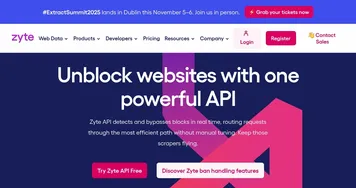
Compared to Apify, which offers more control for advanced users, or Zyte, which targets enterprise-scale scraping, ScrapingBee prioritizes simplicity and speed. Bright Data provides a broader proxy network but is pricier for large-scale needs. ScrapingBee’s freemium plan includes 1,000 API credits, with paid plans scaling to millions of credits for higher concurrency. Users on Capterra praise its ease of use and support, though some note occasional proxy issues on complex sites.
Limitations include restricted control for advanced developers and no cloud-based workflow management. The AI extraction may struggle with highly nested or irregular layouts. The screenshot feature is useful but lacks advanced customization. Recent Reddit threads mention solid performance for e-commerce scraping but occasional timeouts on niche sites.
For best results, use the free plan to test basic scraping tasks. Check the documentation for JavaScript scenario examples to handle dynamic sites. Contact support for help with complex setups, as they’re known for quick responses.
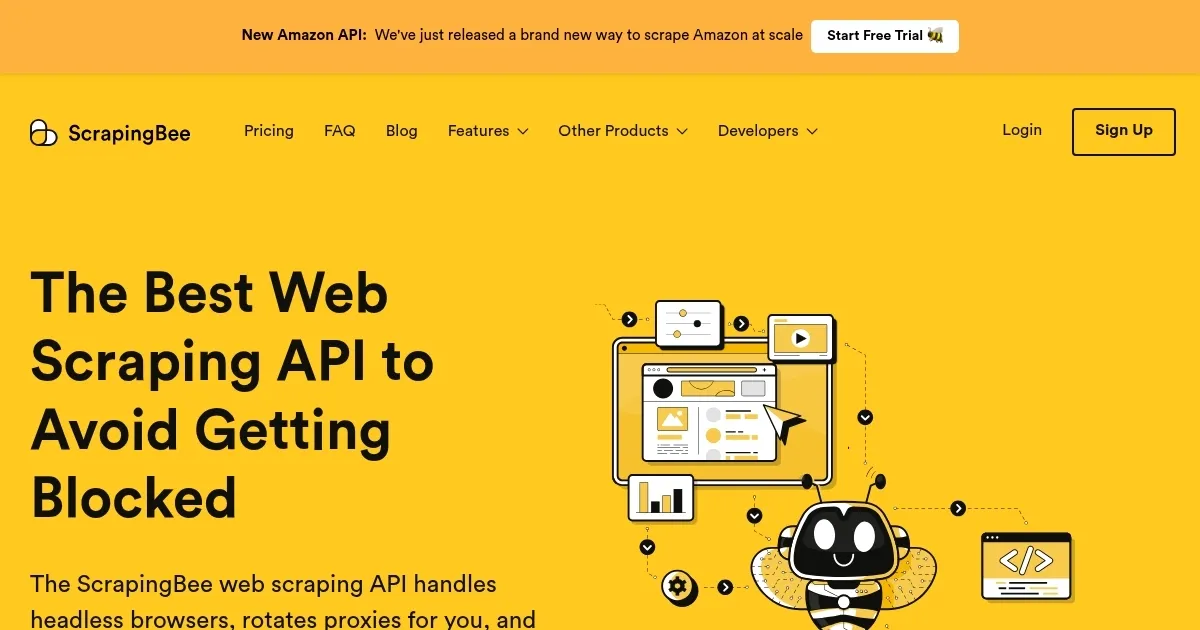
Homepage Screenshot 📸
What are the key features? ✨
- JavaScript Rendering: Processes dynamic web content using the latest Chrome version.
- AI Web Scraping: Extracts data using plain English instructions without CSS selectors.
- Proxy Rotation: Uses a large proxy pool to bypass rate limits and avoid blocks.
- Screenshot Feature: Captures full or partial page images for visual data needs.
- Google Search API: Simplifies scraping search engine result pages.
Who is it for? 🤔
Examples of what you can use it for 💡
- E-commerce Analyst: Monitors competitor pricing using AI-driven data extraction.
- Real Estate Developer: Scrapes property listings for market analysis with proxy rotation.
- SEO Specialist: Tracks search engine rankings via the Google Search API.
- Content Creator: Captures website screenshots for blog post visuals.
- Market Researcher: Extracts customer reviews from sites using JavaScript rendering.
Pros & Cons ⚖️
- Easy-to-use API with clear docs
- AI extraction simplifies scraping
- Strong proxy rotation for bypassing limits
- Free plan with 1,000 credits
- AI can struggle with complex layouts
- No cloud workflow management
FAQs 💬
Ready to try ScrapingBee?
Extracts web data using headless browsers and proxy rotation
Visit ScrapingBeeScrapingBee alternatives 🔗