Plandex
Handles large coding tasks in terminal using AI for real-world projects
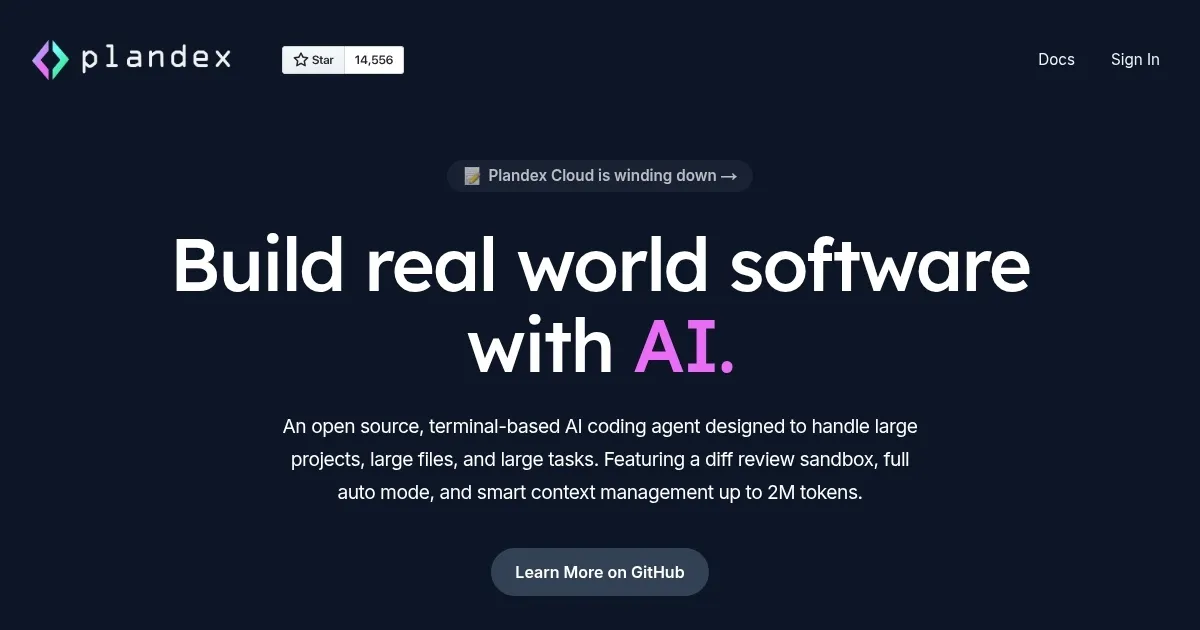
Plandex is an open-source terminal-based AI coding agent designed for handling large projects, files, and complex tasks with features like a diff review sandbox and smart context management up to 2M tokens.
It supports configurable autonomy, allowing users to choose between full auto mode for automated execution and step-by-step control for more oversight. The tool integrates with multiple AI models from providers such as OpenAI, Anthropic, and Google, enabling optimization for cost, speed, and capability. Installation is straightforward via a one-line curl command, and it works in local or self-hosted environments without dependencies.
Key functionalities include project-aware chat for brainstorming, reliable file edits with syntax validation using tree-sitter for over 30 languages, and Git integration for commit management. Compared to competitors like Aider, which focuses on pair-programming in terminals, Plandex excels in managing larger contexts and multi-step tasks. Another rival, Cursor, offers IDE integration but lacks the terminal focus and open-source nature of Plandex.
As a free tool, Plandex provides broad accessibility, though its cloud service is winding down. Users may appreciate the version control for plans, including branching, but could find setup for local models requires handling API keys and potential retries for function calls.
Practical use involves navigating to a project directory, initializing with Plandex, and using commands for planning or execution. For best results, combine models strategically and review diffs carefully before applying changes.
Homepage Screenshot 📸
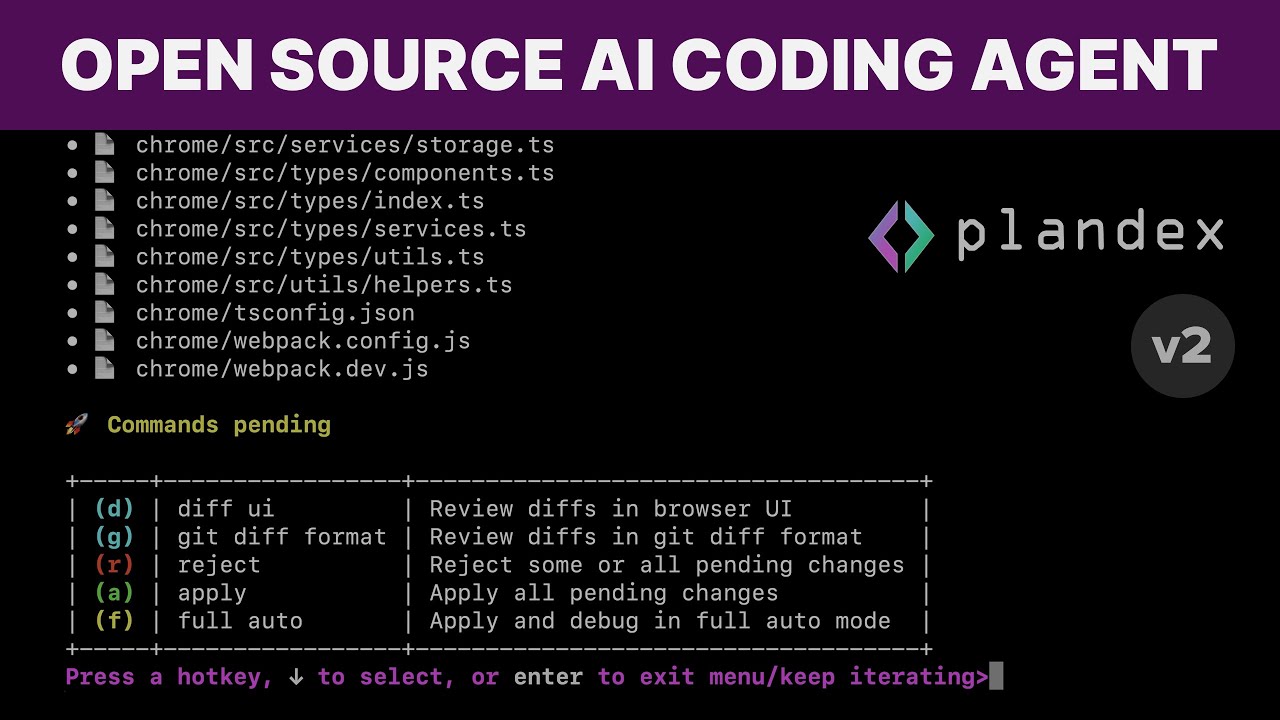
Video Overview 🎬
What are the key features? ✨
- Smart Context Management: Handles up to 2M tokens for large projects with efficient loading and caching.
- Diff Review Sandbox: Isolates AI-generated changes for safe inspection and rollback.
- Configurable Autonomy: Offers full auto mode or step-by-step control for task flexibility.
- Multi-Model Support: Integrates with OpenAI, Anthropic, Google, and open-source providers.
- Git Integration: Automates commits with generated messages and version control for plans.
Who is it for? 🤔
Examples of what you can use it for 💡
- Software Developer: Uses Plandex to automate refactoring across multiple files in a large codebase.
- Team Lead: Employs the tool to plan and execute feature additions while reviewing changes in a sandbox.
- Hobbyist Coder: Leverages chat mode to brainstorm ideas and learn about unfamiliar frameworks.
- DevOps Engineer: Applies it for debugging scripts and integrating with Git for streamlined deployments.
- Open-Source Contributor: Utilizes multi-model support to test code generations cost-effectively.
Pros & Cons ⚖️
- Open-source and free
- Large context handling
- Flexible autonomy levels
- Multi-model integration
- Function call issues
- Verbose outputs sometimes
FAQs 💬
Ready to try Plandex?
Handles large coding tasks in terminal using AI for real-world projects
Visit Plandex