logo-darklogo-darklogo-darklogo-dark
  • Tool Categories
    • 🎨Art & Creative Design505
    • 🏢Business Management644
    • 💻Coding & Development515
    • 👮Detection83
    • 🧠General Use727
    • 🏥Health & Wellness55
    • 📷Image & Photo Analysis100
    • 🖼️Image Generation & Editing618
    • 📐Interior & Architectural Design37
    • 🎓Learning & Education483
    • ⚖️Legal & Finance90
    • 🎭Lifestyle & Entertainment236
    • 📢Marketing & Advertising627
    • 🎧Music & Audio138
    • 👔Office & Workplace1,014
    • 🔬Research & Data Analysis372
    • 👥Social Media245
    • 🎥Video Generation & Editing426
    • 👧🏻Virtual Companion135
    • 🎤Voice Generation & Editing381
    • ✍️Writing & Editing808
    • All Categories
    • AI Use Cases
  • News
  • Events
    • Academic Conferences
    • Developer Conferences
    • Expos / Trade Shows
    • Industry Summits
    • Workshops / Training
    • All Events
    • Past Events
  • Saved Tools
  • Suggest a Tool
✕
Home › Coding & Development › Code Assistant› OpenCode
OpenCode

OpenCode

Assists coding tasks in terminal with AI agents

OpenCode is an open-source AI coding agent designed for terminal use, providing assistance in code generation, debugging, and project management through a native TUI. It supports automatic LSP loading for context-aware interactions with over 75 LLM providers via Models.dev, including local models and integrations like Claude Pro. Installation options include curl script, npm, Homebrew, or Paru, with Windows relying on binary downloads. Usage begins by running opencode in a project directory, followed by /init to analyze files and generate an AGENTS.md summary.

The tool features Plan and Build modes, switched via Tab key, where Plan outlines implementation steps and Build applies file edits with diffs. Multi-session capability allows parallel agents on the same project, and /share creates clipboard links for session export. Configuration via opencode auth login sets API keys, while opencode config handles themes, keybinds, and formatters. Image drag-and-drop supports visual prompts, and /undo or /redo manages revisions. Non-interactive mode runs via opencode -p for scripted prompts.

Competitors include Aider for git-centric edits and Cursor for IDE-based workflows. Aider emphasizes commit integration but lacks TUI depth, while Cursor offers visual multi-file handling in editors like VS Code. GitHub Copilot CLI provides snippet generation tied to OpenAI but without persistent sessions or broad model support. Pricing depends on LLM tokens, generally lower than subscription-based competitors due to provider choice.

Users report productivity gains from seamless model switching and LSP accuracy, with surprises like effective local model performance for offline work. Drawbacks include Windows install issues and occasional prompt misinterpretation requiring undos. The TUI uses Bubble Tea in Go for responsiveness, supporting themes and mouse-free navigation.

For best results, use detailed prompts in Plan mode for complex tasks, review all diffs, and configure preferred models via Zen for optimized setups.

Visit OpenCode ↗
Categories
💻 Coding
🤖 Code Assistant ⌨️ Code Generation 👨‍💻 Development ✨ Vibe Coding
🧠 General
🦙 Open Source Model
👔 Work
🔗 Agent 🤖 Copilot

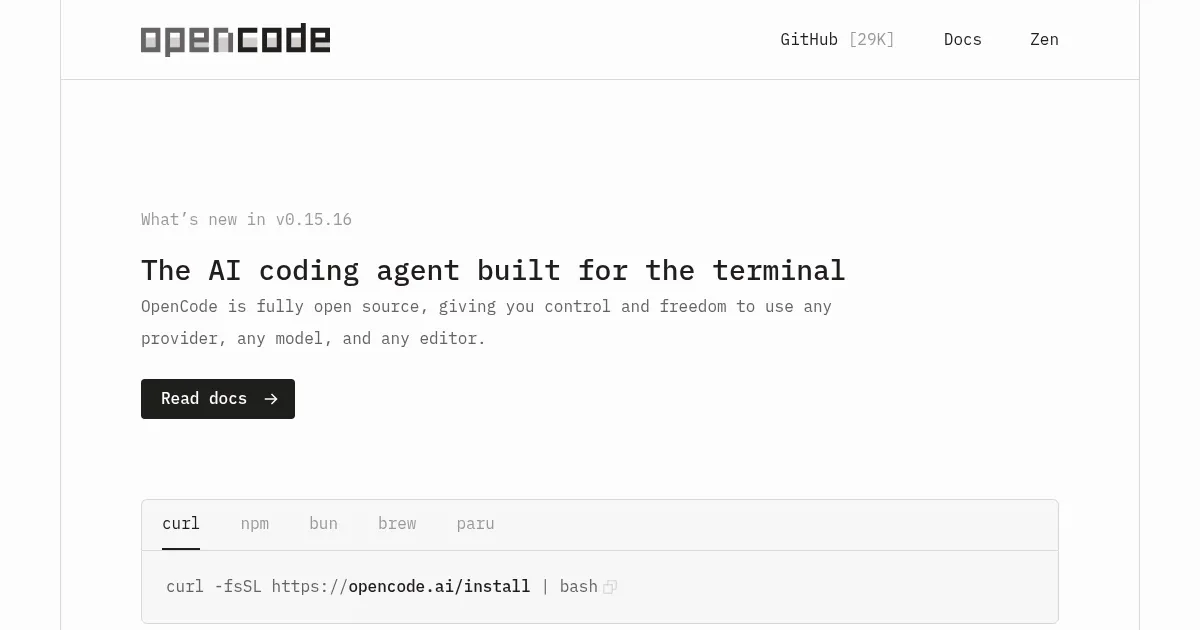
Homepage Screenshot 📸

OpenCode screenshot

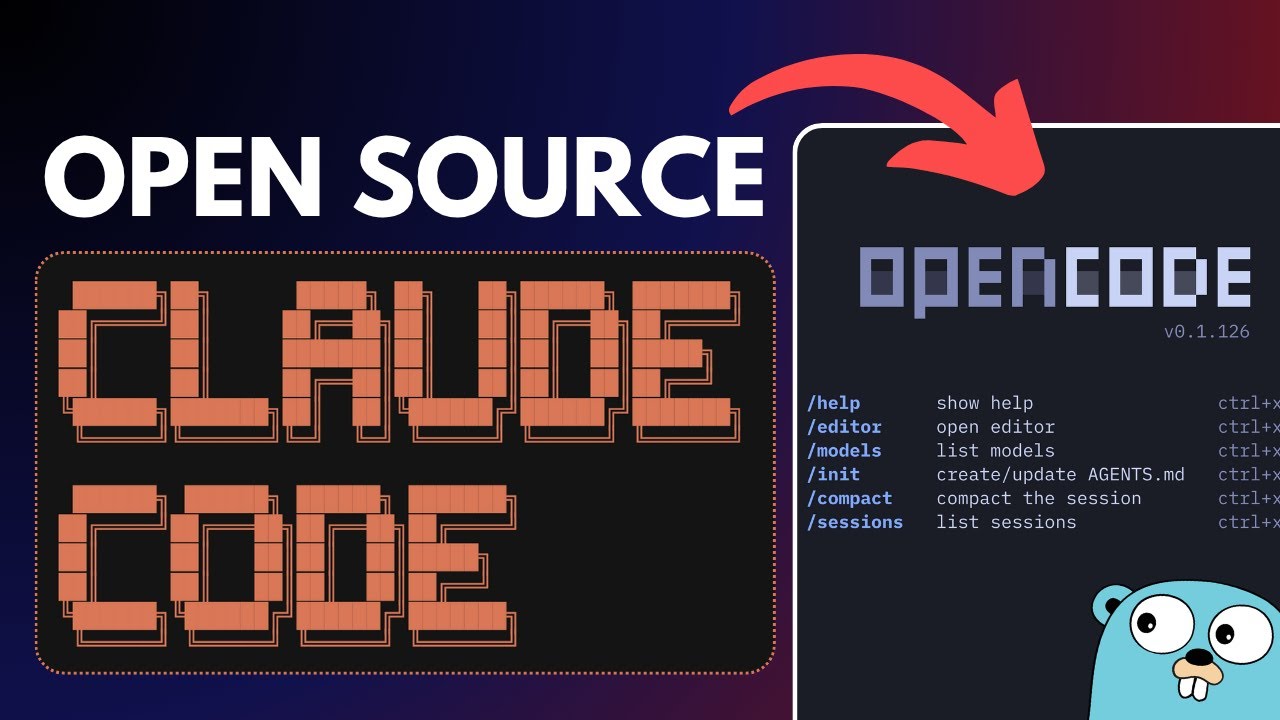
Video Overview 🎬

OpenCode - Video Overview

What are the key features? ✨

  • Native TUI: Provides a responsive, themeable terminal interface for interactive AI coding sessions.
  • LSP Enabled: Automatically loads language servers to give the AI accurate codebase context.
  • Multi-Session: Runs multiple AI agents in parallel on the same project for concurrent tasks.
  • Shareable Links: Generates URLs for sessions to share conversations and code states.
  • Model Support: Integrates with 75+ LLM providers, including local models via Models.dev.

Who is it for? 🤔

OpenCode is designed for developers who prefer terminal workflows, such as backend engineers, DevOps specialists, or open-source contributors working on command-line heavy projects. It helps those tired of switching between IDEs and chat tools by keeping AI assistance in one place, ideal for Linux or Mac users focused on efficiency without subscriptions. Beginners might find it approachable for learning code patterns, while pros benefit from its model flexibility for cost control and offline use, though Windows users may need extra setup steps.

Examples of what you can use it for 💡

  • Backend Developer: Uses Plan mode to outline and implement API routes with auth, applying changes across multiple files.
  • DevOps Engineer: Runs multi-sessions to debug deployment scripts while testing configs in parallel.
  • Freelance Coder: Shares session links with clients to demonstrate refactoring legacy code step by step.
  • Student Learning: Drags UI images for prompts to generate frontend code examples with explanations.
  • Open-Source Contributor: Switches to local models for offline PR reviews and test generation on a repo.

Pros & Cons ⚖️

  • Model agnostic
  • Terminal native
  • LSP auto-load
  • Windows clunky
  • No IDE view

FAQs 💬

What installation methods does OpenCode support?
It offers curl script, npm install -g opencode-ai, Homebrew, Paru for Arch, and binary downloads for Windows.
How do I set up API keys for models?
Run opencode auth login, select a provider like Anthropic or OpenAI, and enter your key for access.
Can OpenCode work with local LLMs?
Yes, it supports local models through Ollama or similar via Models.dev integration.
What is the difference between Plan and Build modes?
Plan outlines steps without editing files, while Build applies changes directly with diffs for review.
Does OpenCode integrate with git?
It makes file edits but does not auto-commit; pair it with git commands for version control.
How do I share a coding session?
Use the /share command to generate a link copied to your clipboard, including history and context.
Is OpenCode free to use?
The tool is open-source and free, but costs depend on your LLM provider's token usage.
What terminals work best with OpenCode?
It performs well in iTerm2, Alacritty, or Kitty; avoid basic ones for full TUI features.
Can I customize the interface?
Yes, use opencode config to set themes, keybinds, formatters, and custom commands.
How does OpenCode handle errors in edits?
Use /undo to revert changes and refine prompts, or /redo to reapply.

Ready to try OpenCode?

Assists coding tasks in terminal with AI agents

Visit OpenCode ↗

OpenCode alternatives 🔗

  1. ChatGPT ChatGPT All-round AI assistant generating human-like responses to user queries and tasks
  2. Claude Claude Assists users in reasoning, coding, writing, and analyzing data with advanced AI models
  3. DeepSeek DeepSeek Delivers advanced AI models for coding and reasoning at low costs
  4. Cursor Cursor Supercharges coding with AI agents that build, edit, and review code autonomously.
  5. Windsurf Windsurf Empowers developers with AI-driven code generation and real-time collaboration.
  6. Lovable Lovable Builds apps and websites via AI chat prompts.
Share
OpenCode screenshot enlarged
Promote OpenCode
light badge
Copy Embed Code
dark badge
Copy Embed Code
neutral badge
Copy Embed Code
Best AI Tools

Discover the best AI tools for any use case

Explore
  • Tool Categories
  • AI Use Cases
  • AI Events
  • AI News
  • Saved Tools
Company
  • About Us
  • Contact Us
  • Media & Partnerships
  • Suggest a Tool
Legal
  • Privacy Policy
  • Terms of Service
Copyright © 2026 Best AI Tools 415 Mission Street, 37th Floor, San Francisco, CA 94105