
Photor AI

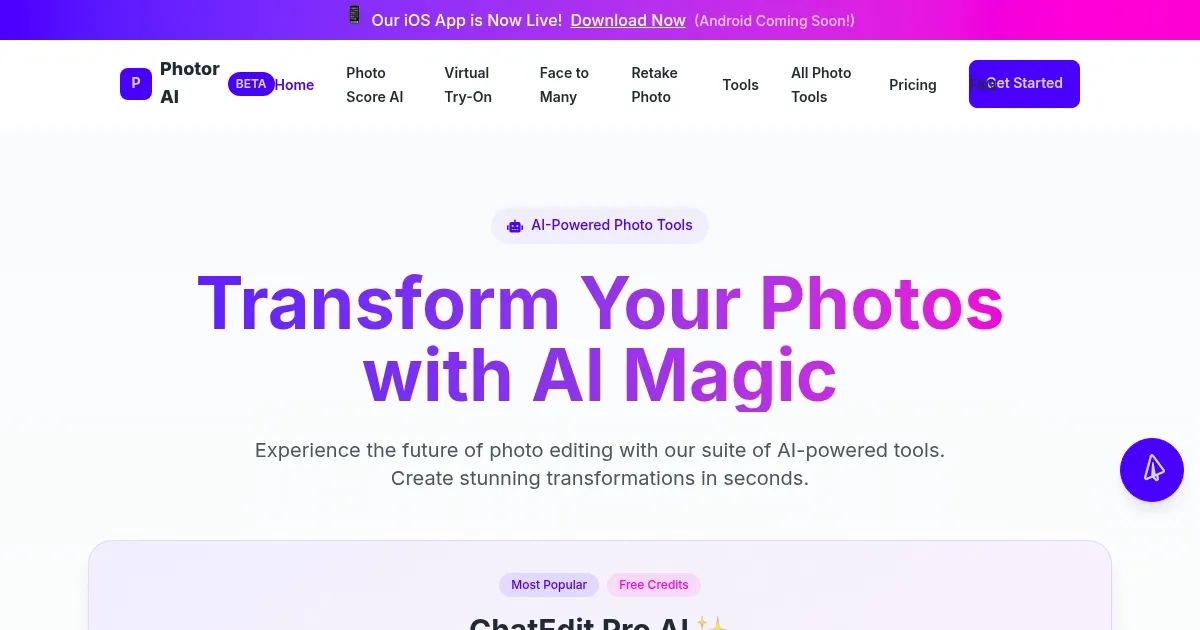
Photor AI is an online tool that utilizes advanced image recognition and machine learning to analyze, rate, and enhance photographs, assisting users in selecting the best images from their collections.
The core functionality revolves around photo analysis, where the AI evaluates elements such as composition, lighting, sharpness, and overall quality, providing a score and detailed feedback. Users upload images individually or in batches, and the tool processes them quickly, highlighting strengths and suggesting improvements. For instance, it might recommend adjustments to exposure or cropping to enhance visual appeal. This feature proves particularly useful for curating profile pictures for platforms like LinkedIn or dating apps, where technical precision impacts first impressions.
In addition to analysis, Photor AI includes enhancement capabilities, applying automated edits to improve clarity, colors, and details while maintaining a natural look. The AI chat assistant allows interactive queries about images, offering insights into content or edit suggestions in a conversational manner. Higher-tier plans enable batch processing, which streamlines handling multiple files, and priority support for quicker resolutions. The platform operates on a credit system, with actions like analysis costing 2 credits and enhancements 3, ensuring users manage usage efficiently.
Pricing structures cater to different needs, with a basic plan offering limited credits monthly, mid-tier adding advanced features, and top-tier providing daily allotments and early access to updates. Compared to competitors such as Photofeeler, which uses crowd-sourced ratings, Photor AI delivers instant AI-driven results without external input. Similarly, Fotor offers broader editing tools but requires more manual intervention, while Photor emphasizes automation and selection.
Potential drawbacks include the subjective nature of AI judgments, which may not align with personal preferences, and reliance on internet connectivity for uploads. Users appreciate the tools accessibility and time-saving aspects, though some report occasional errors in processing. Overall, it suits those seeking quick, objective photo evaluations and minor enhancements without complex software.
What are the key features? ⭐
- AI Analysis: Delivers quality ratings and detailed feedback on photo elements like composition and lighting.
- Photo Selection: Automatically ranks and selects the best images from uploaded batches.
- AI Enhancement: Applies automated improvements to enhance clarity, colors, and details.
- AI Chat Assistant: Enables conversational queries for insights and edit suggestions on images.
- Batch Processing: Handles multiple photos simultaneously for efficient workflow in higher plans.
Who is it for? 🤔
Examples of what you can use it for 💭
- Amateur Photographer: Uploads recent shots to receive ratings and tips for better composition and lighting.
- Social Media User: Selects the best profile picture from multiple options for dating or networking apps.
- Marketing Professional: Analyzes batch images to choose high-quality ones for promotional materials.
- Content Creator: Enhances photos automatically to improve visual appeal before posting online.
- Beginner Editor: Uses chat assistant to ask questions and get suggestions on image improvements.
Pros & Cons ⚖️
- Quick analysis
- Detailed feedback
- Easy interface
- Automated enhancements
- Subjective ratings
- Credit limits








