
PicLumen


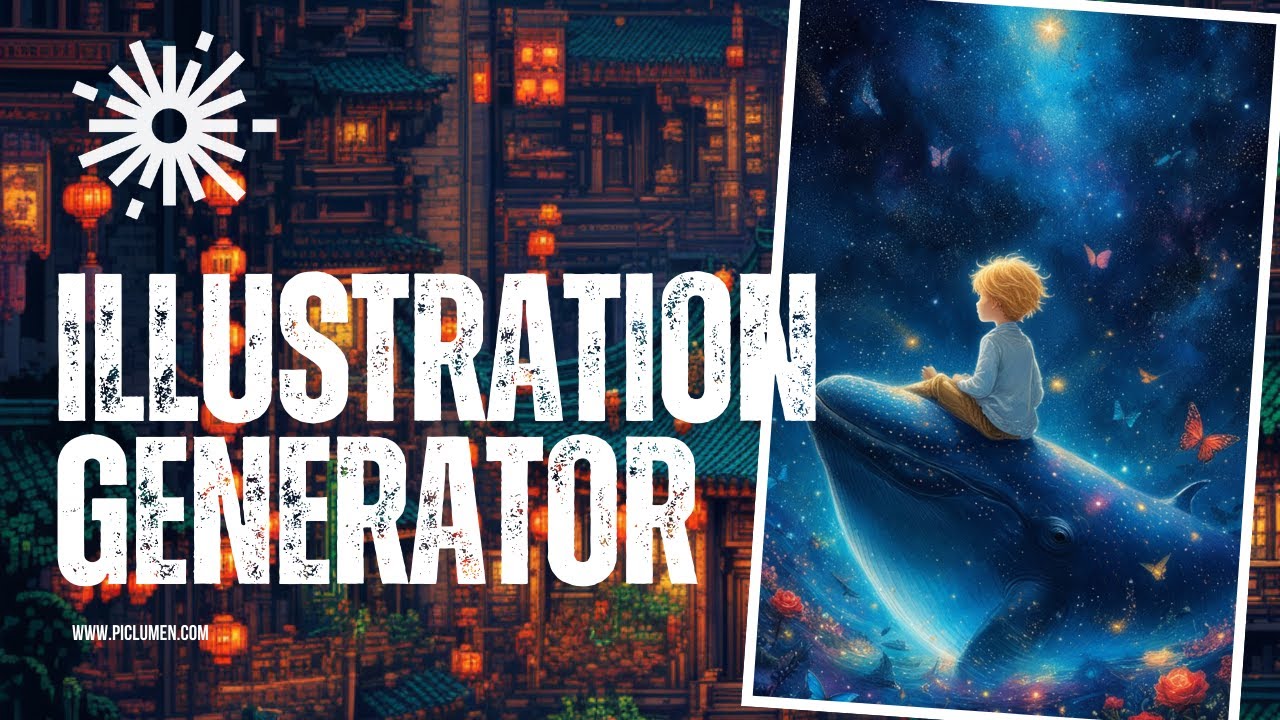
PicLumen is a fancy AI image generator that allows users to transform text prompts into stunning visuals with minimal effort. It is designed to cater to different needs, from artistic AI art to photorealistic images — making it suitable for both beginners and professionals.
The tool comes with multiple generation models — including PicLumen Reality, Anime, and Line Art — which enable users to create everything from realistic portraits to anime-style artwork. So, whether you’re an artist looking for quick inspiration or someone needing customized visuals for marketing, PicLumen provides an intuitive experience with user-friendly controls.
The tool also offers the image-to-image feature, allowing you to upload an existing image and use it as a reference to maintain content, mimic style, or keep consistent characters across multiple images. Moreover, PicLumen includes advanced settings like the CFG scale and seed control, so you can fine-tune how closely the generated image follows the original prompt.
PicLumen integrates with the FLUX AI model to enhance its text-to-image generation, producing highly detailed, descriptive images with impressive accuracy. It can handle common text interpretation errors, making it a reliable choice for users seeking a more realistic or intricate output. Plus, for those wanting to experiment with creative modifications, PicLumen offers inpainting and outpainting tools for adjusting small details or expanding images beyond the original dimensions.
The best part is that you can try PicLumen for free with daily tokens that allow for continuous use of the tool. Of course, should you need more of them (tokens) – you will have to pay. AI isn’t free and someone has to pay for those computing resources.
Video Overview ▶️
What are the key features? ⭐
- Text-to-image generation: Transform text descriptions into visually stunning AI-generated images with just a few clicks - no design skills are required.
- Multiple art styles: PicLumen offers diverse styles, such as anime, realistic, and artistic, allowing users to customize their images for various needs.
- Image-to-image: Upload a reference image and personalize it with AI to match your creative vision.
- AI outpainting: PicLumen lets you extend and expand images by intelligently filling in additional areas for enhanced creativity.
- Free to try: Users can generate and use images for free across personal and commercial projects.
Who is it for? 🤔
Examples of what you can use it for 💭
- Create unique and engaging visuals for posts to enhance social media presence
- Generate creative images for advertisements and promotional content with minimal effort
- Design personalized art or graphics for hobbies, personal websites, or gifts
- Use text-to-image generation to visualize story concepts or create illustrations for written work
- Quickly mock up design ideas for clients or personal projects without needing extensive design experience
Pros & Cons ⚖️
- Multiple styles for different creative needs
- Allows testing without initial investment
- Easy to use
- Not ideal for in-depth image manipulation








