
insMind
An AI-powered photo editing tool made to simplify the creation of professional product images
insMind is an AI-powered photo editing tool designed to simplify the creation of professional-grade product images, which makes it especially popular among e-commerce users and digital marketers.
The tool lets users quickly add studio-quality effects that enhance image realism without requiring advanced skills. For instance, it offers background removals and the ability to quickly add shadows and reflections.
There are also additional AI-driven editing features, such as a magic eraser for removing unwanted objects, AI image enhancement for upscaling without quality loss, and smart resizing to adjust images for various platforms. Plus, let’s not forget AI-generated backgrounds, text overlays, and even face-swapping.
Furthermore, insMind integrates advanced AI tools like an image generator and design generator, which can transform text prompts into striking visuals. This can be particularly useful for marketers needing custom social media or promotional content images. Additionally, its collage-making tool automates compiling product photos into fancy layouts, which can be ideal for showcasing multiple items in one image.
Overall, insMind offers a comprehensive suite of image editing tools, from basic tasks like cropping and resizing to more advanced capabilities like AI-generated fashion models. It is easy to use and can produce some really great results. Check it out.
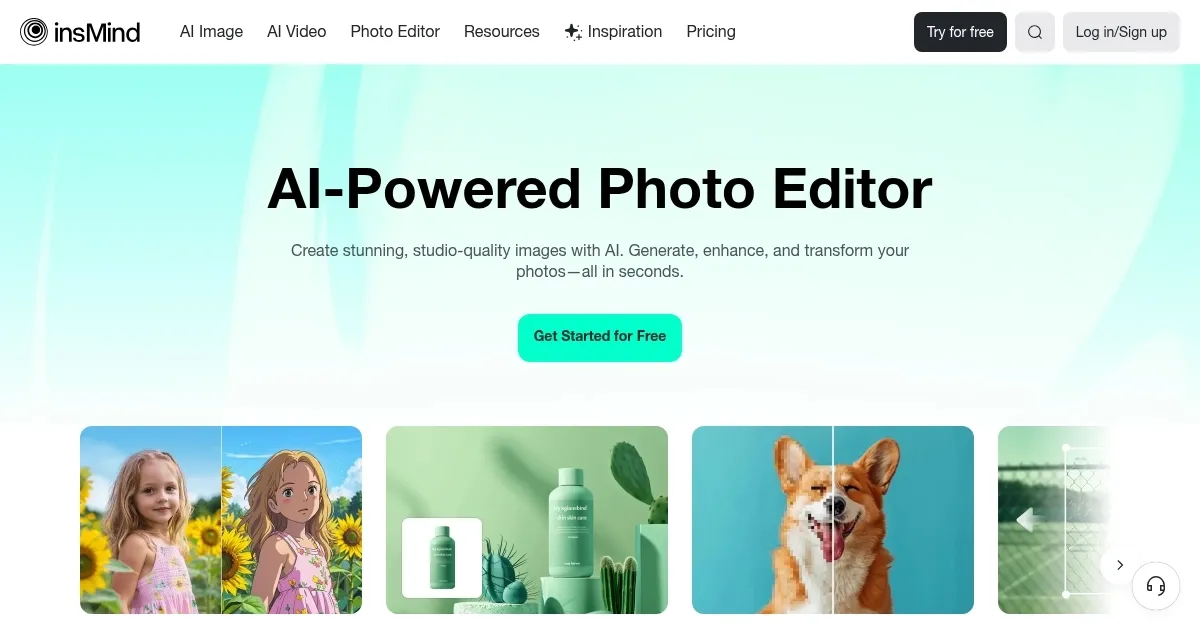
Homepage Screenshot 📸
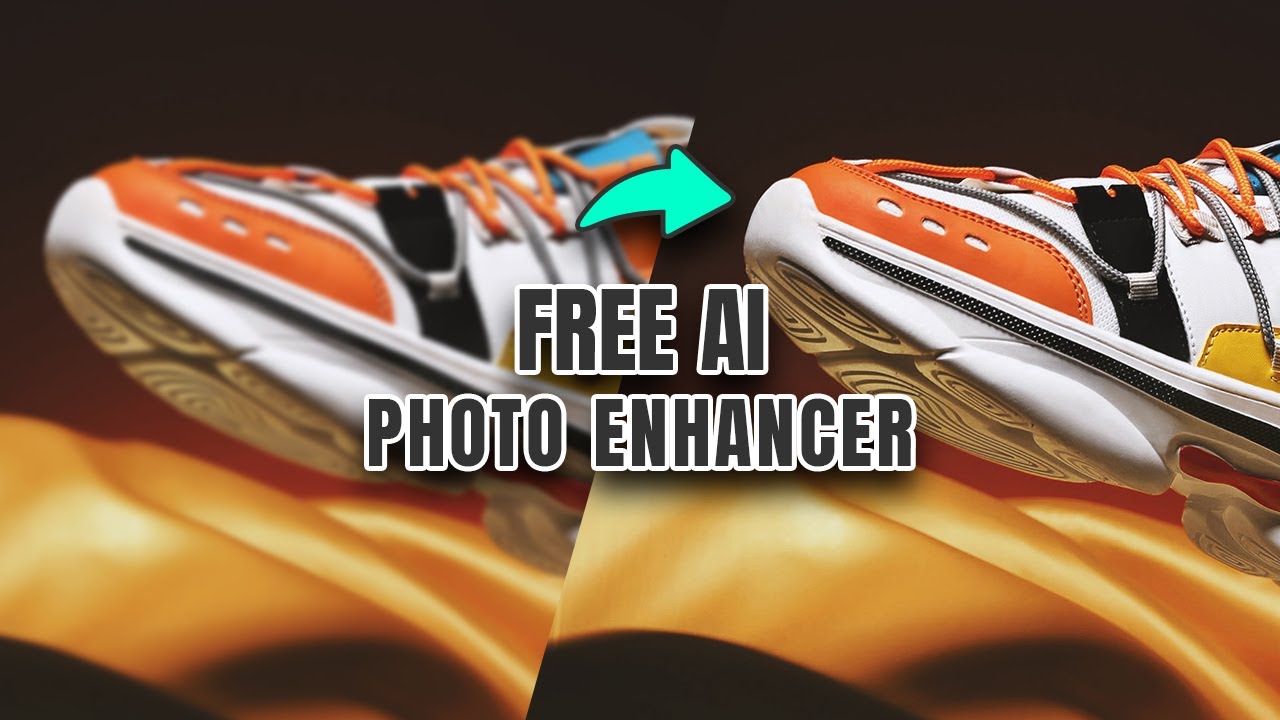
Video Overview 🎬
What are the key features? ✨
- Background remover: insMind can automatically remove backgrounds from images with precision in seconds.
- AI image enhancer: It can improve image quality by enhancing details and reducing blurriness.
- Smart resize: insMind can quickly resize images for different platforms or formats without losing quality.
- AI shadows & reflections: Generate realistic shadows and reflections for product photos.
- Magic eraser: Remove unwanted objects from images with just one click.
Who is it for? 🤔
Examples of what you can use it for 💡
- Prepare professional-grade product photos for e-commerce
- Easily create optimized images for social media channels
- Use AI tools to generate high-quality promotional images quickly
- Improve and edit images for blogs, videos, and other digital content
- Simulate product images with AI-generated models and backgrounds
Pros & Cons ⚖️
- Advanced tools for quick background removal
- Automates many image editing tasks efficiently
- Interface designed for both beginners and pros
- Can be expensive for some users
FAQs 💬
Ready to try insMind?
An AI-powered photo editing tool made to simplify the creation of professional product images
Visit insMind