Plask Motion
Converts video footage into professional 3D character animations using AI motion capture
Plask Motion is an AI-powered motion capture (mocap) animation tool designed to revolutionize the 3D workflow, especially in rapid prototyping. It enables users to generate high-quality animations from video footage swiftly and efficiently.
Plask’s advanced AI algorithms can translate 2D movements into animated 3D models by simply uploading a video. This transformation process significantly simplifies animation creation for applications in gaming, film, virtual reality, and other computer-generated projects.
Plask Motion also offers a range of features to enhance animation quality and integrate into various platforms. The service includes an outsourcing option for users looking for expert assistance, an SDK for seamless motion integration into products, and an extensive library of tutorials and user reviews for community-based learning.
Plask supports free and personal 3D models, offering diverse applications from educational packages to gaming development and media entertainment.
With its intuitive interface and high precision, Plask Motion has garnered positive testimonials from a broad spectrum of users and is considered a valuable tool for both indie developers and professional animators.
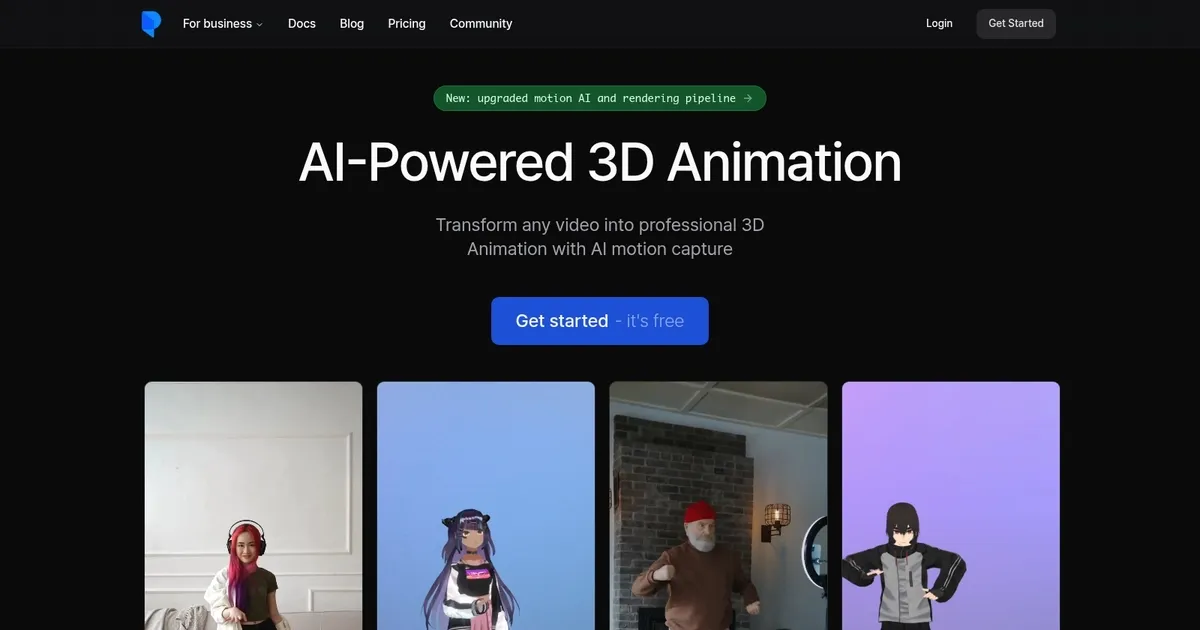
Homepage Screenshot 📸
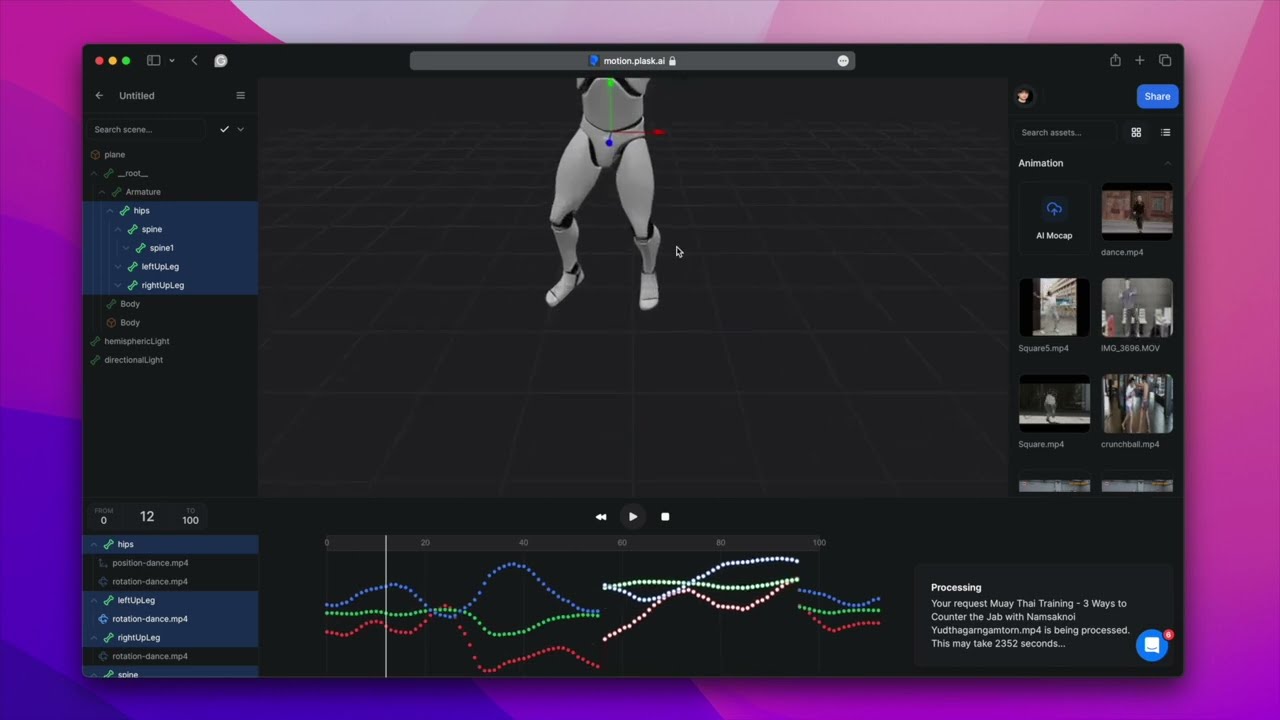
Video Overview 🎬
What are the key features? ✨
- AI Motion Capture: Extracts accurate body motion data from single-camera video footage without markers.
- 3D Animation Editor: Provides browser-based tools to apply, edit, and refine captured motions on 3D models.
- AI Cinematography: Automates lighting, camera movements, and professional post-processing effects.
- Seamless Exports: Outputs animations in formats compatible with Unity, Unreal Engine, Blender, and Maya.
- Stable AI Mode: Improves foot placement and reduces sliding for more natural-looking results.
Who is it for? 🤔
Examples of what you can use it for 💡
- Indie game developer: Prototypes character animations from phone-recorded reference videos for quick iteration in Unity or Unreal.
- Content creator: Converts viral dance or performance clips into 3D versions for stylized TikTok or YouTube shorts.
- Animator or filmmaker: Blocks out cinematic scenes rapidly using AI-generated motion before manual refinement in Maya or Blender.
- Educator or student: Demonstrates motion capture concepts hands-on without specialized hardware in a classroom setting.
- Pre-production artist: Tests actor performances in 3D form early to visualize storyboards or pitch concepts.
Pros & Cons ⚖️
- Fast video-to-3D conversion
- Generous free daily credits
- Browser-based ease of use
- Strong export compatibility
- Limited finger detail
- Artifacts in complex motions
FAQs 💬
Ready to try Plask Motion?
Converts video footage into professional 3D character animations using AI motion capture
Visit Plask MotionPlask Motion alternatives 🔗