
Raphael AI
Raphael AI is a free AI image generator based on the powerful FLUX.1‑Dev model. As that’s usually the case, it lets you write a prompt and returns beautiful images fast. That first sentence might sound easy. But there’s a twist. There are a few things you absolutely need to know before diving in. What looks like a free toy is actually a creative powerhouse — with some hidden limits and surprising features that set it apart.
Think of it as an artist’s magic paintbrush that never runs dry. You type a sentence like “sunset over purple mountains,” and boom — an image appears in seconds. No login needed and no payments required. Millions of users already use it every month — about 3 million active users and 1,530 images generated per minute.
When you compare that to paid tools like Midjourney, Stable Diffusion or DALL·E – it’s a huge deal to get this level of access totally free — but it’s not quite the same in polish or commercial licensing.
Inside, Raphael AI offers more than pretty pictures and can produce images in multiple styles — including photorealism, anime, fantasy, comic, pixel art, cinematic and even tattoo designs. There’s also the enhanced mode so even one word like “dragon” can give fine detail.
There is one issue though — resolutions top out around 1024×1024 pixels. Also, busy users might hit a slow-down or timeout and, as a result, turn to other services for their image generation “needs.” Still, for anyone from hobby artists to small businesses, it could be a useful tool. And the best part is that you get clean downloads without watermarks. We kinda love it for that and advise you to check it out.
Video Overview ▶️
What are the key features? ⭐
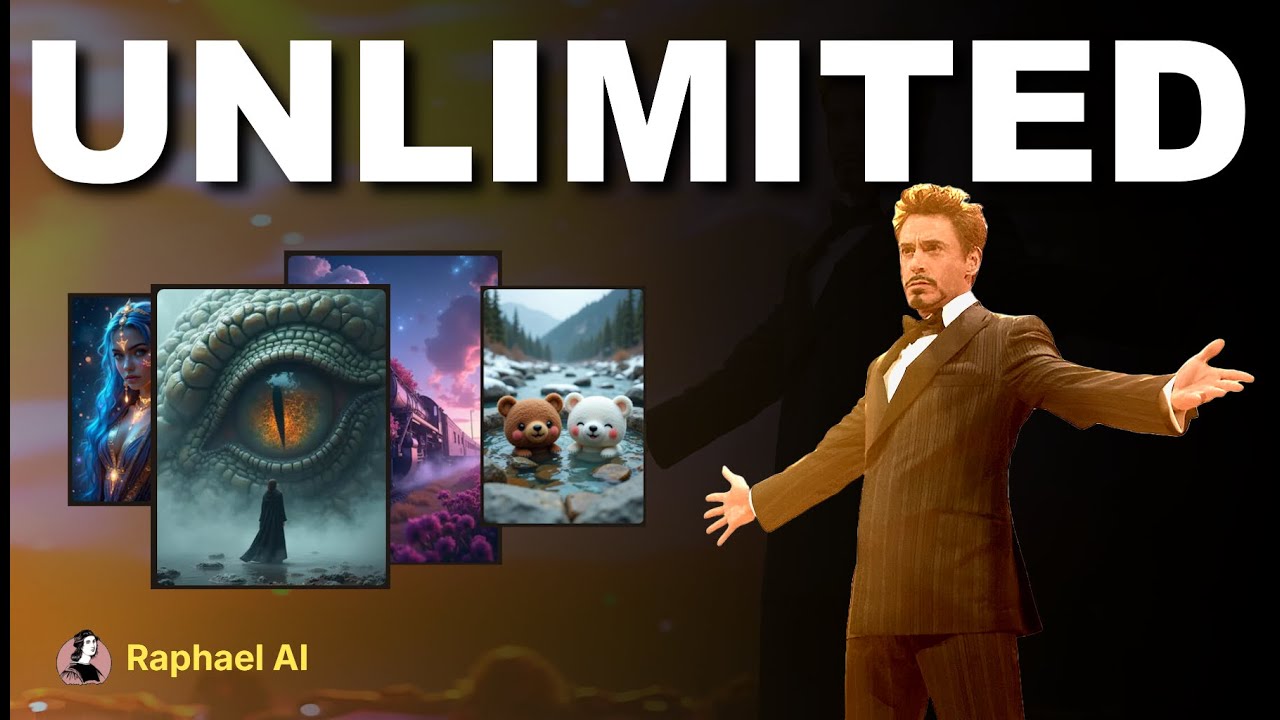
- No usage cap: Anyone can generate as many images as they want. There are no trial limits and no paywall.
- Zero registration required: Start making art immediately. You don't even have to provide your email address.
- Multiple styles: Choose from anime, photorealistic, comic, tattoo, fantasy, pixel‑art and more. You can even mix styles for unique effects.
- Fast generation times: Most images appear in under 20 seconds.
- Privacy-first & watermark-free: The app doesn't store your prompts or images. Furthermore, outputs are clean and there are no logos attached.
Who is it for? 🤔
Examples of what you can use it for 💭
- Create fancy social media visuals that grab attention and spark comments
- Generate book covers, illustrations, or concept art for writers and indie creators
- Design ads or banner graphics quickly on a budget
- Make visual aids for students or teachers without paying for design tools
- Test product ideas or packaging concepts with fast photo‑style mockups
Pros & Cons ⚖️
- No signup makes it easy to start
- Wide range of artistic styles
- Totally free with no usage limits!
- Max resolution caps at around 1024×1024px








