TalkingAvatar.ai


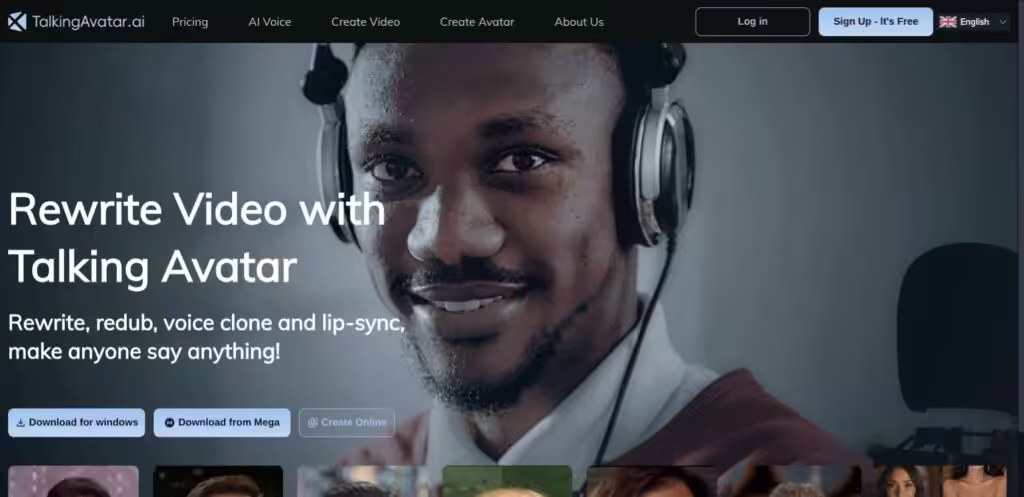
TalkingAvatar.ai is an AI-driven platform that creates lifelike talking avatars with voice cloning and lip-sync for video content, ideal for creators, marketers, and educators. It offers tools to generate avatars from text or audio, redub videos, and sync lip movements, with support for multilingual projects. The platform requires a modern PC, with a minimum Intel Core i5 or AMD Ryzen 5 and a decent GPU like NVIDIA Geforce 1060.
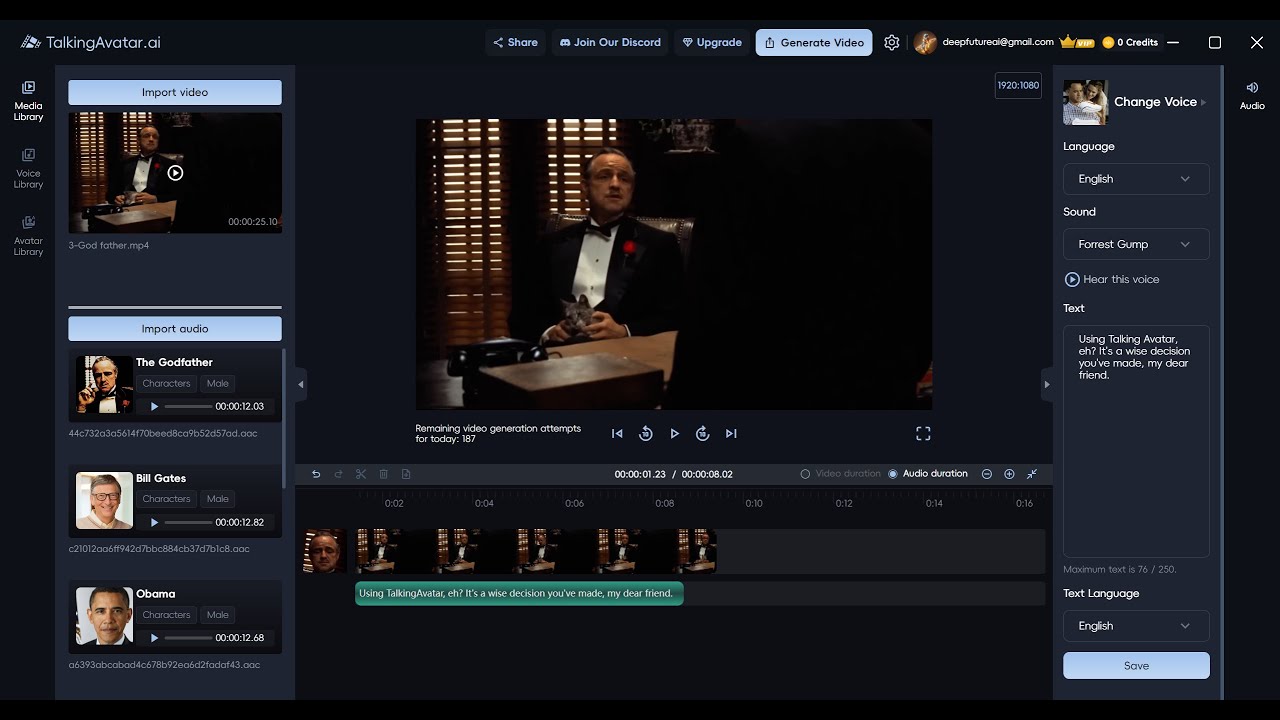
The One-Sentence Voice Cloning feature captures a voice from a single sentence, producing near-authentic speech for avatars. The One-Click Multi-Speaker Lip-Sync ensures accurate lip movements for videos with multiple speakers, streamlining podcast or interview editing. The Stream Avatar tool replaces live video feeds on platforms like Zoom or Twitch, maintaining professional visuals. The Rewrite and Redub Videos feature updates old content or creates multilingual versions, while the AI Avatar Integration combines voice cloning with customizable avatars for engaging videos.
Compared to Synthesia and VEED, TalkingAvatar.ai excels in voice cloning speed but lacks the comprehensive editing tools of VEED or Synthesia’s enterprise polish. Users praise the multilingual support and ease of use but note a learning curve for advanced features like gesture customization. The platform’s hardware demands may exclude users with older systems.
The free trial offers a low-risk way to test features, and the interface is intuitive for beginners. Rendering times can lag with complex projects, and some users report minor voice cloning imperfections. The tool’s strength lies in its ability to create realistic avatars quickly, especially for social media or virtual presentations.
Try the free trial with a simple project to gauge performance. Ensure your hardware meets the requirements, and start with short scripts to test voice cloning and lip-sync accuracy. Focus on basic features before diving into advanced customization to avoid frustration.
Video Overview ▶️
What are the key features? ⭐
- One-Sentence Voice Cloning: Clones a voice from one sentence for realistic avatar speech.
- One-Click Multi-Speaker Lip-Sync: Syncs lip movements for multiple speakers in videos.
- Stream Avatar: Replaces live video feeds with lip-synced avatars on Zoom or Twitch.
- Rewrite and Redub Videos: Updates or translates videos with cloned voices.
- AI Avatar Integration: Combines voice cloning with customizable avatars for engaging content.
Who is it for? 🤔
Examples of what you can use it for 💭
- Content Creator: Uses TalkingAvatar.ai to craft engaging social media videos with lifelike avatars.
- Marketer: Redubs product videos in multiple languages for global campaigns.
- Educator: Creates animated training videos with custom avatars for e-learning platforms.
- Podcaster: Syncs podcast audio with avatars for visually engaging video content.
- Business Professional: Replaces live video on Zoom with a polished avatar for meetings.
Pros & Cons ⚖️
- Accurate multi-speaker lip-sync.
- Supports multilingual video creation.
- Free trial to test features.
- Clunky gesture customization.
- Occasional voice cloning flaws.