EasyVid
Transforms scripts into animated videos with voiceovers and visuals in minutes
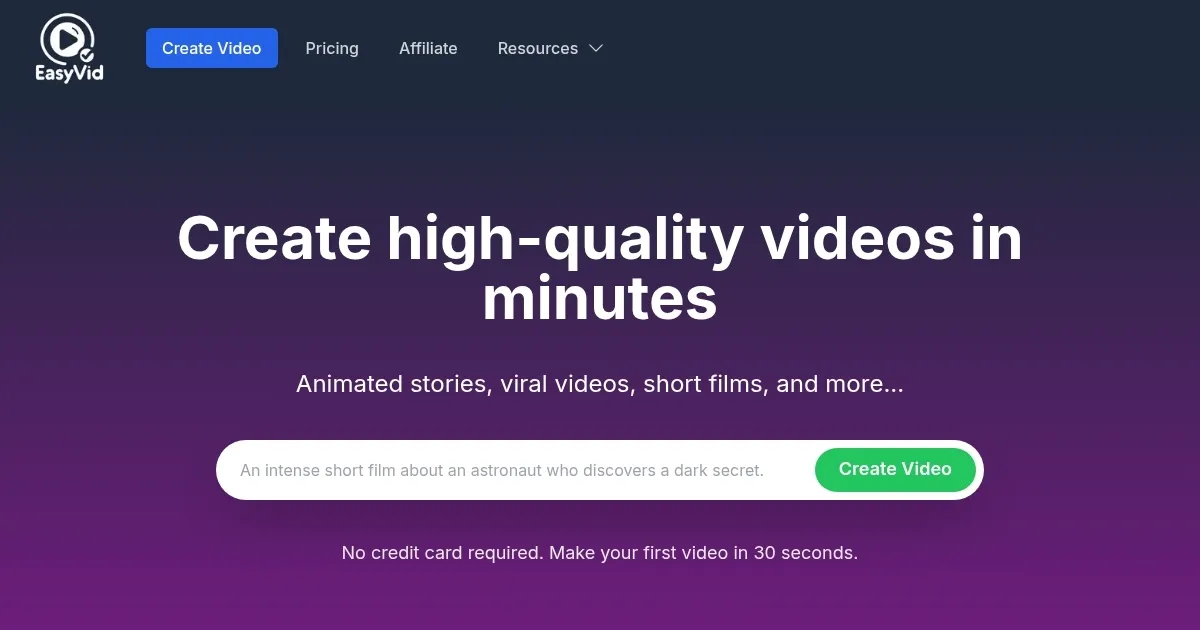
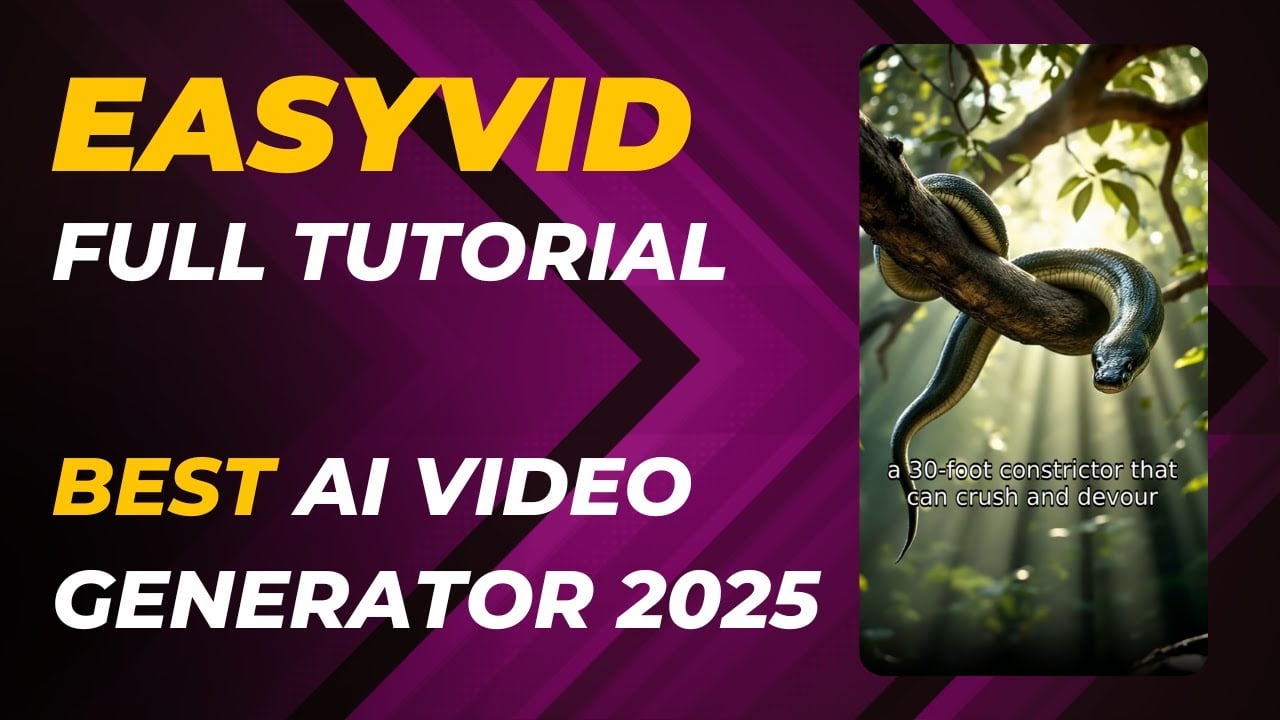
I gave EasyVid a try for a couple of hours, and from what I can tell, it’s like handing a kid a box of crayons and watching them churn out a masterpiece. This tool takes your script — or even a vague idea — and spins it into a fully animated video with voiceovers, visuals, and subtitles faster than you can brew a pot of coffee. I typed in a prompt about a quirky detective solving a mystery, and within minutes, EasyVid handed me a video with a gruff-voiced sleuth, moody city visuals, and auto-synced captions. It’s not perfect, but it’s darn impressive for something that feels like waving a magic wand.
The interface is clean, almost too clean, like a minimalist café with just enough flair to keep you engaged. You start by tossing in a script or prompt, and EasyVid generates a storyboard you can tweak. The “Realistic Voices” feature is a gem — I cycled through a few options and landed on a warm, conversational tone that fit my detective vibe. The animations are slick, with motion that feels natural, not like a clunky PowerPoint slide. I also played with the “Auto Sound Effects” feature, which added a satisfying door creak to my mystery scene without me lifting a finger. Compared to VEED, which I’ve poked around in before, EasyVid feels more automated, which is both its strength and its quirk.
Here’s the rub, though. The “Consistent Characters” feature, while clever, tripped up once — my detective’s hat changed styles mid-scene, which was jarring. A quick regeneration fixed it, but it’s not seamless. Also, the free plan’s three-minute cap felt tight when I tried a longer script, though paid plans loosen that limit. Unlike Descript, which leans heavily into audio editing, EasyVid’s focus is squarely on video, so don’t expect deep audio tweaking tools. The speed, though? Blazing. My video was ready in under two minutes, which blew my mind.
What surprised me was how intuitive the editing felt. I uploaded a custom background image for one scene, and EasyVid blended it smoothly with the AI-generated visuals. The 28-language support is a nice touch, too — I tested a Spanish voiceover, and it sounded natural, not robotic. Pricing seems reasonable with its pay-per-second model, especially compared to Synthesia‘s pricier subscriptions, but heavy users might need a paid plan to avoid hitting limits fast. Social media creators will eat this up — perfect for TikTok or Instagram Reels — though serious filmmakers might want more control.
My advice? Keep your prompts specific to avoid wonky visuals, and play with the voice options to nail the tone. If you’re doing a series, lean hard on the “Copy Style” feature to keep things cohesive. EasyVid’s not going to replace a full editing suite, but for quick, polished videos, it’s a sharp tool in your kit.
Homepage Screenshot 📸
Video Overview 🎬
What are the key features? ✨
- Full Video Animation: Creates smooth, professional-quality animated scenes from scripts.
- Consistent Characters: Maintains character and style continuity across video scenes.
- Realistic Voices: Offers HD voiceovers with customizable tone and emotion options.
- Auto Subtitles: Generates auto-synced captions tailored for social media platforms.
- Auto Sound Effects: Adds context-based sound effects to enhance video immersion.
Who is it for? 🤔
Examples of what you can use it for 💡
- Social Media Influencer: Crafts vertical videos for TikTok or Instagram Reels in minutes.
- Marketing Agency: Iterates ad concepts quickly for client presentations.
- Small Business Owner: Creates product explainer videos to boost online presence.
- Educator: Produces engaging animated videos for online courses or lessons.
- Musician: Builds music videos with unique art styles to promote new releases.
Pros & Cons ⚖️
- Fast video rendering in under 2 minutes.
- Supports 28 languages for global use.
- Intuitive interface for beginners.
- Free plan limits videos to 3 minutes.
- Character consistency may need tweaking.
FAQs 💬
Ready to try EasyVid?
Transforms scripts into animated videos with voiceovers and visuals in minutes
Visit EasyVidEasyVid alternatives 🔗