MagicLight
Transforms text into animated videos with AI in minutes
MagicLight acts as a tiny animation studio in your browser. You start with a simple text prompt — say, a short story about a robot detective — and the tool churns out a video with slick animations, voiceovers, and captions in minutes. I tried a five-minute clip in anime style, and the result was vibrant, with characters that moved like they belonged in a Saturday morning cartoon. The interface is clean, almost too intuitive, guiding you from script to final export without a hiccup. For someone like me, with zero editing chops, it felt like cheating.
MagicLight’s Story-to-Video feature is the star. You paste your text, pick a style (storybook and cyberpunk are standouts), and the AI does the heavy lifting — character design, scene transitions, even emotional voiceovers. I was impressed by how the voices matched the tone of my detective story, adding a gritty edge to the narration. The tool supports videos up to 30 minutes, which is a big deal compared to Sora, which caps at a minute. For marketers or YouTubers, this means crafting full explainers or series episodes without stitching clips together. The free trial’s 300 credits let me experiment with a few short videos, and the watermark-free export was a nice touch.
But there’s a catch. The credit system can feel like a leash. My five-minute video gobbled up credits fast, and I hit a wall mid-project, needing to upgrade to keep going. It’s not a dealbreaker, but it stung. Compared to Vidnoz AI, which offers more generous free tiers, MagicLight’s trial feels a bit stingy. Also, while the visual styles are diverse, I wished for more control over character details — like tweaking facial expressions. Some Reddit threads echo this, noting the tool’s great for beginners but less flexible for pros.
The surprise came with the voiceovers. I expected flat, robotic tones, but the AI delivered nuanced emotion, like my robot detective actually sounded weary. It’s a small detail that makes a big difference. X posts from creators highlight how fast it is to go from idea to viral clip, and I get the hype.
My advice? Start small with a short script to stretch your free credits. Experiment with different styles to see what clicks for your audience. If you’re a marketer, use the multilingual voiceovers to target global viewers. Just budget for credits if you’re planning longer videos.
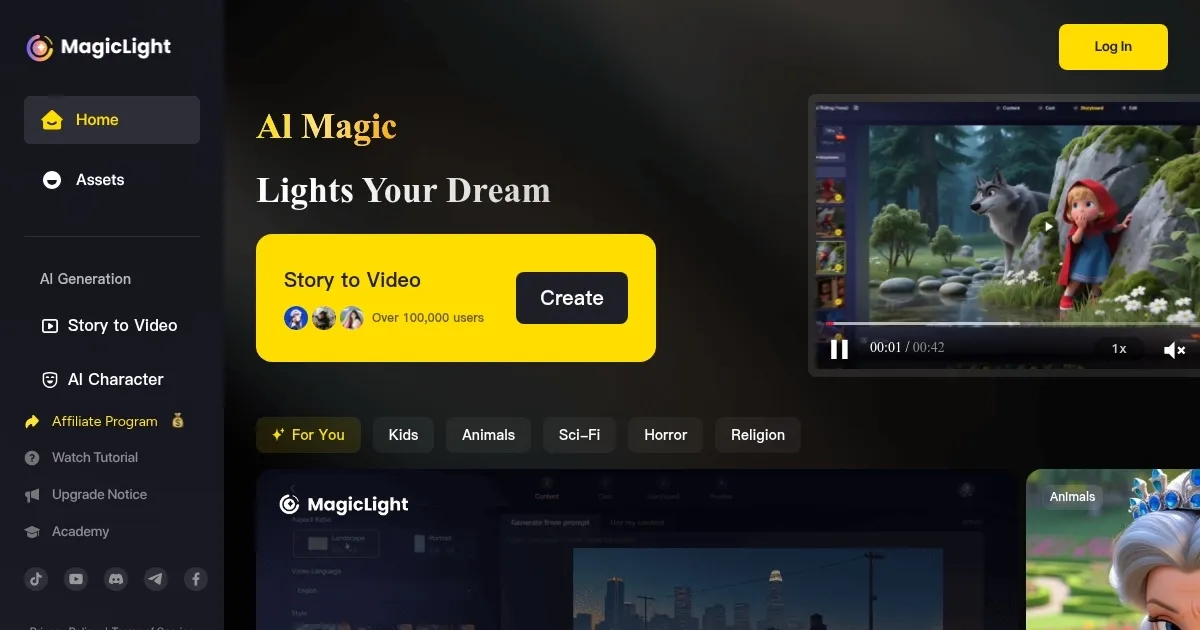
Homepage Screenshot 📸
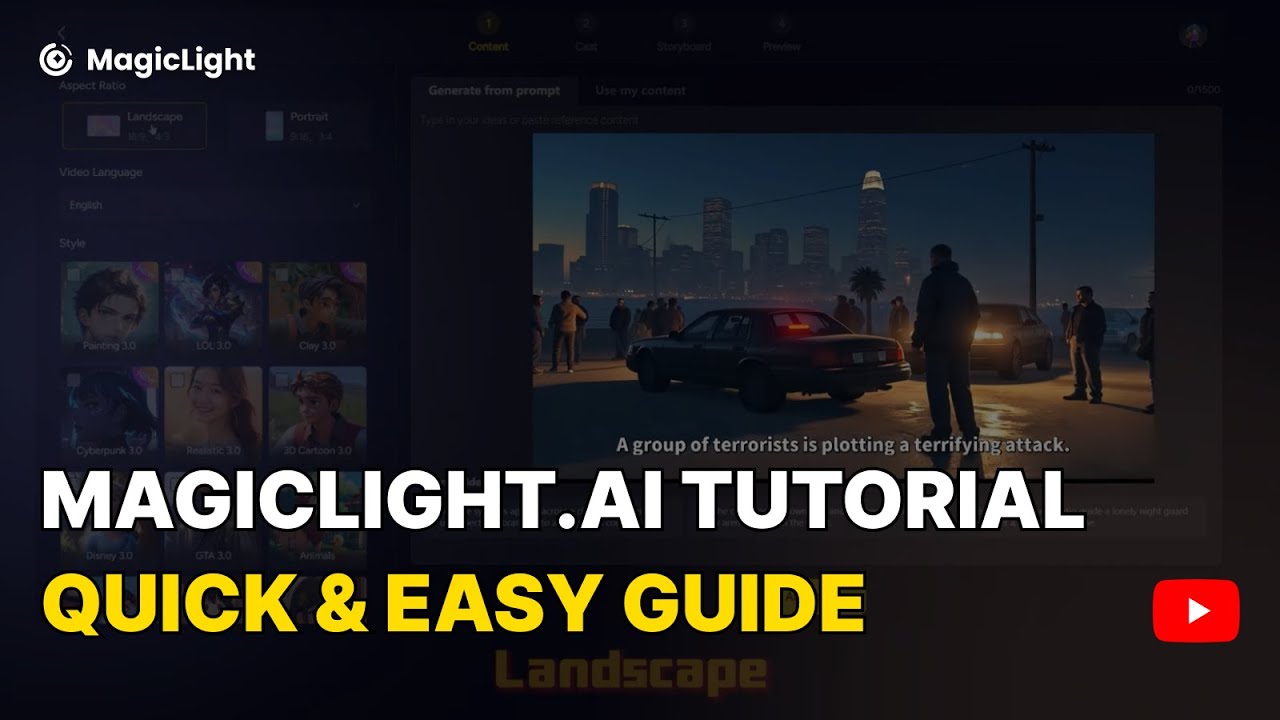
Video Overview 🎬
What are the key features? ✨
- Story-to-Video: Converts text scripts into fully animated videos with minimal input.
- Long-Form Video Support: Creates videos up to 30 minutes for extended content.
- Multilingual Voiceovers: Offers emotional voiceovers in over 60 languages.
- Diverse Visual Styles: Includes anime, cyberpunk, and storybook aesthetics.
- Beginner-Friendly Interface: Simplifies video creation without editing expertise.
Who is it for? 🤔
Examples of what you can use it for 💡
- YouTuber: Produces viral animated clips with custom voiceovers for social media.
- Educator: Turns lesson plans into engaging animated videos for students.
- Marketer: Creates ad-ready explainer videos with multilingual voiceovers.
- Author: Converts stories into animated trailers for book promotions.
- Small Business Owner: Designs product demos with professional animations.
Pros & Cons ⚖️
- Supports long-form videos up to 30 min
- Diverse visual styles for creativity
- Multilingual voiceovers expand reach
- Limited customization for pros
- Free trial feels restrictive
FAQs 💬
MagicLight alternatives 🔗