SkyReels
Transforms text and images into cinematic videos with AI-driven storytelling
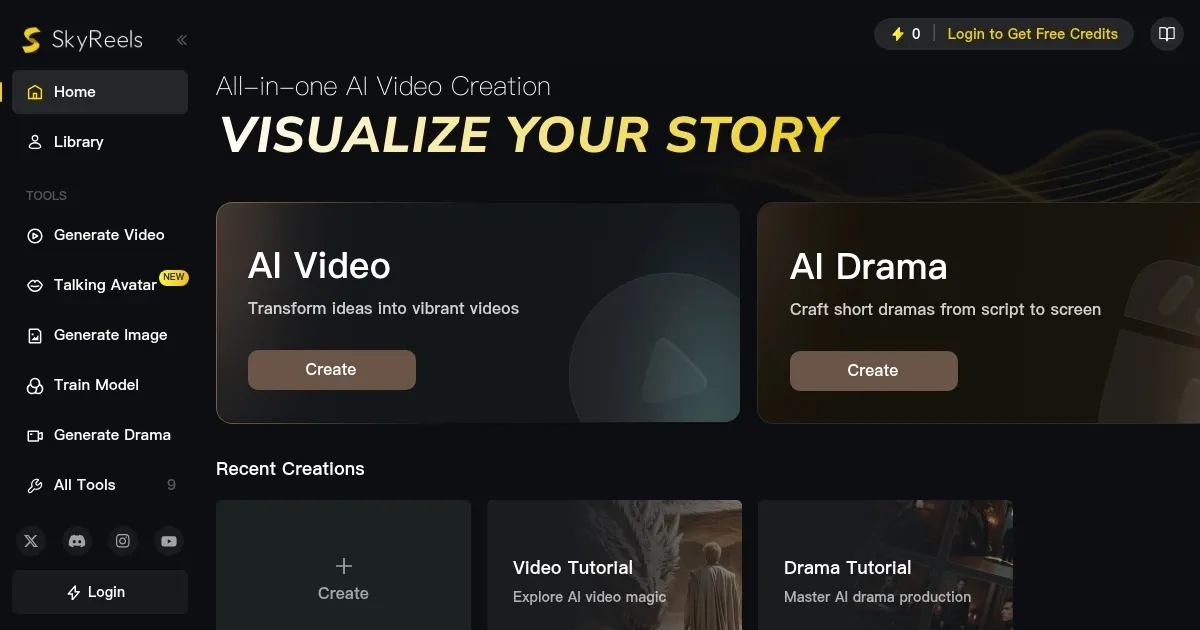
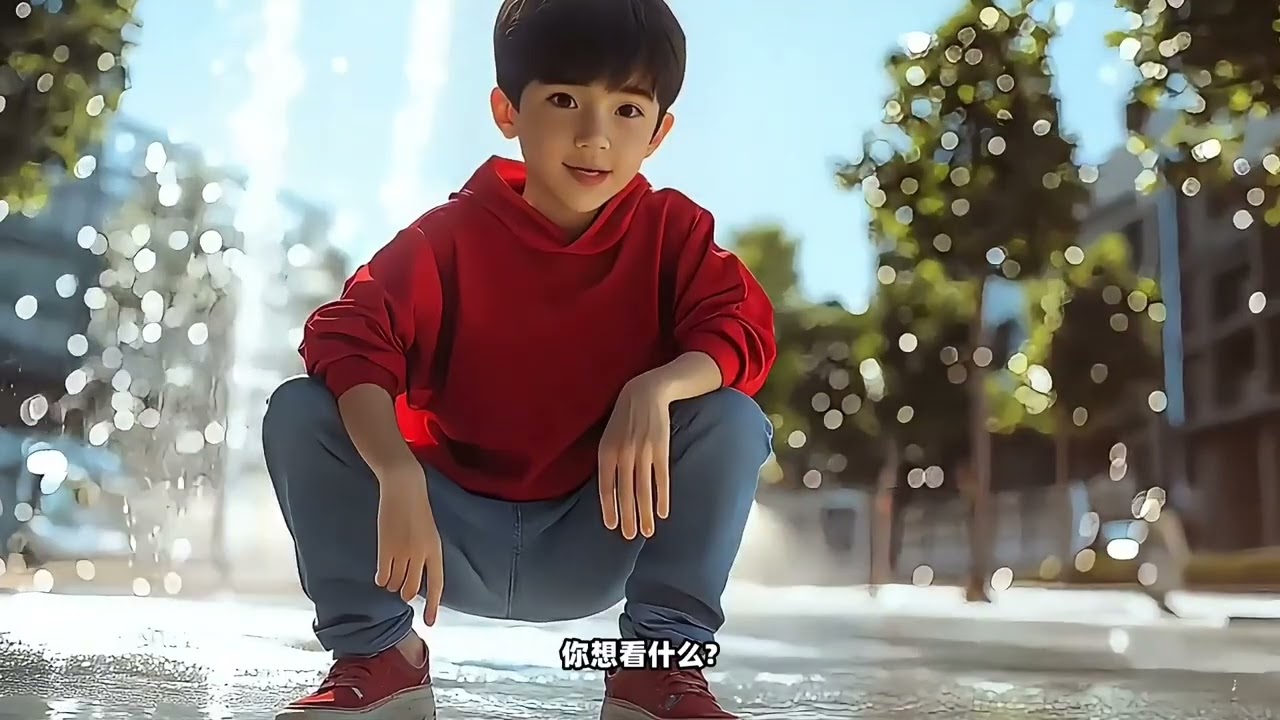
SkyReels lets you step into a director’s chair with an AI as your obedient crew. The platform takes your text or images and spins them into cinematic videos that look like they belong on a big screen. I typed in a prompt about a weary traveler crossing a desert at dusk, and within minutes, SkyReels churned out a 10-second clip with golden light bathing the dunes and the character’s cloak rippling in the wind. The attention to detail — 33 facial expressions, over 400 natural movements — makes characters feel alive, not like stiff CGI puppets. The AI Drama Tool, which I played with briefly, let me sketch a scene from a rough script, and the result was a storyboard that felt ready for a pitch meeting.
What I liked most was the creative control. SkyReels lets you tweak lighting, camera angles, and even emotional cues frame-by-frame, which is rare for AI tools. The open-source aspect is a gem, too, hosted on GitHub for those who want to dig into the code. Compared to Runway ML, SkyReels feels more tailored for narrative-driven projects, while Runway leans toward artsy, experimental vibes. Kaiber is another competitor, great for music videos, but it doesn’t match SkyReels’ depth in cinematic storytelling. I also appreciated how the platform handles image-to-video tasks — uploading a sketch and watching it come to life with smooth animations was a thrill.
On the flip side, the rendering process tested my patience. A short clip took about 80 seconds to generate, which isn’t terrible but feels sluggish when you’re iterating fast. The free plan’s limit of three videos a month is stingy for creators like me who want to experiment endlessly. Also, while the interface is intuitive, it assumes you know a bit about cinematic terms, which might trip up total newbies. Compared to Pictory, which is dead simple for quick social media clips, SkyReels demands a bit more creative input.
The surprise? SkyReels’ ability to maintain character consistency across shots. I uploaded a character image, and the AI kept their look and vibe intact through multiple scenes, which is huge for serialized content. If you’re a filmmaker or marketer, this tool could be your secret weapon. My advice: start with the free tier, test a text-to-video prompt, and use the AI Drama Tool for storyboarding. If you’ve got a decent GPU, rendering won’t be too painful. Just don’t expect instant results, and you’ll be hooked.
Homepage Screenshot 📸
Video Overview 🎬
What are the key features? ✨
- AI Video Generation: Creates cinematic videos from text or images with customizable settings.
- AI Drama Tool: Builds storyboards and scenes from scripts for narrative-driven projects.
- Facial Animation: Supports 33 expressions and 400+ movements for lifelike characters.
- Open-Source Framework: Allows customization via GitHub for advanced users.
- Cinematic Lighting: Produces professional lighting effects trained on film datasets.
Who is it for? 🤔
Examples of what you can use it for 💡
- Filmmakers: Produce short films from scripts using the AI Drama Tool.
- Marketers: Create engaging promotional videos for social media campaigns.
- Educators: Develop animated explainer videos for classroom use.
- Comic Artists: Transform sketches into animated comic-style videos.
- Content Creators: Generate YouTube or TikTok videos with cinematic effects.
Pros & Cons ⚖️
- Cinematic video quality
- Strong facial animations
- Storyboard planning tools
- Slow rendering times
- Limited free tier
FAQs 💬
Ready to try SkyReels?
Transforms text and images into cinematic videos with AI-driven storytelling
Visit SkyReelsSkyReels alternatives 🔗