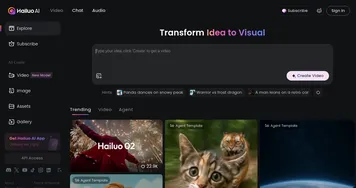
MindVideo AI
Generates videos from text prompts or images using AI models
Ever notice how a simple idea in your head can turn into something visual that grabs attention right away? MindVideo AI takes that spark and runs with it. This tool lets you type a description or upload a picture, then spits out a video that feels polished and ready to share. I have to say, its strength lies in the variety of models it pulls from, things like Kling AI for smooth motions or Runway for creative twists. Users on Product Hunt rave about how it handles cyberpunk scenes or retro looks without a hitch, and from what I see in reviews, it keeps characters consistent across frames, which is a big win for storytelling.
What stands out most is the ease. No steep learning curve here. You pick a style, hit generate, and wait seconds, not minutes. Reddit threads from content creators mention loving the AI Kiss Video Generator for fun social clips, or the AI Hug for heartfelt messages. It supports up to 4K, though most stick to 1080p for speed, and the output feels professional enough for small businesses making product demos. Compared to competitors, MindVideo edges out because it’s free at the core. Take InVideo AI, which packs more editing tools but locks advanced features behind subscriptions that add up quick. Or Pika, great for lip-sync but often queues during peak times, something MindVideo avoids entirely. Users appreciate not dealing with watermarks on the basic plan, a common gripe elsewhere.
Of course, nothing’s perfect. Some folks on forums point out the free quota limits heavy use, say after 10 videos a day, you hit a wall and wait for reset. Editing options are basic too, no deep cuts or layers like you’d get in VEED, which shines for quick social edits but costs for AI extras. Still, the surprise comes in privacy, they let you delete uploads instantly and don’t store personal data, which builds trust fast. Technical side, it uses diffusion models under the hood for frame-by-frame consistency, blending inputs from multiple AIs to avoid glitches.
I think for beginners, this tool empowers without overwhelming. Marketers use it for ads that pop, students for project visuals. One review from a YouTuber highlighted turning a static photo into a dancing clip, saving hours. It might not replace pro software yet, but it democratizes video making.
Try starting with simple prompts, like “cat chasing laser in cartoon style,” to see the magic. Experiment with image uploads next, and check quotas early. That way, you build skills without frustration.
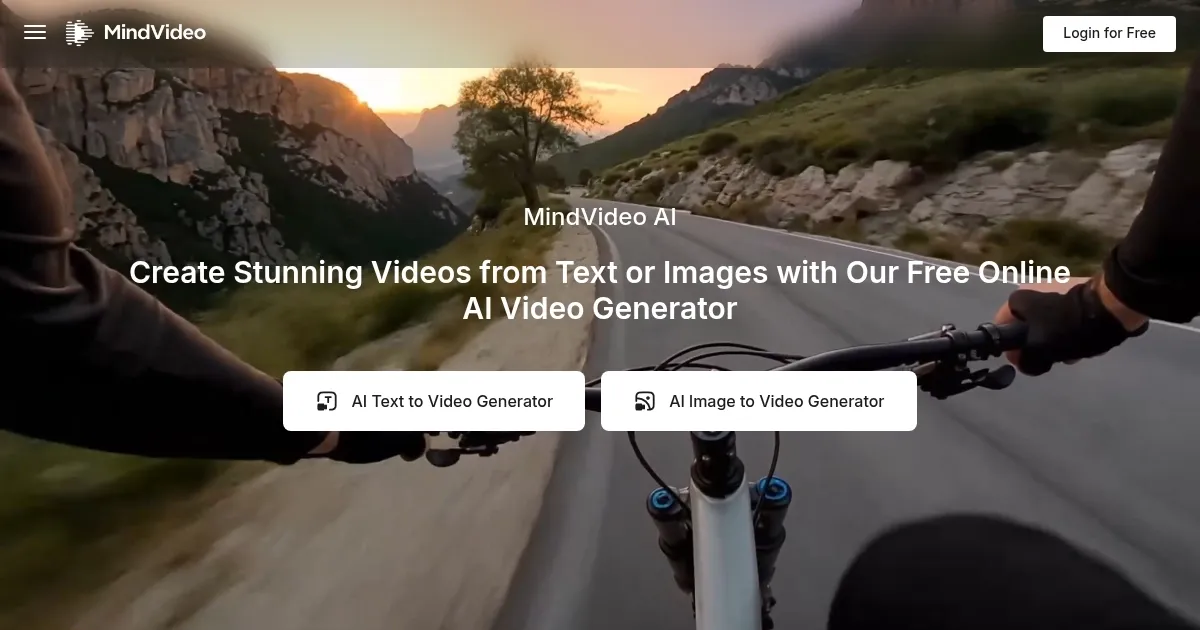
Homepage Screenshot 📸
Video Overview 🎬
What are the key features? ✨
- Text-to-Video: Converts descriptive prompts into dynamic videos using models like Kling AI and Runway for various styles including realistic and cartoon.
- Image-to-Video: Animates uploaded images while maintaining consistency in faces, gestures, and backgrounds for lifelike motion.
- AI Video Effects: Applies specialized generators like AI Kiss and AI Hug to add engaging animations to videos or images.
- Multi-Model Access: Integrates top AIs such as Luma AI and Hailuo AI for high-quality generation up to 4K resolution without queues.
- Privacy Controls: Allows users to delete uploads and outputs instantly, ensuring no personal data storage.
Who is it for? 🤔
Examples of what you can use it for 💡
- Content Creator: Uses text-to-video to produce themed shorts for TikTok, selecting cartoon styles to match viral trends quickly.
- Small Business Owner: Generates product demos from images, applying AI Hug effects to show customer interactions in ads.
- Student: Creates educational animations from lecture notes via prompts, using realistic styles for project presentations.
- Social Media Manager: Animates brand photos into engaging stories with cyberpunk effects for platform posts.
- Hobbyist: Transforms personal photos into fun clips using AI Inflate for humorous family shares.
Pros & Cons ⚖️
- Free core access
- Fast generation
- Style variety
- Basic editing
- Resolution caps
FAQs 💬
Ready to try MindVideo AI?
Generates videos from text prompts or images using AI models
Visit MindVideo AIMindVideo AI alternatives 🔗