logo-darklogo-darklogo-darklogo-dark
  • Home
  • Browse
    • Assistant
    • Coding
    • Image
    • Productivity
    • Video
    • Voice
    • Writing
    • All Categories
    • AI Use Cases
  • Events
  • My Favorites
  • Suggest a Tool
✕
Home › Video Generation & Editing›
Published by Dusan Belic on August 30, 2023

Videoleap by Lightricks

Videoleap
Videoleap Homepage
Categories Video Generation & Editing

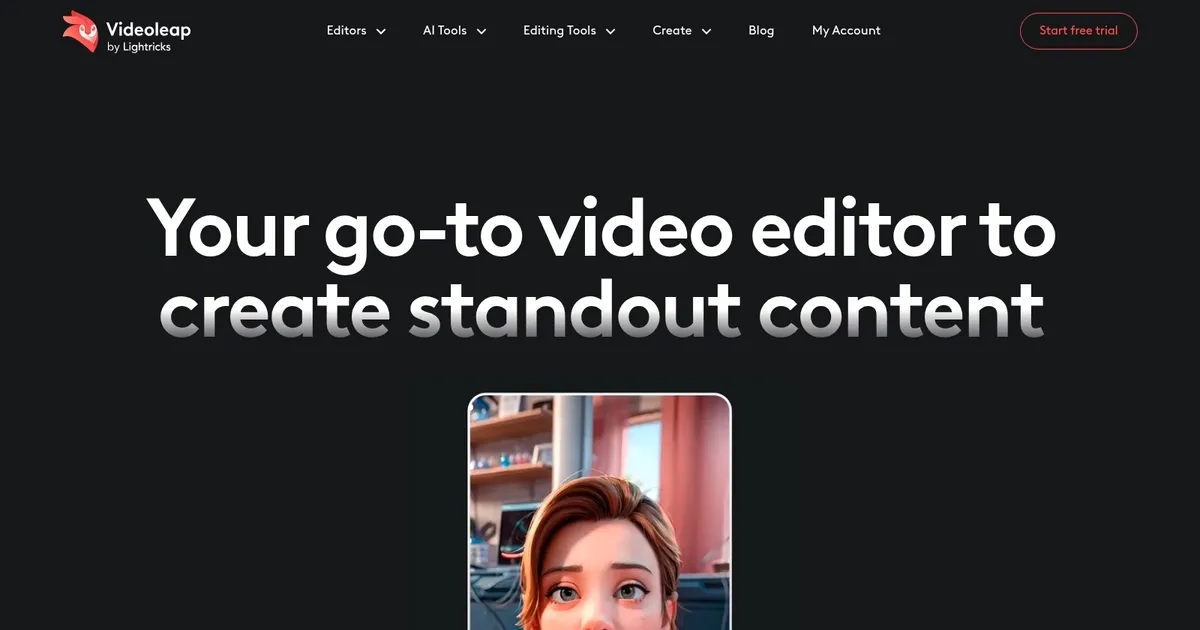
Videoleap - screenshot

Edit video clips with this powerful, creative video editor powered by AI

Videoleap

Videoleap by Lightricks is a powerful video editing software made for both beginners and professionals. It offers an array of editing tools and features — including special effects and layer-based editing — making the process of creating high-quality video content straightforward and enjoyable.
The platform also allows users to explore various artistic possibilities with their videos, whether for personal projects, social media, or professional presentations.

The built-in AI is meant to simplify complex editing tasks like object removal and background replacement. It not only saves time but also enhances the quality of the output, making professional-grade video editing accessible to a broader audience.

Furthermore, Videoleap’s cross-platform availability ensures that users can work on their projects from various devices. This approach acknowledges the evolving nature of content creation, where mobility and convenience are increasingly important.

In summary, Videoleap’s blend of advanced features, ease of use, and accessibility makes it a solid option for anyone looking to create engaging video content.

Videoleap Homepage
Categories Video Generation & Editing

What are the key features? ⭐

  • AI Infinite Zoom: Creates extended zoom videos from a single image for dynamic storytelling.
  • Remove Object from Video: Uses AI to erase unwanted objects from clips seamlessly.
  • AI Subtitle Generator: Automatically adds accurate, timed captions to boost engagement.
  • AI Effects and Filters: Transforms video styles with custom text prompts for unique looks.
  • Video Templates: Offers thousands of ready-made, customizable templates for social media trends.

Who is it for? 🤔

Videoleap suits social media creators, influencers, small business owners, and casual users who want to produce engaging short-form videos quickly without advanced technical skills. It's especially helpful for people making TikToks, Instagram Reels, YouTube Shorts, promotional clips, or tutorials, as the AI tools and templates speed up the process while delivering polished results on mobile devices.

Examples of what you can use it for 💭

  • Social media influencer: Quickly edits trendy Reels or TikToks using AI effects and templates to boost engagement.
  • Small business owner: Creates promotional videos for products with AI background removal and subtitles for better reach.
  • Content creator: Turns photos into slideshows or adds infinite zoom for captivating travel or lifestyle Shorts.
  • Beginner video editor: Experiments with AI tools like object removal and style transfers to learn editing fast.
  • Marketer: Produces tutorial or ad clips with auto-captions and music to drive audience interaction and sales.

Pros & Cons ⚖️

  • Intuitive mobile interface
  • Powerful AI features
  • Creative templates
  • Fast on-device editing
  • Watermarks in free version
  • Occasional AI glitches

FAQs 💬

What platforms does Videoleap work on?
Videoleap is available as mobile apps for iPhone and Android, with some features accessible online via the website.
Is Videoleap completely free to use?
It offers a free version with core editing tools, but exports include watermarks, and full AI features require a paid plan.
What are the standout AI tools in Videoleap?
Key AI tools include Infinite Zoom, Remove Object, AI Subtitle Generator, AI Effects for style transfer, and AI Text to Image.
Can Videoleap handle green screen editing?
Yes, it supports chroma key compositing for green screen effects, similar to professional software.
Does Videoleap have templates for social media?
It provides thousands of premade templates optimized for TikTok, Instagram Reels, YouTube Shorts, and other platforms.
How accurate is the AI subtitle generator?
It performs well for clear speech, though manual tweaks may be needed for accents or noisy audio.
Is Videoleap suitable for beginners?
Yes, its intuitive design and templates make it beginner-friendly while offering advanced tools for growth.
Can I add my own music to videos?
You can upload personal tracks or choose from the royalty-free library included in the app.
What competitors are similar to Videoleap?
Popular alternatives include CapCut for templates, VEED for web-based editing, and Adobe Premiere Rush for cross-device work.
Does Videoleap support high-resolution exports?
Yes, it allows high-quality exports suitable for social platforms, depending on your device and plan.
Visit Videoleap

Related tools ↙️

  1. Tango Tango Creates interactive how-to guides from screen captures in minutes.
  2. Nullface Nullface Generates AI-powered faceless videos for TikTok and YouTube effortlessly
  3. Cloudinary Cloudinary Manages, transforms, optimizes, and delivers images and videos with AI-powered features
  4. Verbalate Verbalate Translates and dubs videos into multiple languages using voice cloning and lip sync for global reach
  5. Choppity Choppity Transforms long videos into engaging short clips using AI automation
  6. WarpVideo WarpVideo Transforms videos through AI-powered face swapping and style restyling
Last update: March 11, 2026
Share
Promote Videoleap
light badge
Copy Embed Code
dark badge
Copy Embed Code
neutral badge
Copy Embed Code
About Us | Contact Us | Suggest an AI Tool | Privacy Policy | Terms of Service

Copyright © 2026 Best AI Tools
415 Mission Street, 37th Floor, San Francisco, CA 94105





