logo-darklogo-darklogo-darklogo-dark
  • Home
  • Browse
    • Assistant
    • Coding
    • Image
    • Productivity
    • Video
    • Voice
    • Writing
    • All Categories
    • AI Use Cases
  • My Favorites
  • Suggest a Tool
✕
Home › Productivity ›

Whimsical AI: Text-to-Flowchart


Published by Dusan Belic on December 1, 2023

Whimsical AI: Text-to-Flowchart

Whimsical
Whimsical AI: Text-to-Flowchart Homepage
Categories Productivity
Transforms text prompts into editable flowcharts instantly

Whimsical AI: Text-to-Flowchart

Whimsical is an online tool that combines whiteboards and docs in an all-in-one visual collaboration hub.

It consists of several elements — including Flowcharts, Wireframes, Whimsical Mind Maps, Whimsical Docs, and AI Text-to-flowchart.

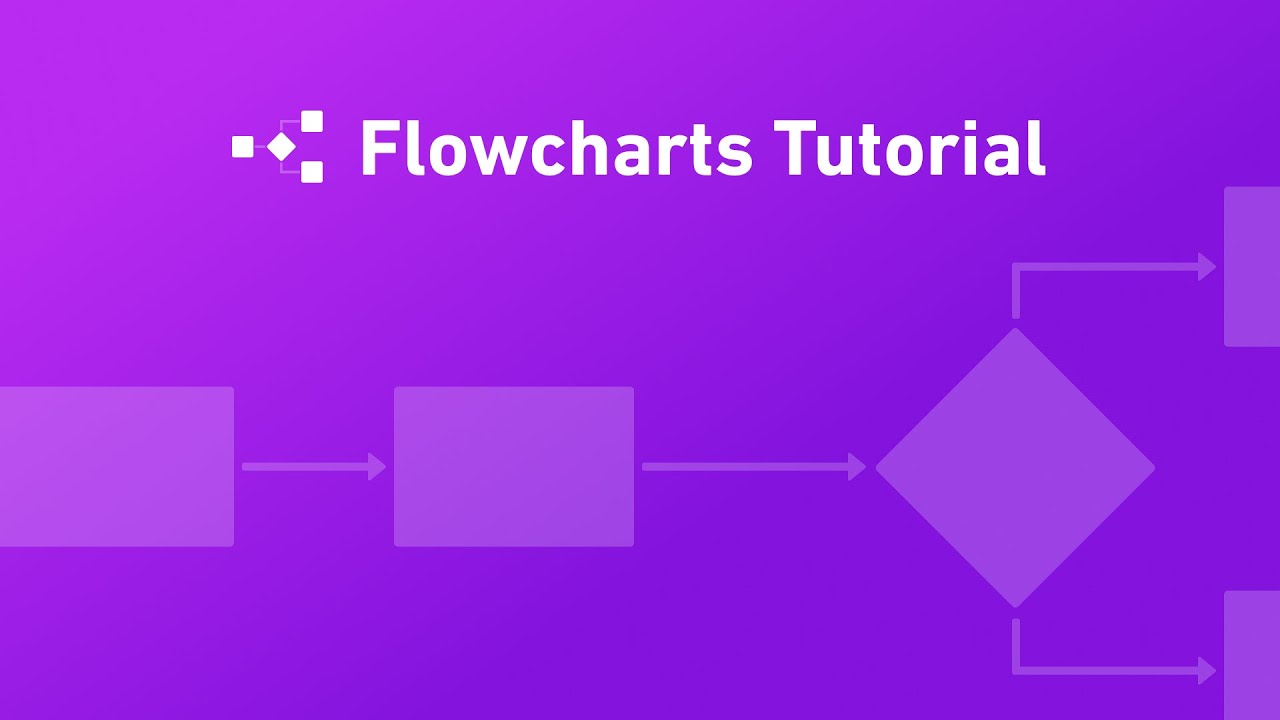
The last mentioned, Whimsical AI: Text-to-flowchart, lets you translate ideas into flowcharts in seconds. You can use it to, for instance, create user flows in seconds, share process flows and concepts, and/or guide your thinking to find solutions.

The tool is either available through Whimsical’s website or as a ChatGPT plugin.

The entire Whimsical package is one of the most popular tools in its category, with some of the world’s fastest-growing companies using it. These would include the likes of Notion, Strip, Intercom, P&G, Rippling, Retool, Carbon Health, and HashiCorp, among others.

Whimsical AI: Text-to-Flowchart Homepage
Categories Productivity

Video Overview ▶️

What are the key features? ⭐

  • Text-to-Flowchart: Converts plain text prompts into structured flowcharts with nodes, decisions, and connections in seconds.
  • Real-Time Collaboration: Enables multiple users to edit, comment, and vote on diagrams simultaneously within shared boards.
  • Diagram Editing Tools: Offers drag-and-drop adjustments, shape styling, and arrow routing for post-generation refinements.
  • ChatGPT Integration: Powers generation via OpenAI while allowing plugin use in ChatGPT for conversational diagram creation.
  • Embedding Capabilities: Supports interactive embeds of flowcharts into Whimsical docs, projects, or external tools for contextual sharing.

Who is it for? 🤔

This tool suits product managers mapping user journeys, developers outlining technical processes, marketers planning campaign flows, and educators visualizing lesson steps, especially those in small to mid-sized teams seeking fast, collaborative visuals without steep learning curves or heavy software.

Examples of what you can use it for 💭

  • Product Manager: Maps out user onboarding sequences from text descriptions to align teams on experience touchpoints.
  • Software Developer: Generates sequence diagrams for API calls and error handling to clarify code logic before implementation.
  • Marketing Specialist: Creates content funnel flowcharts to coordinate campaign stages and asset handoffs.
  • Project Coordinator: Builds process diagrams for task workflows, embedding them into project boards for real-time updates.
  • Educator: Transforms lesson outlines into decision-tree flowcharts for interactive teaching materials.

Pros & Cons ⚖️

  • Quickly translate ideas into flowcharts
  • Part of the bigger tool for charting
  • Used by some of the world's fastest-growing companies
  • Not all parts of Whimsical are powered by AI

FAQs 💬

What types of diagrams can Whimsical AI Text to Flowchart create?
It generates flowcharts, user flows, process diagrams, sequence diagrams, and mind maps from text prompts.
How does the AI integration work?
Powered by ChatGPT, it processes only your text prompts via OpenAI API to create visuals, keeping diagrams private.
Is there a free version available?
Yes, the free plan includes limited boards with access to AI features for testing.
Can teams collaborate on generated flowcharts?
Absolutely, real-time editing, comments, and embeds support seamless team workflows.
What if the generated flowchart needs changes?
Use drag-and-drop tools to adjust shapes, arrows, and text directly on the canvas.
Does it integrate with ChatGPT?
ChatGPT Plus users can install the Whimsical Diagrams plugin for in-chat diagram generation.
How accurate are the AI-generated diagrams?
High for specific prompts, but vague inputs may require iteration for precision.
What export options exist?
Export as PNG, PDF, SVG, or share live links for interactive access.
Is it suitable for non-designers?
Yes, its simple interface and AI assistance make it accessible for beginners.
How does pricing compare to competitors?
More affordable for small teams than Lucidchart, with unlimited AI on paid plans.

Related tools ↙️

  1. Howie Howie Schedules meetings via email, streamlining calendar management with AI precision
  2. Gantt Chart AI Gantt Chart AI Generates professional Gantt charts from natural language project descriptions in seconds.
  3. GPTPLUS GPTPLUS Chrome extension that integrates OpenAI's advanced language models into your browser
  4. Constella Constella Captures thoughts visually, connects ideas with AI, and aids decision-making in a secure environment.
  5. PortfolioPilot PortfolioPilot Improve your investing with portfolio monitoring, macro analysis, and personalized recommendations
  6. Bizzy Bizzy A B2B intelligence platform that helps businesses discover, qualify, and engage with companies
Last update: November 30, 2025
Share
Promote Whimsical AI: Text-to-Flowchart
light badge
Copy Embed Code
light badge
Copy Embed Code
light badge
Copy Embed Code
About Us | Contact Us | Suggest an AI Tool | Privacy Policy | Terms of Service

Copyright © 2026 Best AI Tools
415 Mission Street, 37th Floor, San Francisco, CA 94105