logo-darklogo-darklogo-darklogo-dark
  • Home
  • Browse
    • Assistant
    • Coding
    • Image
    • Productivity
    • Video
    • Voice
    • Writing
    • All Categories
    • AI Use Cases
  • My Favorites
  • Suggest a Tool
βœ•
Home β€Ί Video Generation & Editing β€Ί

2short.ai

Published by Dusan Belic on July 10, 2023

2short.ai by Sam Jasik

2short.ai
2short.ai Homepage
Categories Video Generation & Editing
Extracts the best moments of your videos and turns them into short clips

2short.ai

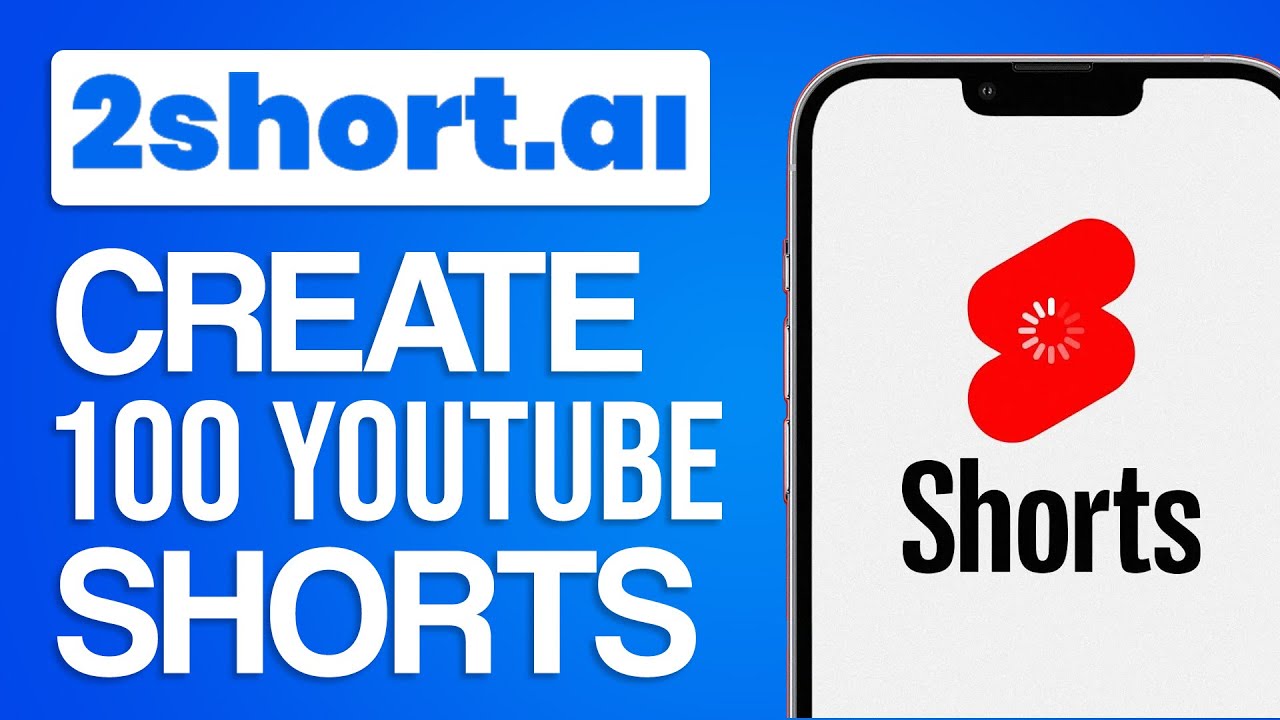
2short.ai is an AI-powered content creation tool specifically designed for YouTubers looking to amplify their presence and engage their audience more effectively.

It is used for converting long-form videos into shorter, captivating clips suitable for platforms like YouTube Shorts, TikTok, and Facebook/Instagram Reels. Its core functionality lies in its ability to analyze video content, extracting the most engaging moments to create concise videos that are more likely to be watched and shared​​​​.

To make this possible, 2short.ai employs advanced facial tracking technology, which ensures that active speakers remain centered. It also offers one-click animated subtitles that enhance accessibility (and engagement), making content more relatable.

2short.ai is accessible through a web-based platform without requiring the installation of any piece of software on your computer, tablet, or phone.

The tool is available in a few subscription plans, starting with a free Starter plan offering basic features, to more advanced plans like Pro and Premium — which provide extensive AI video analysis hours and fast server-side exports.

All in all, 2short.ai could be an extremely useful tool for content creators looking to expand their digital footprint through short-form video content. It’s easy to use and can help you raise your profile on TikTok, Reels, and YouTube Shorts.

2short.ai Homepage
Categories Video Generation & Editing

Video Overview ▢️

What are the key features? ⭐

  • Facial tracking tech: This feature acts like a smart camera, making sure that people speaking in the video stay in the center of the frame.
  • One-click animated subtitles: With a single click, you can add moving subtitles to your videos that will make sure everyone can understand what's being said, even if they don't have the sound turned on.
  • High-quality video exports: 2short.ai lets you create and download your shorts in full HD (1080p), so they look clear and professional when you share them online​​​​.
  • Support for different aspect ratios: Whether you're posting to Instagram, TikTok, or YouTube - 2short.ai will help you adjust your videos to fit perfectly. In other words - you can make square, vertical, or horizontal videos.
  • Advanced editing: Besides automatically finding and focusing on the most interesting parts of your videos, 2short.ai lets you crop, edit, and adjust your videos.

Who is it for? πŸ€”

2short.ai is made for content creators, such as YouTubers, social media influencers, and digital marketers who are looking to increase their reach and engagement through short-form videos. It is particularly appealing to those involved in creating content for platforms like YouTube Shorts, TikTok, and Instagram, where short videos can significantly boost viewer interest and subscriber numbers. Moreover, the tool is suitable for educators and businesses seeking to repurpose their long-form content into bite-sized clips for educational purposes or promotional use.

Examples of what you can use it for πŸ’­

  • Transform your longer videos into short, engaging clips that are perfect for sharing on platforms like Instagram Reels, TikTok, and YouTube Shorts
  • Create highlight reels from your longer content, such as webinars, workshops, or events
  • If you're an educator, you can condense your lengthy lectures or tutorials into bite-sized videos
  • For businesses, 2short.ai can be used to create quick, compelling promotional videos from longer content
  • Corporate trainers and HR departments can utilize 2short.ai to distill key information from training sessions or company updates into concise videos

Pros & Cons βš–οΈ

  • Helps you create multiple short videos from a single longer one
  • This could be your ticket to conquering TikTok, Reels, and YouTube Shorts
  • You can try it for free
  • Not great for videos without (many) spoken words

FAQs πŸ’¬

What does 2short.ai actually do?
2short.ai uses AI to analyze your long-form videos, extract the most engaging spoken moments, and automatically turn them into ready-to-post short clips with features like facial tracking and animated subtitles.
What types of videos work best with 2short.ai?
It excels with videos that have spoken content like podcasts, educational talks, product reviews, commentary, or motivational speeches β€” basically anything where dialogue drives the engagement.
Does 2short.ai require captions on the original video?
Yes, it relies on captions (like YouTube's auto-generated ones) to understand and extract the best parts, so videos without clear spoken words or captions might not work as well.
Can I customize the clips after the AI generates them?
Sure, you get access to editing tools for cropping, adjusting aspect ratios, adding brand logos or overlays, and tweaking subtitles to make them fit your style.
What platforms are the generated shorts optimized for?
The tool supports vertical, square, and horizontal formats, so your clips work great on YouTube Shorts, TikTok, Instagram Reels, and other social media.
How accurate is the AI at picking the right moments?
The AI does a solid job identifying engaging parts based on speech, but it might occasionally pick moments that look nice yet miss deeper context, so some manual tweaks could help.
Does 2short.ai support multiple languages?
Yes, it handles a wide range of languages including English, Spanish, French, German, Portuguese, Italian, Japanese, Korean, and more.
Is 2short.ai suitable for beginners?
Absolutely, it's designed to be user-friendly β€” just paste a video link or upload, let the AI do its thing, and export high-quality clips without needing advanced editing skills.
Can I import videos from places other than YouTube?
Yes, you can import directly from Google Drive or public URLs, which makes it flexible for content not hosted on YouTube.
What kind of output quality can I expect?
Exports come in high resolution (up to 1080p) with no watermarks, animated subtitles for better engagement, and facial tracking to keep speakers centered.

Related tools ↙️

  1. AI Facefy AI Facefy Transforms photos into videos or swaps faces using AI
  2. AI Face Swap AI Face Swap An online tool designed for easy and fun face-swapping experiences
  3. Eklipse Eklipse An AI tool that generates short clips with highlights from longer videos
  4. WooTechy WooTechy Unlocks iOS devices, recovers data, and changes voices with AI precision
  5. Rokoko Vision Rokoko Vision Use your webcam or upload a video to capture 3D motions and animate your characters in minutes
  6. Sync.so Sync.so An AI-powered tool that helps creators match lip movements in videos to any audio
Last update: January 19, 2026
Share
Promote 2short.ai
light badge
Copy Embed Code
light badge
Copy Embed Code
light badge
Copy Embed Code
About Us | Contact Us | Suggest an AI Tool | Privacy Policy | Terms of Service

Copyright Β© 2026 Best AI Tools
415 Mission Street, 37th Floor, San Francisco, CA 94105