
Animaker
Animaker is an online video-making platform that can help beginners and professionals alike create animated and live-action videos in a matter of minutes.
The AI-powered platform is used by individuals, startups, and Fortune 500 companies when they need to create and produce videos quickly.
Animaker features a powerful character builder and a vast database of stock media, icons, music tracks, and stickers — which are there to “fuel your creativity.”
Perhaps more important is the selection (thousands) of unique video templates, using which you can create videos in under 5 minutes.
The tool also offers more than 25 video editing tools and features, from basic ones like trimming and cropping to complex features like video effects controller and green screen editor.
To sum it up, Animaker will find its users among different groups — including L&D teams, HR, marketing & sales, internal communication, and everyone else who wants to play with video. It’s one highly recommended tool!
Video Overview ▶️
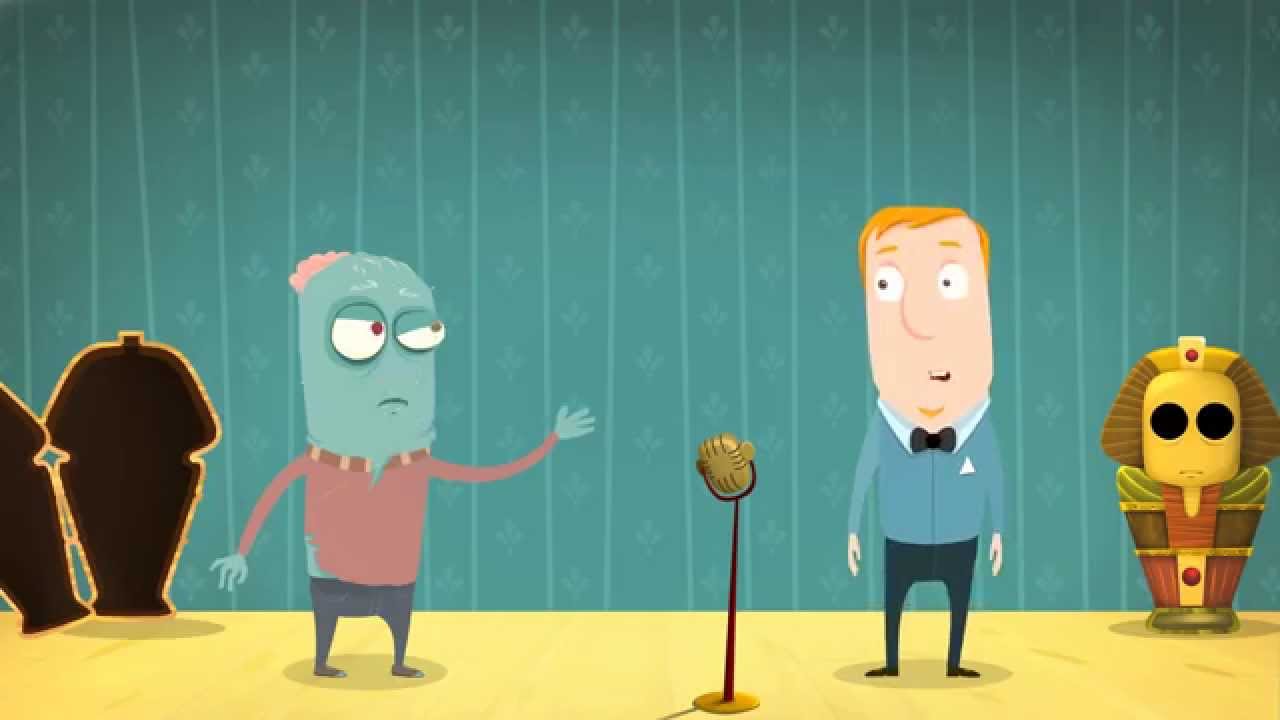
What are the key features? ⭐
- AI Animation Generator: Transforms text prompts into full animated videos through a four-step process including category choice and scene review.
- Character Builder: Enables creation of billions of unique avatars with customizable body types, outfits, and expressions for branded storytelling.
- AI Voice Generator: Produces lifelike voiceovers in over 100 languages using neural TTS from partners like ElevenLabs, with auto lip-sync integration.
- Asset Library: Provides access to over 100 million stock media items, 70K icons, and 30K music tracks for rapid video enhancement.
- Video Templates: Offers thousands of customizable templates across categories like business, education, and social media for quick starts.
Who is it for? 🤔
Examples of what you can use it for 💭
- Marketer: Generates promotional videos from text prompts to highlight product features and increase conversion rates by up to 2X.
- Educator: Creates whiteboard animations that simplify complex topics for engaging classroom or online course materials.
- HR Professional: Builds onboarding sequences with custom avatars to efficiently train new hires on company policies.
- Social Media Influencer: Produces short clips using templates and AI subtitles to grow follower engagement on platforms like Instagram.
- Small Business Owner: Designs branded infographics from data inputs to showcase services in client pitches or ads.
Pros & Cons ⚖️
- Templates are fancy and extremely useful
- Includes a vast library of stock media, icons, music, and more
- You can try it for free
- Free trial is not available








