BlackBox AI by Course Connect


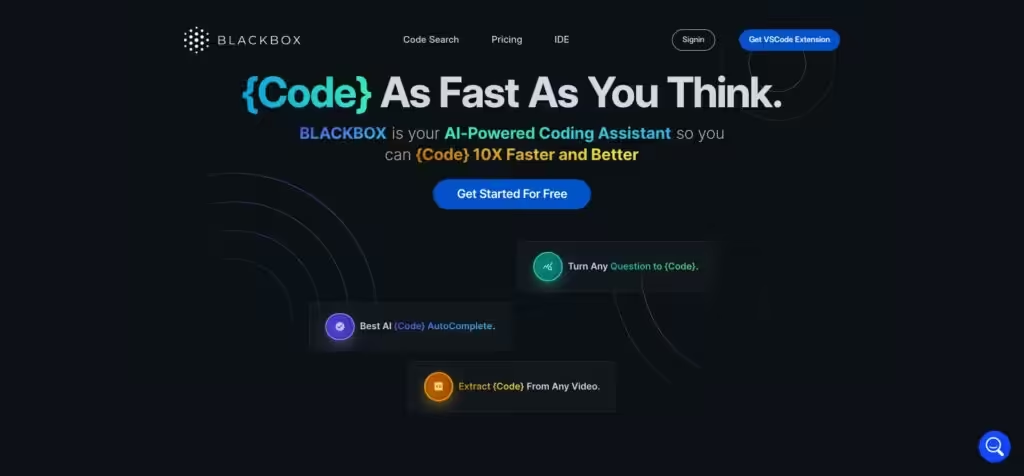
BlackBox AI is an AI coding assistant that boosts developer productivity through real-time code suggestions and autonomous agents. It integrates with over 30 IDEs, including VS Code and JetBrains, supporting multiple languages ranging from Python to JavaScript. The tool accesses over 300 AI models, enabling users to select the best fit for tasks such as debugging or app development.
Key features include smart autocompletion that predicts code based on context, reducing typing time by up to 55 percent according to user benchmarks. The autonomous coding agents operate in the cloud, handling full projects asynchronously, running tests, and notifying users upon completion. Voice interaction enables natural language commands for explanations or modifications, making it accessible even for those with basic experience.
In comparison, BlackBox AI offers broader model variety than GitHub Copilot, which relies heavily on OpenAI for inline predictions but limits flexibility in non-Microsoft environments. Against Amazon Q Developer, it provides lighter pricing for individuals while matching enterprise security through encryption and audits. Tabnine stands out for local processing to enhance privacy, yet BlackBox’s cloud agents excel in scalability for team workflows.
Users appreciate the image-to-code converter for turning designs into functional components, though it may require adjustments for intricate layouts. The community snippet library facilitates quick implementations, but occasionally, outdated entries require verification. Free access covers basic needs, with pro tiers unlocking unlimited queries and advanced agents at a cost-effective rate compared to competitors’ subscriptions.
Potential drawbacks involve latency during high loads and overengineering in agent outputs for simple fixes. Despite this, integration with tools like Figma streamlines prototyping. Recent updates in 2025 improved multi-file editing, enhancing reliability for larger codebases.
For practical use, start by installing the IDE extension to test autocompletion on routine tasks. Experiment with voice for debugging sessions, review agent results thoroughly, and combine with version control to maintain code quality. This approach maximizes efficiency while minimizing errors.
Video Overview ▶️
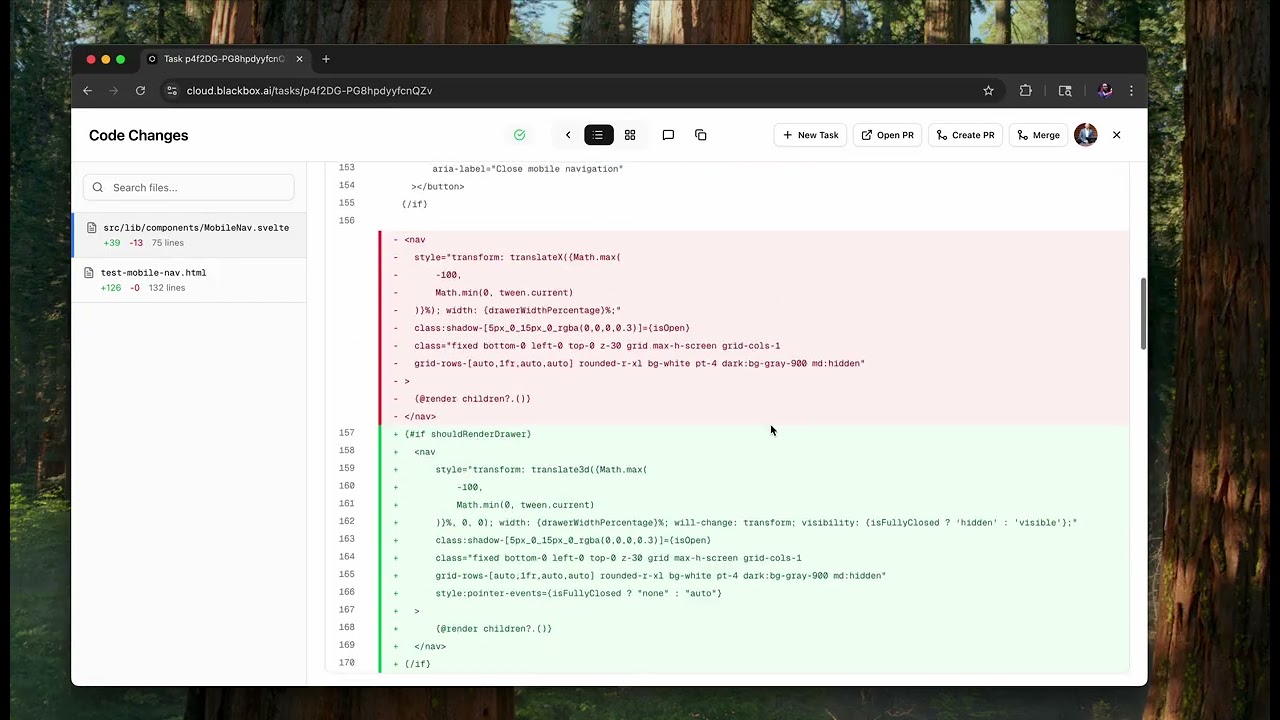
What are the key features? ⭐
- Autonomous Coding Agents: Cloud-based AI handles full app development, testing, and bug fixes asynchronously.
- Real-Time Code Completion: Provides context-aware suggestions across 300+ models to speed up writing.
- Voice Interaction: Allows natural language commands for explaining code or generating snippets hands-free.
- Image-to-Code Converter: Transforms visual designs like Figma mocks into functional code components.
- IDE Integrations: Seamlessly works with VS Code, JetBrains, and 30+ other environments for smooth workflows.
Who is it for? 🤔
Examples of what you can use it for 💭
- Frontend Developer: Converts Figma designs into responsive React components to accelerate UI prototyping.
- Backend Engineer: Generates API endpoints with authentication and tests them autonomously in the cloud.
- ML Specialist: Refactors data pipelines in Python, explaining optimizations via voice for quick iterations.
- Freelance Coder: Extracts and debugs code from tutorial videos to build client apps faster.
- Team Lead: Assigns multi-file refactors to agents, reviewing outputs to maintain codebase standards.
Pros & Cons ⚖️
- Boosts speed 10x
- Voice coding ease
- 300+ AI models
- Free tier access
- Occasional latency
- Agent overreach