logo-darklogo-darklogo-darklogo-dark
  • Home
  • Browse
    • Assistant
    • Coding
    • Image
    • Productivity
    • Video
    • Voice
    • Writing
    • All Categories
    • AI Use Cases
  • My Favorites
  • Suggest a Tool
✕
Home › Document Generation›
Published by Dusan Belic on August 30, 2023

Docalysis

Docalysis
Docalysis Homepage
Categories Document Generation

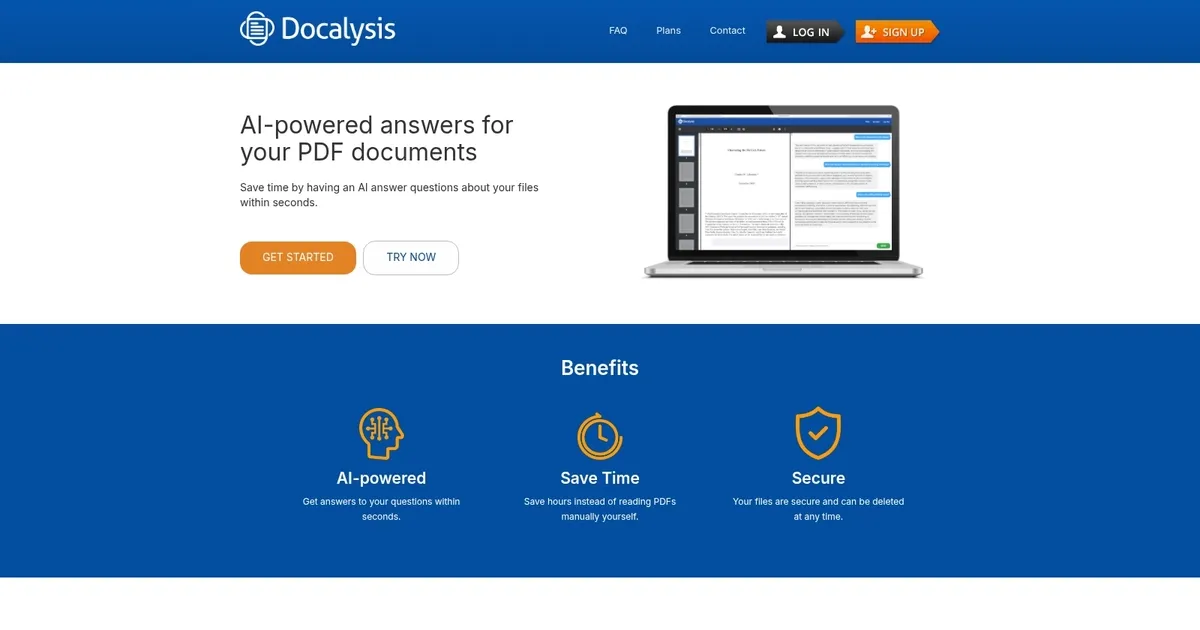
Docalysis - screenshot

Enables fast AI Q&A on uploaded documents to pull key insights without manual reading

Docalysis

Docalysis is an innovative AI-powered tool designed to interact with PDF documents, providing users with quick and precise answers to their questions about the content within these files. By leveraging the power of AI, Docalysis assists users in efficiently extracting information — ensuring that they save a considerable amount of time that can be redirected towards more productive tasks.

The primary advantage of using Docalysis is its promise to save users up to 95% of the time usually spent on reading documents. This vast improvement in efficiency is particularly useful for professionals and students who often face a backlog of documents needing their attention. By having the AI scan and understand the content, users can quickly get answers to specific queries without manually sifting through pages.

Beyond the time-saving aspect, Docalysis also appeals to users by ensuring data security and offering a straightforward way to significantly enhance productivity while managing large volumes of PDF documents.

Docalysis Homepage
Categories Document Generation

What are the key features? ⭐

  • AI-Powered Q&A: Delivers fast, accurate answers to questions drawn directly from the uploaded document content.
  • Multiple File Format Support: Handles PDFs, TXT, CSV, and DOCX files for flexible document analysis.
  • Secure File Handling: Keeps uploaded files private with the option to delete them at any time.
  • Quick Processing and Response: Analyzes documents and provides answers within seconds for efficient workflows.
  • Focused Single-Document Chat: Enables targeted questioning of one file at a time with grounded responses.

Who is it for? 🤔

Docalysis helps researchers digging through academic papers, students reviewing course materials, business analysts working with reports and financial docs, lawyers scanning contracts or case files, and really anyone who regularly faces long documents and needs faster ways to find specific information without reading every page.

Examples of what you can use it for 💭

  • Researcher: Uploads academic papers and asks for key findings, methodologies, or conclusions to speed up literature reviews.
  • Student: Chats with textbooks or assigned readings to clarify concepts, extract summaries, or locate relevant sections quickly.
  • Financial Analyst: Queries annual reports or 10-K filings to pull revenue trends, risks, or specific metrics without manual scanning.
  • Lawyer: Asks targeted questions about contracts or legal documents to identify clauses, obligations, or potential issues.
  • Professional: Analyzes internal reports or technical manuals to find procedures, data points, or explanations during time-sensitive work.

Pros & Cons ⚖️

  • Fast accurate answers
  • Saves reading time
  • Secure & deletable files
  • Simple easy interface
  • Limits on free tier
  • Weaker with scanned images

FAQs 💬

What file types does Docalysis support?
It primarily works with PDFs, but also supports TXT, CSV, and DOCX files.
Is Docalysis free to use?
Yes, there is a free tier available with some usage limits, and paid plans unlock additional features and higher quotas.
Are my uploaded documents secure?
Files are handled securely and you can delete them at any time from your account.
Does Docalysis work with scanned PDFs?
It performs best with text-based documents. Scanned images or non-selectable text may not work as reliably without strong OCR support.
Can I use Docalysis for multiple documents at once?
It focuses on single-file chats, though paid plans may offer expanded capabilities for heavier use.
How accurate are the answers?
Answers are grounded in the uploaded document, leading to high accuracy for factual queries according to user feedback.
What happens to my files after upload?
They are processed for your session and can be deleted whenever you choose for privacy.
Is there an API available?
Yes, an API exists for programmatic access, with usage based on credits tied to your account.
Visit Docalysis

Related tools ↙️

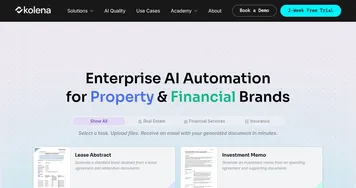
  1. Kolena Kolena Automates document processing and workflow tasks using intelligent AI agents
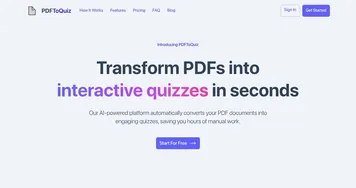
  2. PDFToQuiz PDFToQuiz Transforms PDF documents into interactive quizzes using AI
  3. Chunkr Chunkr Transforms complex documents into structured chunks for RAG and LLM applications
  4. Format Magic Format Magic Transforms plain text into polished PDFs instantly
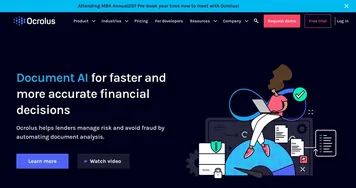
  5. Ocrolus Ocrolus Automates financial document analysis for accurate lending decisions
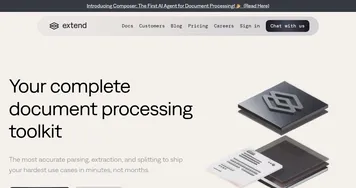
  6. Extend Extend Transforms complex documents into structured data with over 95 percent accuracy
Last update: February 28, 2026
Share
Promote Docalysis
light badge
Copy Embed Code
dark badge
Copy Embed Code
neutral badge
Copy Embed Code
About Us | Contact Us | Suggest an AI Tool | Privacy Policy | Terms of Service

Copyright © 2026 Best AI Tools
415 Mission Street, 37th Floor, San Francisco, CA 94105