
LipSync.pro
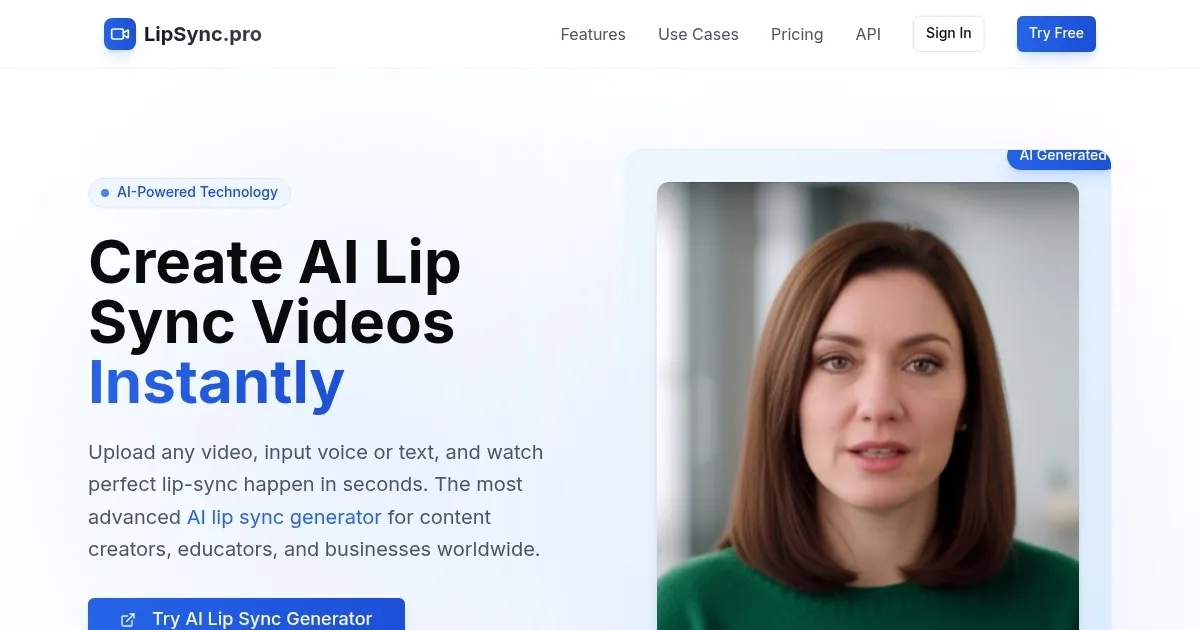
LipSync.pro is an AI-powered tool that generates realistic lip-sync videos by syncing audio or text to video footage, supporting over 40 languages. It uses advanced neural networks to analyze facial movements and audio patterns, delivering professional-grade dubbing. The interface is intuitive, with drag-and-drop functionality for uploading video and audio files. The tool processes content quickly, often in seconds, and offers a watermark-free output even in its free version. It supports various video formats like MP4 and MOV, making it versatile for creators.
Key features include Speaker Style Matching, which preserves the speaker’s tone and emotion, and Multilingual Support for dubbing in languages like Spanish, French, and Hindi. Real-time Preview allows users to see results instantly, while the Free and Watermark-Free feature ensures clean output. Compared to LipSync.video, LipSync.pro offers better multilingual accuracy, but Sync.so may edge it out in 4K support. Recent tech blog reviews note its efficiency for short-form content, with processing times under 10 seconds for 30-second clips.
Limitations exist. The free version restricts video length and resolution, requiring a paid plan for longer or high-definition projects. Some users report issues with complex facial expressions, particularly in animated videos, as seen in Reddit discussions. The AI’s performance depends on clear video input, and low-quality footage can reduce accuracy. Pricing for paid plans is competitive but may feel steep for solo creators compared to Sync.so.
The tool’s neural network likely builds on Wav2Lip’s framework, with enhancements for style transfer and multilingual processing. User feedback on X highlights its ease of use for social media content. For optimal results, use high-quality video inputs and test the free version before upgrading. Compare paid plans with competitors to ensure they meet your project needs.
What are the key features? ⭐
- Advanced AI Lip Sync Generator: Produces realistic lip-sync videos using cutting-edge AI technology.
- Speaker Style Matching: Preserves speaker’s emotion, tone, and pacing for authentic dubs.
- Multilingual Support: Supports lip-sync video creation in over 40 languages.
- Real-time Preview: Shows lip-sync results instantly during processing.
- Free and Watermark-Free: Offers clean, watermark-free output even in the free version.
Who is it for? 🤔
Examples of what you can use it for 💭
- Content Creator: Dubs short social media videos into multiple languages for global reach.
- Educator: Creates multilingual e-learning videos with natural lip-sync for students.
- Business Owner: Produces professional training videos with AI-dubbed audio.
- Marketer: Localizes promotional videos for international audiences with ease.
- Filmmaker: Syncs dialogue in post-production for multilingual film projects.
Pros & Cons ⚖️
- Supports over 40 languages.
- Watermark-free version for free.
- Preserves speaker’s emotional tone.
- Free version limits video length.
- Struggles with complex expressions.








