Skip to content
logo-darklogo-darklogo-darklogo-dark
  • Tool Categories
    • 🎨Art & Creative Design505
    • 🏢Business Management644
    • 💻Coding & Development514
    • 👮Detection83
    • 🧠General Use728
    • 🏥Health & Wellness55
    • 📷Image & Photo Analysis100
    • 🖼️Image Generation & Editing618
    • 📐Interior & Architectural Design37
    • 🎓Learning & Education483
    • ⚖️Legal & Finance90
    • 🎭Lifestyle & Entertainment236
    • 📢Marketing & Advertising627
    • 🎧Music & Audio138
    • 👔Office & Workplace1,014
    • 🔬Research & Data Analysis373
    • 👥Social Media245
    • 🎥Video Generation & Editing426
    • 👧🏻Virtual Companion135
    • 🎤Voice Generation & Editing381
    • ✍️Writing & Editing808
    • All Categories
    • AI Use Cases
  • News
  • Events
    • Academic Conferences
    • Developer Conferences
    • Expos / Trade Shows
    • Industry Summits
    • Workshops / Training
    • All Events
    • Past Events
  • Saved Tools
  • Suggest a Tool
    ✕
    Home › Video Generation & Editing › Lip Sync Generation› LipSync.video
    LipSync.video

    LipSync.video

    Syncs audio with video lip movements using AI for realistic results

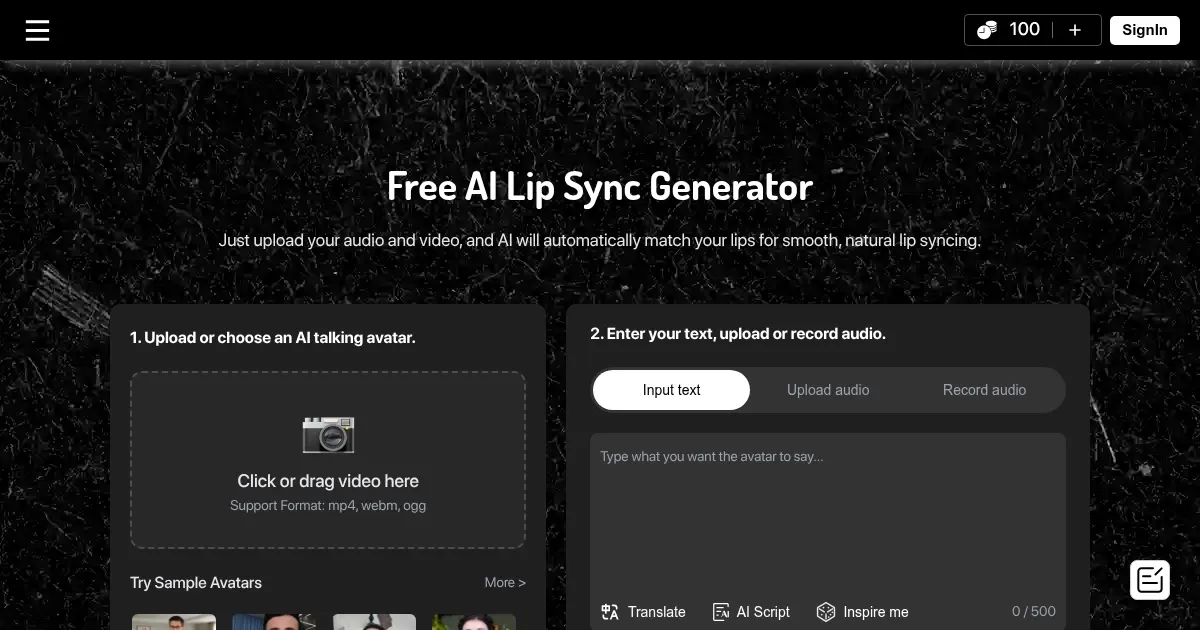
    LipSync.video is an AI-powered tool that synchronizes audio with lip movements in videos, supporting formats like photos, cartoons, and pets, without requiring sign-up. It uses advanced neural networks to analyze audio and facial movements, producing natural lip sync for various content types. The platform supports MP4, WebM, and OGG formats and offers features like AI Cartoon Lip Sync, AI Talking Photo, and AI Pet Lip Sync. It’s designed for content creators, marketers, and educators aiming for quick, cost-effective video animations.

    The tool’s key features include one-click generation, where users upload assets and click “Generate” to create lip-synced videos in minutes. It supports 720p and 1080p resolutions, with optional subtitles for accessibility. The AI Cartoon Lip Sync feature syncs 2D/3D character mouths with audio, ideal for animated series or YouTube shorts. AI Talking Photo turns static images into talking avatars, while AI Pet Lip Sync adds lip movements to pet videos. The platform uses deep learning algorithms for accurate facial landmark detection, ensuring smooth animations.

    Limitations exist. The free plan restricts video length and resolution, and processing times can reach 30 minutes for complex projects. Competitors like LipSync.pro offer multilingual support in 40+ languages, while Synthesia provides advanced AI avatar customization. LipSync.video lacks 4K support and real-time previews, which some rivals include. Still, its no-cost model makes it accessible for beginners.

    The AI Baby Podcast feature is a unique offering, syncing baby lip animations with audio for viral-ready content. The platform’s templates simplify project setup, and its neural networks ensure natural lip movements. However, low-quality inputs can lead to sync issues, and advanced settings are limited in the free version.

    For best results, use high-quality video and audio inputs. Test with short clips to gauge processing times. Explore templates for quick starts, and leverage the subtitle feature for broader reach. Experiment with different content types to maximize the tool’s versatility.

    Visit LipSync.video ↗
    Categories
    🎥 Video
    👄 Lip Sync Generation ✏️ Video Editing 🎙️ Video Dubbing 🤖 Avatar Video Generation 🎭 Face Swap Video

    Homepage Screenshot 📸

    LipSync.video screenshot

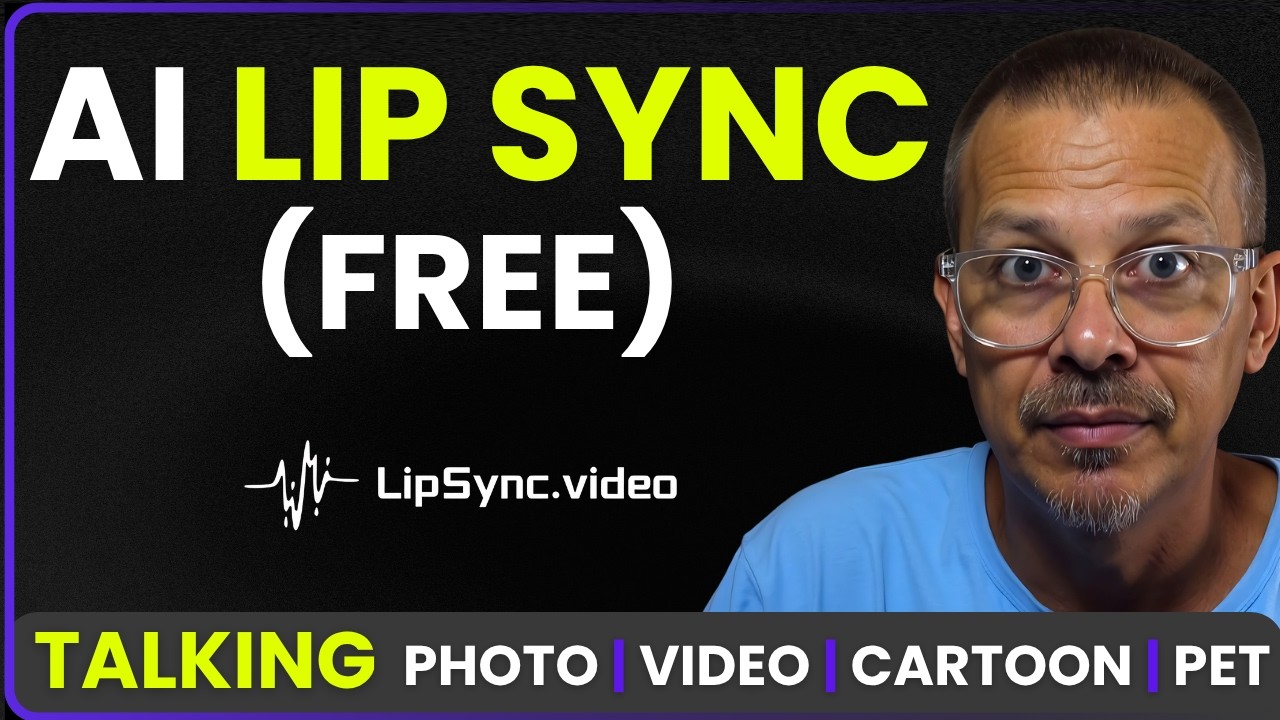
    Video Overview 🎬

    LipSync.video - Video Overview

    What are the key features? ✨

    • One-Click Generation: Creates lip-synced videos with a single click after uploading assets.
    • AI Cartoon Lip Sync: Syncs 2D/3D character mouths with audio for natural animations.
    • AI Talking Photo: Turns static photos into talking avatars with realistic lip movements.
    • AI Pet Lip Sync: Adds lip movements to pet videos for fun, shareable content.
    • Subtitle Support: Generates optional subtitles for enhanced video accessibility.

    Who is it for? 🤔

    LipSync.video is made for content creators, social media influencers, marketers, and educators who need quick, cost-effective ways to produce engaging videos. It suits beginners with no editing skills, small businesses creating promotional content, and animators working on cartoons or shorts. Its free, no-sign-up model makes it accessible for hobbyists experimenting with AI-driven video projects, while its versatile features appeal to those crafting viral social media posts or educational materials.

    Examples of what you can use it for 💡

    • YouTube Creator: Syncs cartoon character lips with audio for engaging animated shorts.
    • Social Media Influencer: Turns pet photos into talking videos for viral TikTok content.
    • Marketer: Creates lip-synced explainer videos using brand mascots for promotions.
    • Educator: Generates talking photo videos for interactive e-learning modules.
    • Event Planner: Produces personalized lip-synced birthday messages from photos.

    Pros & Cons ⚖️

    • Free with no sign-up required
    • Supports multiple video formats
    • Fast processing for short videos
    • Limited to 720p/1080p resolution
    • Long processing for complex videos (makes sense)

    FAQs 💬

    What video formats does LipSync.video support?
    It supports MP4, WebM, and OGG formats for video uploads.
    Do I need to sign up to use LipSync.video?
    No, the tool is free and requires no registration.
    How long does it take to process a video?
    Processing takes a few minutes to 30 minutes, depending on complexity.
    Can I use LipSync.video for cartoons?
    Yes, the AI Cartoon Lip Sync feature syncs 2D/3D characters with audio.
    Is there a resolution limit for videos?
    The free version supports up to 720p or 1080p resolution.
    Can I add subtitles to my videos?
    Yes, optional subtitles can be generated for accessibility.
    Does it support multiple languages?
    Limited language support compared to competitors like LipSync.pro.
    Can I use photos instead of videos?
    Yes, the AI Talking Photo feature animates static images.
    Is there a limit on video length?
    The free plan has restrictions on video length, varying by project.
    Can I edit videos after processing?
    No, changes or cancellations aren’t possible once processing starts.

    Ready to try LipSync.video?

    Syncs audio with video lip movements using AI for realistic results

    Visit LipSync.video ↗

    LipSync.video alternatives 🔗

    1. Kling AI Kling AI Generates cinematic videos from text or images with realistic motion
    2. Sync.so Sync.so An AI-powered tool that helps creators match lip movements in videos to any audio
    3. LipSync.pro LipSync.pro Generates realistic lip-sync videos using advanced AI technology
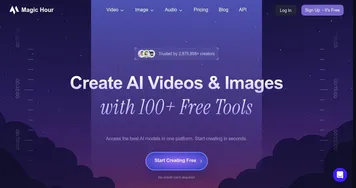
    4. Magic Hour Magic Hour An AI-powered platform designed to simplify video content creation for users of all skill levels
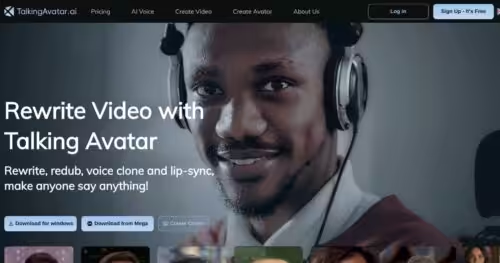
    5. TalkingAvatar.ai TalkingAvatar.ai Create lifelike talking avatars with voice cloning and lip-sync for videos
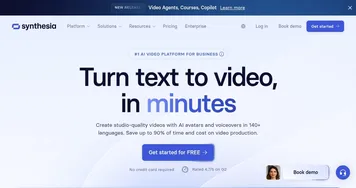
    6. Synthesia Synthesia AI service that lets you create professional videos in 15 minutes
    Share
    LipSync.video screenshot enlarged
    Best AI Tools

    Discover the best AI tools for any use case

    Explore
    • Tool Categories
    • AI Use Cases
    • AI Events
    • AI News
    • Saved Tools
    Company
    • About Us
    • Contact Us
    • Media & Partnerships
    • Suggest a Tool
    Legal
    • Privacy Policy
    • Terms of Service
    Copyright © 2026 Best AI Tools 415 Mission Street, 37th Floor, San Francisco, CA 94105