logo-darklogo-darklogo-darklogo-dark
  • Tool Categories
    • ๐ŸŽจArt & Creative Design505
    • ๐ŸขBusiness Management644
    • ๐Ÿ’ปCoding & Development515
    • ๐Ÿ‘ฎDetection83
    • ๐Ÿง General Use727
    • ๐ŸฅHealth & Wellness55
    • ๐Ÿ“ทImage & Photo Analysis100
    • ๐Ÿ–ผ๏ธImage Generation & Editing618
    • ๐Ÿ“Interior & Architectural Design37
    • ๐ŸŽ“Learning & Education483
    • โš–๏ธLegal & Finance90
    • ๐ŸŽญLifestyle & Entertainment236
    • ๐Ÿ“ขMarketing & Advertising627
    • ๐ŸŽงMusic & Audio138
    • ๐Ÿ‘”Office & Workplace1,014
    • ๐Ÿ”ฌResearch & Data Analysis372
    • ๐Ÿ‘ฅSocial Media245
    • ๐ŸŽฅVideo Generation & Editing426
    • ๐Ÿ‘ง๐ŸปVirtual Companion135
    • ๐ŸŽคVoice Generation & Editing381
    • โœ๏ธWriting & Editing808
    • All Categories
    • AI Use Cases
  • News
  • Events
    • Academic Conferences
    • Developer Conferences
    • Expos / Trade Shows
    • Industry Summits
    • Workshops / Training
    • All Events
    • Past Events
  • Saved Tools
  • Suggest a Tool
โœ•
Home › Video Generation & Editing › Avatar Video Generation› TalkingAvatar.ai
TalkingAvatar.ai

TalkingAvatar.ai

Create lifelike talking avatars with voice cloning and lip-sync for videos

TalkingAvatar.ai is an AI-driven platform that creates lifelike talking avatars with voice cloning and lip-sync for video content, ideal for creators, marketers, and educators. It offers tools to generate avatars from text or audio, redub videos, and sync lip movements, with support for multilingual projects. The platform requires a modern PC, with a minimum Intel Core i5 or AMD Ryzen 5 and a decent GPU like NVIDIA Geforce 1060.

The One-Sentence Voice Cloning feature captures a voice from a single sentence, producing near-authentic speech for avatars. The One-Click Multi-Speaker Lip-Sync ensures accurate lip movements for videos with multiple speakers, streamlining podcast or interview editing. The Stream Avatar tool replaces live video feeds on platforms like Zoom or Twitch, maintaining professional visuals. The Rewrite and Redub Videos feature updates old content or creates multilingual versions, while the AI Avatar Integration combines voice cloning with customizable avatars for engaging videos.

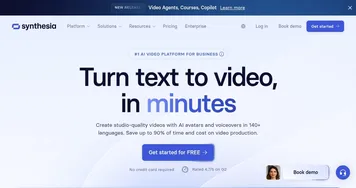
Compared to Synthesia and VEED, TalkingAvatar.ai excels in voice cloning speed but lacks the comprehensive editing tools of VEED or Synthesia’s enterprise polish. Users praise the multilingual support and ease of use but note a learning curve for advanced features like gesture customization. The platform’s hardware demands may exclude users with older systems.

The free trial offers a low-risk way to test features, and the interface is intuitive for beginners. Rendering times can lag with complex projects, and some users report minor voice cloning imperfections. The tool’s strength lies in its ability to create realistic avatars quickly, especially for social media or virtual presentations.

Try the free trial with a simple project to gauge performance. Ensure your hardware meets the requirements, and start with short scripts to test voice cloning and lip-sync accuracy. Focus on basic features before diving into advanced customization to avoid frustration.

Visit TalkingAvatar.ai ↗
Categories
๐ŸŽฅ Video
๐Ÿค– Avatar Video Generation ๐Ÿ‘„ Lip Sync Generation ๐ŸŽž๏ธ Animation Generation ๐Ÿ“น Video Generation ๐ŸŽ  Animated Video
๐Ÿ–ผ๏ธ Image
๐Ÿง‘โ€๐ŸŽค Avatar Generation
๐ŸŽค Voice
๐Ÿ“ข Text-to-Speech ๐Ÿ—จ๏ธ Voice Generation

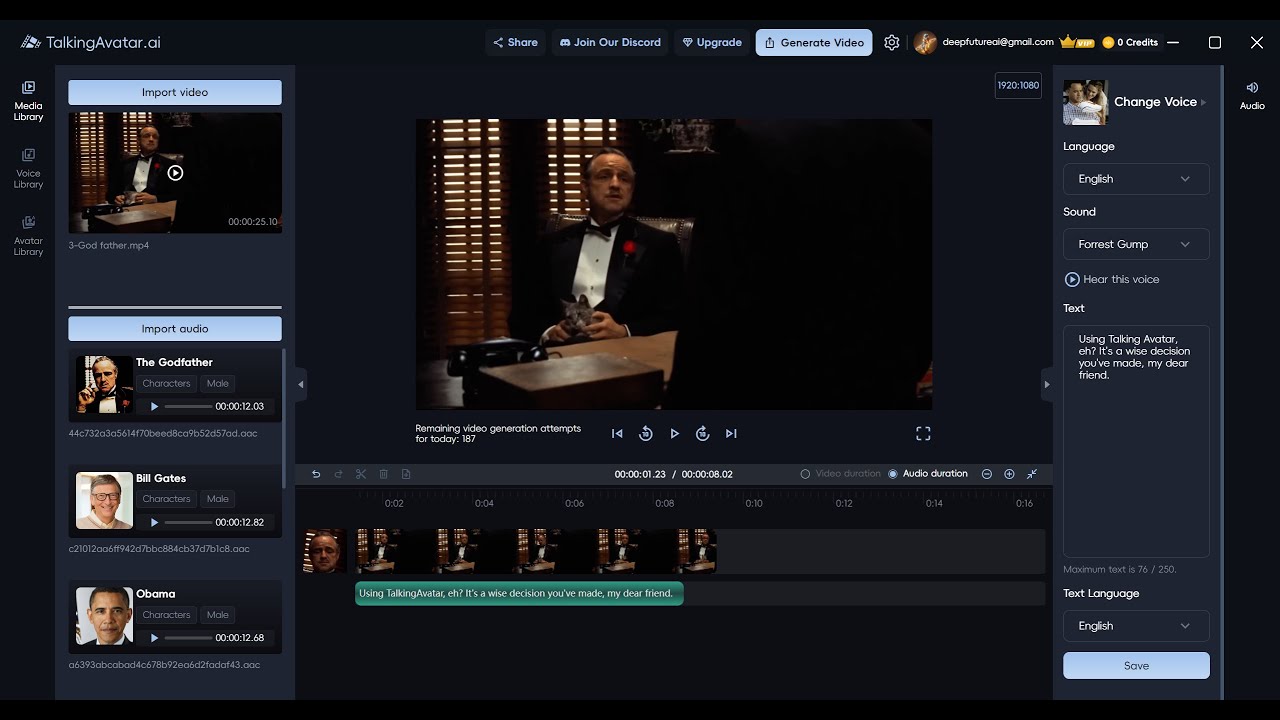
Homepage Screenshot 📸

TalkingAvatar.ai screenshot

Video Overview 🎬

TalkingAvatar.ai - Video Overview

What are the key features? ✨

  • One-Sentence Voice Cloning: Clones a voice from one sentence for realistic avatar speech.
  • One-Click Multi-Speaker Lip-Sync: Syncs lip movements for multiple speakers in videos.
  • Stream Avatar: Replaces live video feeds with lip-synced avatars on Zoom or Twitch.
  • Rewrite and Redub Videos: Updates or translates videos with cloned voices.
  • AI Avatar Integration: Combines voice cloning with customizable avatars for engaging content.

Who is it for? 🤔

TalkingAvatar.ai is best for content creators, marketers, educators, and podcasters who want to produce professional-grade videos without on-camera presence, as well as businesses needing multilingual content or virtual presenters for Zoom, social media, or training materials.

Examples of what you can use it for 💡

  • Content Creator: Uses TalkingAvatar.ai to craft engaging social media videos with lifelike avatars.
  • Marketer: Redubs product videos in multiple languages for global campaigns.
  • Educator: Creates animated training videos with custom avatars for e-learning platforms.
  • Podcaster: Syncs podcast audio with avatars for visually engaging video content.
  • Business Professional: Replaces live video on Zoom with a polished avatar for meetings.

Pros & Cons ⚖️

  • Accurate multi-speaker lip-sync.
  • Supports multilingual video creation.
  • Free trial to test features.
  • Clunky gesture customization.
  • Occasional voice cloning flaws.

FAQs 💬

What is TalkingAvatar.ai?
Itโ€™s an AI platform for creating talking avatars with voice cloning and lip-sync for videos.
Do I need a powerful PC to use it?
Yes, a minimum Intel Core i5 or AMD Ryzen 5 with a decent GPU is required.
Can I create videos in multiple languages?
Yes, the platform supports multilingual video creation with cloned voices.
Is there a free trial?
Yes, TalkingAvatar.ai offers a free trial to test its features.
How accurate is the voice cloning?
Itโ€™s highly accurate but may have slight robotic tones in some cases.
Can I use it for Zoom calls?
Yes, the Stream Avatar feature replaces your live video with a lip-synced avatar.
Does it support multi-speaker videos?
Yes, One-Click Multi-Speaker Lip-Sync ensures accurate lip movements for multiple speakers.
How long does it take to create a video?
Simple videos can be generated in minutes, but complex ones may take longer.
Can I customize avatars?
Yes, you can adjust clothing, hairstyles, and gestures, though customization can be clunky.
How does it compare to Synthesia?
TalkingAvatar.ai is faster for voice cloning but lacks Synthesiaโ€™s enterprise-grade polish.

Ready to try TalkingAvatar.ai?

Create lifelike talking avatars with voice cloning and lip-sync for videos

Visit TalkingAvatar.ai ↗
TalkingAvatar.ai alternatives 🔗

  1. VEED VEED Creates pro-level videos with AI-powered editing and collaboration tools
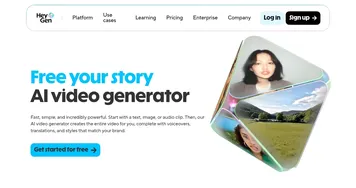
  2. HeyGen HeyGen Generative AI video creation platform
  3. Pollo AI Pollo AI Bring your creative ideas to life through advanced AI
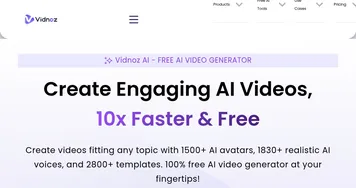
  4. Vidnoz AI Vidnoz AI An AI-powered text-to-video platform, made for marketers, businesses, educators, and more
  5. FlexClip FlexClip Easily create and edit videos for the brand, marketing, social media, and any other purpose
  6. Viggle Viggle Using AI to animate characters from images and generate videos with ease
Share
TalkingAvatar.ai screenshot enlarged
Promote TalkingAvatar.ai
light badge
Copy Embed Code
dark badge
Copy Embed Code
neutral badge
Copy Embed Code
Best AI Tools

Discover the best AI tools for any use case

Explore
  • Tool Categories
  • AI Use Cases
  • AI Events
  • AI News
  • Saved Tools
Company
  • About Us
  • Contact Us
  • Media & Partnerships
  • Suggest a Tool
Legal
  • Privacy Policy
  • Terms of Service
Copyright © 2026 Best AI Tools 415 Mission Street, 37th Floor, San Francisco, CA 94105