logo-darklogo-darklogo-darklogo-dark
  • Tool Categories
    • 🎨Art & Creative Design505
    • 🏢Business Management644
    • 💻Coding & Development514
    • 👮Detection83
    • 🧠General Use728
    • 🏥Health & Wellness55
    • 📷Image & Photo Analysis100
    • 🖼️Image Generation & Editing618
    • 📐Interior & Architectural Design37
    • 🎓Learning & Education483
    • ⚖️Legal & Finance90
    • 🎭Lifestyle & Entertainment236
    • 📢Marketing & Advertising627
    • 🎧Music & Audio138
    • 👔Office & Workplace1,014
    • 🔬Research & Data Analysis373
    • 👥Social Media245
    • 🎥Video Generation & Editing426
    • 👧🏻Virtual Companion135
    • 🎤Voice Generation & Editing381
    • ✍️Writing & Editing808
    • All Categories
    • AI Use Cases
  • News
  • Events
    • Academic Conferences
    • Developer Conferences
    • Expos / Trade Shows
    • Industry Summits
    • Workshops / Training
    • All Events
    • Past Events
  • Saved Tools
  • Suggest a Tool
✕
Home › Video Generation & Editing › Avatar Video Generation› Kreado AI
Kreado AI

Kreado AI

Enter text to create multilingual oral videos of real/virtual characters

Kreado AI is an AI-driven digital marketing platform that aims to redefine the creation and dissemination of content marketing. At its core, Kreado AI specializes in generating professional videos through AI-powered avatars and voice cloning technology. This approach allows for the replication of human expressions and voice tonalities with remarkable accuracy, offering a versatile substitute for human presence in various marketing scenarios.

What sets Kreado AI apart is its ability to create these avatars and voices by simply processing a 5-minute video or audio submission, making it useful for marketers seeking to produce high-quality content with minimal production costs.

Beyond avatar creation, the platform supports voice cloning with the option to switch between over 140 languages — providing flexibility for global marketing campaigns. This feature is especially beneficial in creating multilingual content, catering to a diverse audience without the need for multiple voice actors. Kreado AI’s technology also includes lip synthesis and text-to-speech (TTS) functionalities.

Kreado AI is also easy to use and is designed to accommodate users with varying levels of expertise in video editing. This democratization of content creation empowers individuals and businesses alike to explore creative avenues without the need for extensive technical knowledge or resources.

The innovative use of AI to generate lifelike avatars and voices, combined with its ease of use and cost-effective pricing, positions Kreado AI as a valuable asset for marketers aiming to captivate and engage their audience through dynamic and personalized content.

Visit Kreado AI ↗
Categories
🎥 Video
🤖 Avatar Video Generation 📹 Video Generation 🎙️ Video Dubbing 👄 Lip Sync Generation
🖼️ Image
🧑‍🎤 Avatar Generation
🎤 Voice
👯 Voice Cloning 📢 Text-to-Speech
📢 Advertising
🚀 Marketing 🎨 Ad Creative

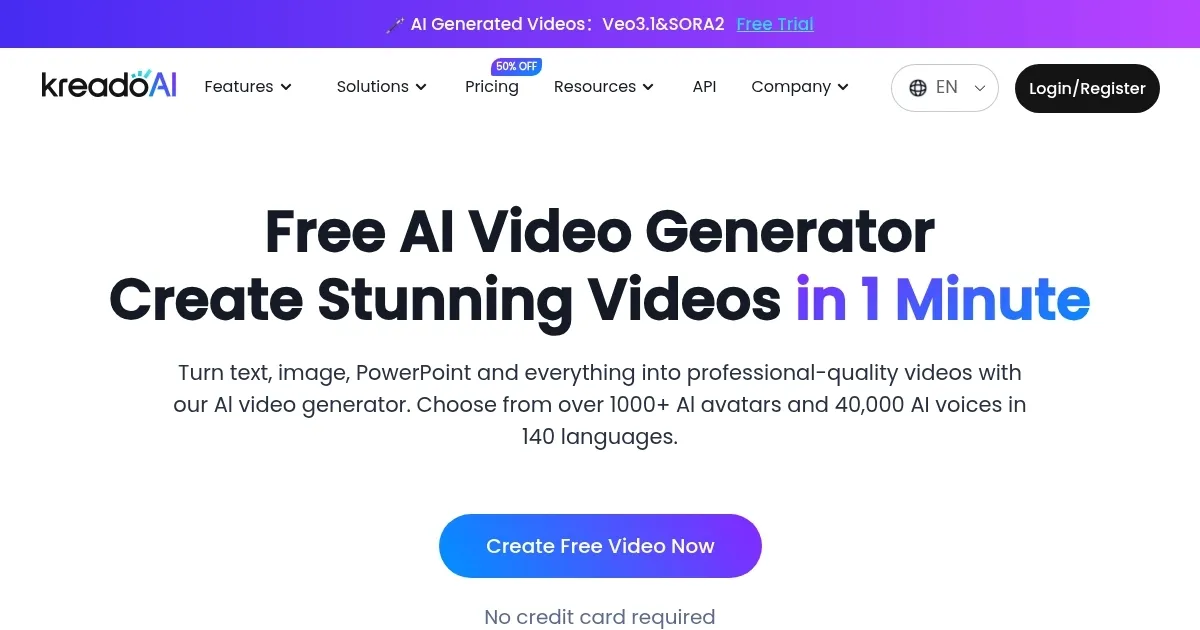
Homepage Screenshot 📸

Kreado AI screenshot

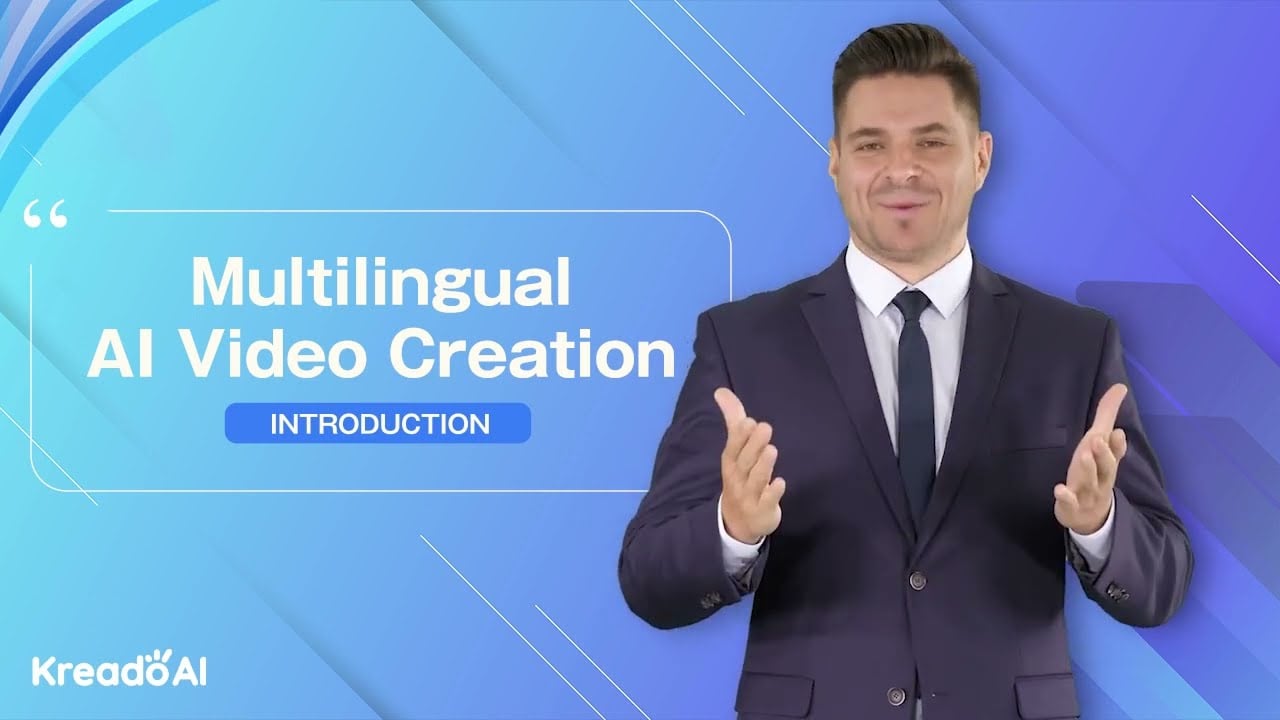
Video Overview 🎬

Kreado AI - Video Overview

What are the key features? ✨

  • AI-powered avatars and voice cloning: Kreado AI can create digital characters and clone human voices from just a 5-minute video or audio clip.
  • Multi-language support: With the ability to switch between over 140 languages, Kreado AI makes it super easy to create content that speaks directly to people from different parts of the world.
  • Friendly UI: Whether you're a pro at making videos or just starting out, Kreado AI has made it really simple for anyone to create professional-looking videos.
  • Flexible pricing: Starting at $10 per month, Kreado AI offers affordable subscriptions that fit various budgets.
  • Customizable video creation: From choosing the length of your video to customizing avatars and voices, Kreado AI allows for a lot of personal touches.

Who is it for? 🤔

Kreado AI is primarily focused on digital marketers, content creators, and educators looking for innovative ways to engage their audience. It is also an excellent tool for businesses that want to create professional video content without the high costs associated with video production. In addition, e-learning platforms can benefit from its multilingual support and voice cloning features to make educational content more accessible and engaging.

Examples of what you can use it for 💡

  • Create engaging video content featuring AI-powered avatars for your digital marketing campaigns
  • Educators and e-learning platforms can leverage Kreado AI to produce educational videos in multiple languages
  • Whether it's for customer service, personalized marketing, or special occasions, Kreado AI allows you to create customized video messages
  • Companies can use Kreado AI to create training videos for their employees or customers
  • For businesses looking to expand globally, Kreado AI offers a powerful solution for localizing content

Pros & Cons ⚖️

  • Create fancy videos with ease
  • Support for multiple languages
  • Great for education, onboarding, customer support, and more
  • Voice cloning could sound artificial

FAQs 💬

What is Kreado AI mainly used for?
Kreado AI helps create professional videos featuring talking AI avatars from simple text scripts, photos, or slides, making it popular for marketing, education, training, and social media content.
Do I need video editing experience to use it?
No. The platform is built for beginners. You pick an avatar, add text, choose a voice, and generate. Basic customization options exist but the core process stays simple.
Can I create a custom avatar that looks like me?
Yes. Upload a short webcam video or photo to clone your likeness, and the system generates a digital version with matching facial movements and lip-sync.
How many languages does Kreado AI support?
It supports voiceovers and script localization in over 140 languages, which makes it strong for global or multilingual audiences.
Is there a free way to try Kreado AI?
Yes. A free plan lets you create short videos and test voices and avatars without needing a credit card upfront.
Can Kreado AI turn a still photo into a talking video?
Absolutely. The image-to-video feature animates photos so characters appear to speak and move naturally with added voice.
Does it offer voice cloning?
Yes. You can clone your own voice with high accuracy so the AI reads scripts in a tone and accent that sounds like you.
What kinds of videos work best with Kreado AI?
Talking-head explainers, product ads, training modules, educational lessons, and short social media clips (including TikTok-style formats) perform especially well.
How realistic are the AI avatars?
Recent reviews describe them as lifelike with smooth lip-sync and natural gestures, though results can vary slightly depending on the chosen avatar and input quality.
Can I use Kreado AI for business or commercial projects?
Yes. Many teams use it for marketing, internal training, and customer-facing content, and the platform includes ethical safeguards and content moderation.

Ready to try Kreado AI?

Enter text to create multilingual oral videos of real/virtual characters

Visit Kreado AI ↗
Kreado AI alternatives 🔗

  1. VEED VEED Creates pro-level videos with AI-powered editing and collaboration tools
  2. HeyGen HeyGen Generative AI video creation platform
  3. Pollo AI Pollo AI Bring your creative ideas to life through advanced AI
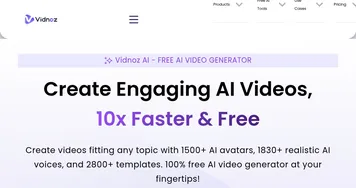
  4. Vidnoz AI Vidnoz AI An AI-powered text-to-video platform, made for marketers, businesses, educators, and more
  5. FlexClip FlexClip Easily create and edit videos for the brand, marketing, social media, and any other purpose
  6. Viggle Viggle Using AI to animate characters from images and generate videos with ease
Share
Kreado AI screenshot enlarged
Best AI Tools

Discover the best AI tools for any use case

Explore
  • Tool Categories
  • AI Use Cases
  • AI Events
  • AI News
  • Saved Tools
Company
  • About Us
  • Contact Us
  • Media & Partnerships
  • Suggest a Tool
Legal
  • Privacy Policy
  • Terms of Service
Copyright © 2026 Best AI Tools 415 Mission Street, 37th Floor, San Francisco, CA 94105