Skip to content
logo-darklogo-darklogo-darklogo-dark
  • Tool Categories
    • 🎨Art & Creative Design505
    • 🏢Business Management644
    • 💻Coding & Development514
    • 👮Detection83
    • 🧠General Use728
    • 🏥Health & Wellness55
    • 📷Image & Photo Analysis100
    • 🖼️Image Generation & Editing618
    • 📐Interior & Architectural Design37
    • 🎓Learning & Education483
    • ⚖️Legal & Finance90
    • 🎭Lifestyle & Entertainment236
    • 📢Marketing & Advertising627
    • 🎧Music & Audio138
    • 👔Office & Workplace1,014
    • 🔬Research & Data Analysis373
    • 👥Social Media245
    • 🎥Video Generation & Editing426
    • 👧🏻Virtual Companion135
    • 🎤Voice Generation & Editing381
    • ✍️Writing & Editing808
    • All Categories
    • AI Use Cases
  • News
  • Events
    • Academic Conferences
    • Developer Conferences
    • Expos / Trade Shows
    • Industry Summits
    • Workshops / Training
    • All Events
    • Past Events
  • Saved Tools
  • Suggest a Tool
    ✕
    Home › Voice Generation & Editing › Text-to-Speech› Typecast
    Typecast

    Typecast

    Dub your content with the best AI text reader and voice synthesizer

    Typecast is an AI-powered voice generation platform designed to transform text into lifelike speech, facilitating content creation from e-learning materials to engaging YouTube videos and even music.

    The platform stands out for its ability to generate AI-generated voices with emotional depth and nuance, making it useful for content creators looking to produce high-quality audio content without the need for expensive studio rentals or professional voice actors.

    Typecast comes with an extensive library of over 400 AI voices and avatars, catering to a wide range of content needs. This vast selection ensures that the final audio matches the content’s intended mood and message​​.

    In that sense, the platform is particularly popular among YouTubers and gamers, offering tools like AI singing voice generators and rapper voice synthesizers. These tools enable the creation of music and rap content with customizable characters, such as Dollar Jr., Klip Kim, and Viqqie — each with their distinct style and audience appeal​​.

    Moreover, Typecast simplifies the process of voice cloning with support for multiple languages.

    In summary, the ability to instantly generate AI voices from text, coupled with the option to customize video content with AI avatars – makes Typecast a great option for producing diverse audiovisual content​​. Check it out.

    Visit Typecast ↗
    Categories
    🎤 Voice
    📢 Text-to-Speech 🗨️ Voice Generation 👯 Voice Cloning 📣 Voice Over 🔊 Speech Synthesis 🎚️ Voice Dubbing 🌟 Celebrity Voice Generation
    🎥 Video
    🤖 Avatar Video Generation 📹 Video Generation 📝 Text to Video 🎞️ Animation Generation
    🖼️ Image
    🧑‍🎤 Avatar Generation

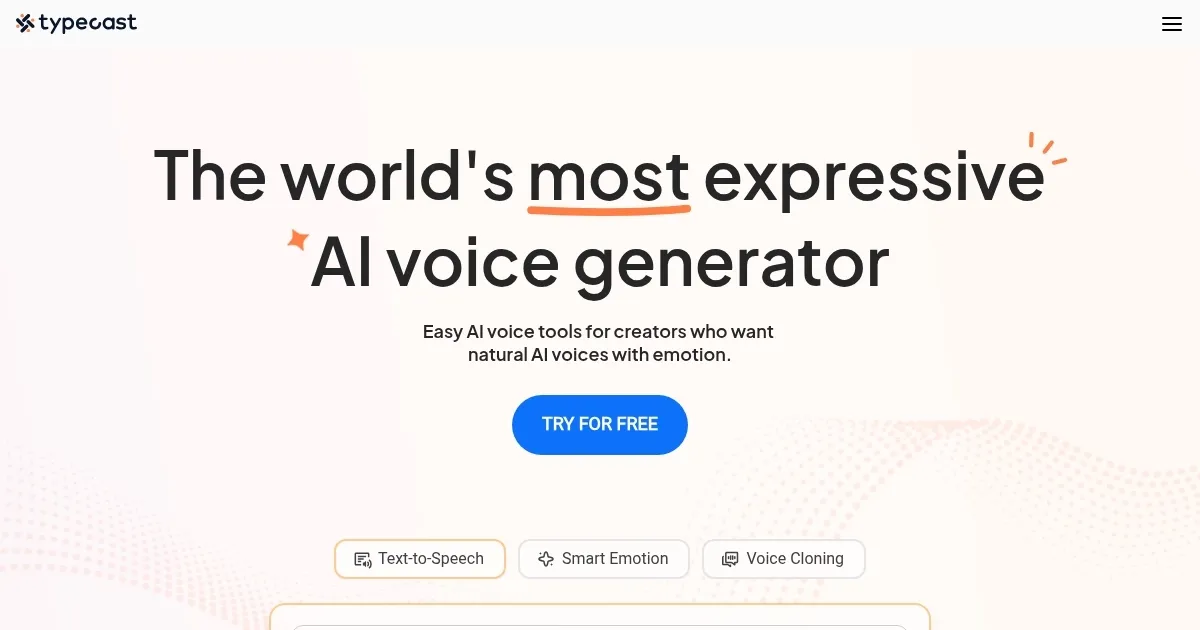
    Homepage Screenshot 📸

    Typecast screenshot

    Video Overview 🎬

    Typecast - Video Overview

    What are the key features? ✨

    • Range of voices and avatars: Typecast offers over 400 AI voices and avatars, covering a wide range of emotions, languages, and styles.
    • Emotional speech: With Typecast, you can shape and fine-tune the emotions of AI voice characters. This means you can adjust how the voice sounds - happy, sad, excited, etc., by inputting prompts and changing expressions.
    • Voice cloning: The platform enables the cloning of voices, allowing you to create authentic voice clones quickly in multiple languages.
    • Content creation: Typecast simplifies the content creation process, enabling users to produce captivating audio and video content swiftly.
    • Flexible plans: From a free version for casual users to advanced business plans for corporations, each plan provides specific features like custom voices, detailed speech control, and collaborative workspaces​​.

    Who is it for? 🤔

    Typecast targets a broad market that includes individual content creators, educators, marketing professionals, and businesses involved in digital content production. Its services are tailored for those looking to enhance their video or audio content with lifelike AI-generated voices - making it ideal for YouTube creators, podcasters, e-learning course developers, and video game designers. The platform offers scalable solutions that range from free basic plans to comprehensive business packages. This flexibility makes Typecast accessible and valuable to many users looking to create engaging and professional-grade digital content.

    Examples of what you can use it for 💡

    • Narrate YouTube videos with the help of AI
    • Educators and e-learning content developers can use Typecast to generate voiceovers for their courses and presentations
    • Writers and podcasters can use Typecast to convert their written content into audio formats
    • Marketing professionals can utilize Typecast to create voiceovers for product demos, explainer videos, and ads
    • Game developers and VR creators can use Typecast to give voices to their characters

    Pros & Cons ⚖️

    • Easily create professionally sounding audio files
    • Allows game developers to add life to their characters
    • Also great for educators, marketers, YouTubers, and more
    • Sometimes, voices don't sound natural

    FAQs 💬

    What is Typecast AI?
    Typecast AI is an online text-to-speech platform that generates realistic, emotional AI voices for voiceovers, videos, and content creation.
    How many AI voices does Typecast offer?
    It provides over 650 hyper-realistic AI voices, including various ages, styles, and emotional tones like happy, sad, or angry.
    Does Typecast support multiple languages?
    Yes, it offers flagship support for English, Spanish, Korean, Japanese, Chinese, and Vietnamese, with broader options for other languages.
    Can I control emotions in the voices?
    Absolutely, you can adjust emotions, tone, pace, pitch, and emphasis, or use Smart Emotion for automatic context-based adjustments.
    Is voice cloning available?
    Yes, you can clone a voice using just a 30-second audio sample to create custom voices.
    Does Typecast create talking avatars or videos?
    It does, allowing you to turn photos into talking avatars or generate videos with AI voiceovers and subtitles.
    What kinds of content is Typecast best for?
    It's great for YouTube videos, podcasts, audiobooks, training materials, marketing, and educational content.
    Is there a free trial or demo?
    You can try a demo on the homepage and access limited features for free to test voices and generation.
    Who typically uses Typecast?
    Content creators, filmmakers, marketers, educators, and businesses looking for expressive AI voiceovers.
    How natural do the voices sound?
    Voices are highly natural and expressive thanks to advanced AI, often indistinguishable from human performances in many cases.

    Ready to try Typecast?

    Dub your content with the best AI text reader and voice synthesizer

    Visit Typecast ↗

    Typecast alternatives 🔗

    1. ElevenLabs ElevenLabs Generates lifelike, expressive AI voices for diverse applications
    2. FakeYou FakeYou A text-to-speech voice generator for audio and video
    3. Listnr Listnr Create realistic Text to Speech (TTS) audio with some of the best AI voices
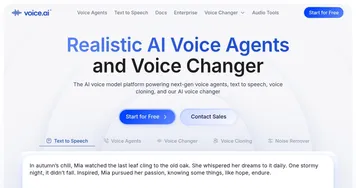
    4. Voice.ai Voice.ai An online platform that offers users transformative voice modification capabilities
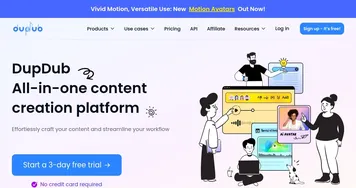
    5. DupDub DupDub Transforms videos into multilingual content with AI dubbing and voiceovers.
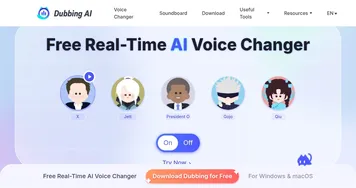
    6. Dubbing AI Dubbing AI Uses AI to modify vocal (audio) output during live interactions
    Share
    Typecast screenshot enlarged
    Best AI Tools

    Discover the best AI tools for any use case

    Explore
    • Tool Categories
    • AI Use Cases
    • AI Events
    • AI News
    • Saved Tools
    Company
    • About Us
    • Contact Us
    • Media & Partnerships
    • Suggest a Tool
    Legal
    • Privacy Policy
    • Terms of Service
    Copyright © 2026 Best AI Tools 415 Mission Street, 37th Floor, San Francisco, CA 94105