
logo-darklogo-darklogo-darklogo-dark
  • Home
  • Browse
    • Assistant
    • Coding
    • Image
    • Productivity
    • Video
    • Voice
    • Writing
    • All Categories
    • AI Use Cases
  • My Favorites
  • Suggest a Tool
✕
Home › Coding & Development / Enterprise ›

LM Studio

Published by Dusan Belic on July 1, 2024

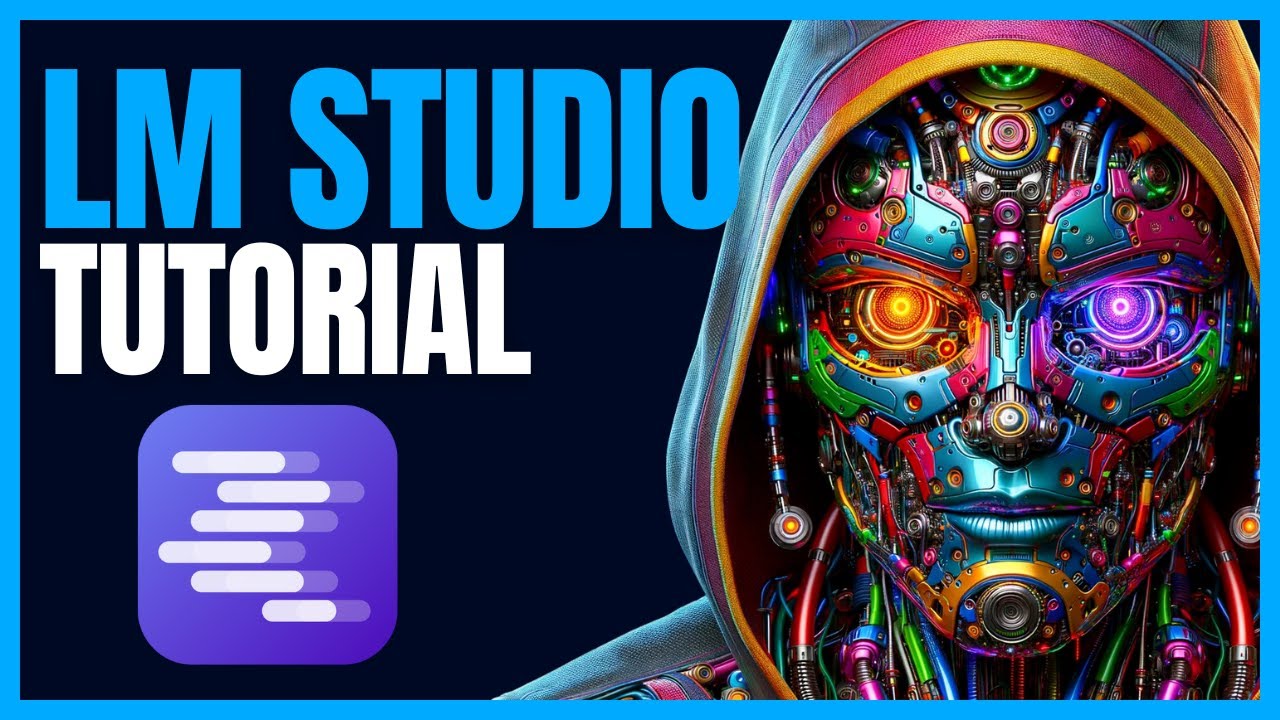
LM Studio

LM
LM Studio Homepage
Categories Coding & DevelopmentEnterprise
An AI platform that helps users discover, download, and run local large language models

LM Studio

LM Studio is an AI platform designed to help users discover, download, and run local large language models (LLMs). It offers an intuitive interface for managing various LLMs, enabling users to experiment with different models without the need for extensive technical expertise.

LM Studio supports different kinds of applications, from natural language processing tasks to creative content generation.

The platform is compatible with various LLMs, allowing users to explore and utilize the best models for their specific needs. It also provides tools for fine-tuning and optimizing models, enhancing their performance and applicability across different use cases. All this ensures that users can achieve high-quality results for their unique requirements.

LM Studio is designed in such a way to be accessible to both beginners and experienced professionals. It simplifies the process of working with LLMs, reducing the complexity typically associated with setting up and running these models locally.

When it comes to security and privacy, there is nothing to worry about. Running models locally ensures that sensitive data remains on your device, mitigating concerns about data breaches and unauthorized access. As a result, LM Studio is recommended for organizations and individuals who prioritize data security while leveraging the capabilities of advanced language models.

LM Studio Homepage
Categories Coding & DevelopmentEnterprise

Video Overview ▶️

What are the key features? ⭐

  • Local LLMs: LM Studio allows users to download and run local LLMs directly on their computer. This further enables experimentation and use of models without needing constant internet access.
  • Easy to use: The platform provides a simple yet powerful user interface for model configuration and inferencing, making it accessible even for those without technical expertise.
  • API server: LM Studio includes a local API server that mimics OpenAI's API, allowing users to integrate local LLMs into their existing applications.
  • Cross-platform compatibility: The application is available on Windows, macOS, and Linux.
  • Companion CLI tool: The "lms" CLI tool allows for command-line management of models, including loading, unloading, and controlling the local server.

Who is it for? 🤔

LM Studio is designed for developers, researchers, content creators, educational institutions, and enterprises looking for a robust solution to run and experiment with local LLMs. Its easy-to-use interface and comprehensive features make it suitable for both technical and non-technical users, providing a solid platform for various applications and industries.

Examples of what you can use it for 💭

  • Developers can integrate local LLMs into their applications for tasks such as code completion, error detection, and automated documentation
  • Researchers can use LM Studio to experiment with various models and configurations without relying on cloud-based solutions
  • Content creators can leverage local LLMs for generating text, brainstorming ideas, and more
  • Educational institutions can utilize LM Studio to teach AI and machine learning concepts
  • Businesses can deploy LM Studio to enhance their internal tools and processes

Pros & Cons ⚖️

  • Run LLMs locally on your machine
  • Great for testing different models
  • You can even mimic connecting to OpenAI's API
  • There is so much you can do with a locally hosted LLM

FAQs 💬

What is LM Studio?
LM Studio is a desktop application that lets you discover, download, and run large language models like Llama, Mistral, and Gemma directly on your computer. It keeps everything local for privacy and offline use, no cloud needed.
What are the system requirements for LM Studio?
You'll need at least 16GB of RAM for smooth performance, plus a modern CPU or GPU like Apple Silicon, NVIDIA, or AMD for acceleration. It runs on macOS, Windows, and Linux, but check the docs for exact hardware tweaks.
Is LM Studio free to use?
Yes, it's completely free for personal and commercial use now, with no subscriptions or hidden fees. Just download and go.
Does LM Studio support GPU acceleration?
Absolutely, it works with NVIDIA CUDA, AMD ROCm, and Apple Metal for faster inference. Pick your hardware in settings to optimize.
How do I download and install models in LM Studio?
Search for models in the app's built-in library from Hugging Face, hit download, and load them into the chat interface. It handles GGUF and MLX formats automatically.
Can I chat with my own documents using LM Studio?
Yes, use the RAG feature to upload PDFs or texts and query them offline. The AI pulls relevant info without sending data anywhere.
What kind of API does LM Studio offer?
It provides an OpenAI-compatible local server, so you can connect apps or scripts easily. Run it on your network for team access too.
Is LM Studio open source?
The core app is proprietary, but it builds on open-source backends like llama.cpp. Source for parts is on GitHub, though not fully FOSS.
How does LM Studio compare to Ollama?
LM Studio has a slicker UI for beginners and better Mac support, while Ollama shines for CLI users and quick scripting. Both are great for local runs, pick based on your workflow.
Can beginners use LM Studio without coding?
Totally, the chat UI is drag-and-drop simple. No code required to start chatting or tweaking prompts, though devs love the SDKs.

Related tools ↙️

  1. Augment Code Augment Code Smart AI tool created to help software teams write code faster and better
  2. Klu Klu Helping people build smart apps with the help of AI
  3. B12 B12 An easy-to-use AI website builder that helps professional service providers attract and serve clients online
  4. FriendliAI FriendliAI Accelerates LLM inference with low latency and cost savings.
  5. Text2SQL Text2SQL Generate and explain optimized SQL queries using AI
  6. Deepnote AI Copilot Deepnote AI Copilot Provides code suggestions while understanding the full scope of your Deepnote notebook
Last update: December 7, 2025
Share
Promote LM Studio
light badge
Copy Embed Code
light badge
Copy Embed Code
light badge
Copy Embed Code
About Us | Contact Us | Suggest an AI Tool | Privacy Policy | Terms of Service

Copyright © 2026 Best AI Tools
415 Mission Street, 37th Floor, San Francisco, CA 94105