logo-darklogo-darklogo-darklogo-dark
  • Home
  • Browse
    • Assistant
    • Coding
    • Image
    • Productivity
    • Video
    • Voice
    • Writing
    • All Categories
    • AI Use Cases
  • My Favorites
  • Suggest a Tool
✕
Home › Video Generation & Editing›
Published by Dusan Belic on August 30, 2023

Move AI

Move AI
Move AI Homepage
Categories Video Generation & Editing
Using patented AI software to extract high-fidelity motion from any video, HD camera, or mobile device

Move AI

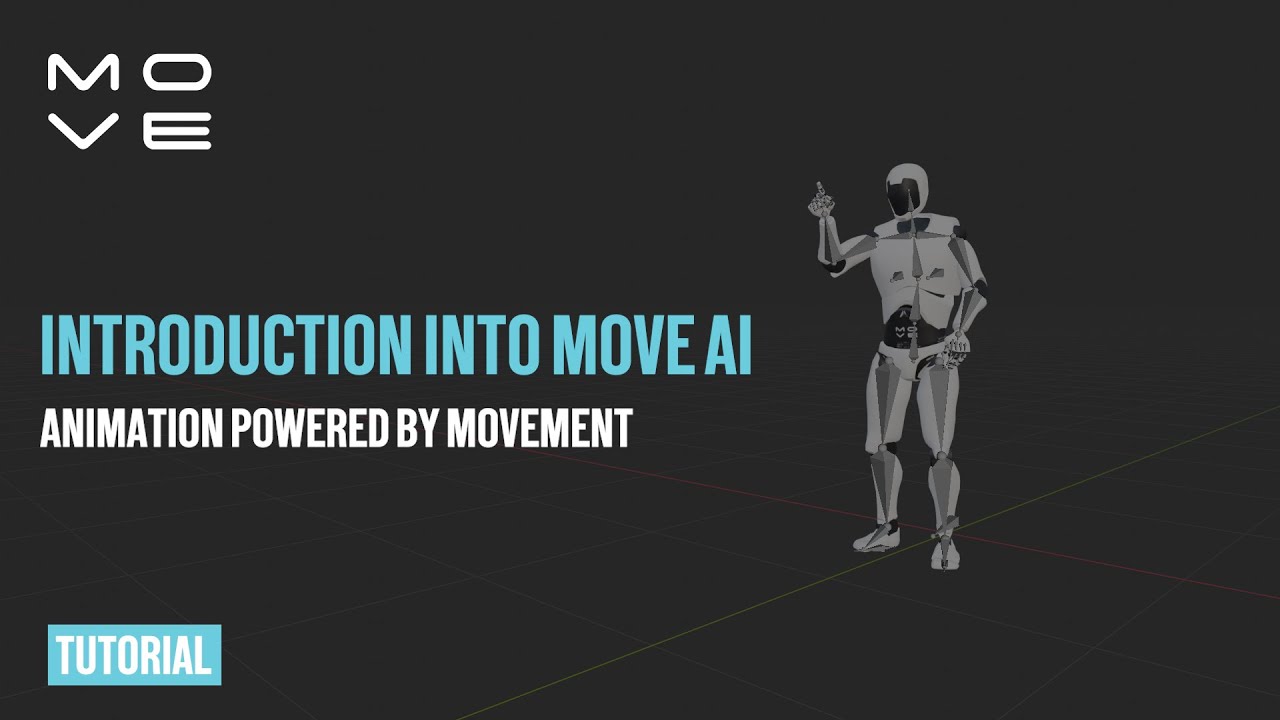
Move AI offers a revolutionary approach to 3D animation through its markerless motion capture technology, thus simplifying the process of bringing animated characters to life with realistic human motion. By transforming 2D video into 3D motion data using advanced AI, computer vision, biomechanics, and physics – it offers a useful solution for animators and studios of all scales.

Move AI lets users capture high-quality motion data without needing suits or markers, making it highly accessible for projects ranging from indie to AAA. The software supports single and multi-camera setups, allows capturing up to 8 people simultaneously in various environments, and includes advanced features such as hand and finger tracking.

Move AI’s technology enables large volume captures up to 20m x 20m spaces with the Move Multi-Cam product, and offers easy retargeting mechanisms for exporting motion data to preferred 3D animation software. This makes it convenient for animators looking to produce high-quality animations efficiently.

Additionally, the system’s capacity for capturing intense detail — including hand and finger movements — bolsters its application in creating immersive and intricate animated content.

Move AI Homepage
Categories Video Generation & Editing

Video Overview ▶️

Move AI - Video Overview

What are the key features? ⭐

  • Markerless Motion Capture: Converts video from phones or cameras into accurate 3D skeletal data without suits or markers.
  • Dex by Move AI: Provides advanced hand and finger tracking for detailed upper-body animations.
  • Multi-Camera Support: Improves accuracy and reduces drift using multiple devices like GoPros.
  • Gen 2 Models: Enhances spatial motion understanding and minimizes artifacts in complex movements.
  • Beta Editor: Allows precise fine-tuning and cleanup of motion data before export.

Who is it for? 🤔

Move AI helps animators, game developers, VFX artists, filmmakers, robotics researchers, ergonomics specialists, and independent creators who need realistic human motion data quickly and without expensive hardware setups. HTML

Examples of what you can use it for 💭

  • Game Animator: Uses phone-captured clips to generate lifelike character movements for faster iteration in AAA or indie titles.
  • VFX Artist: Applies motion data to digital doubles or crowd elements in post-production for cost-effective realism.
  • Film Previs Artist: Captures actor performances on set with minimal gear to preview scenes in real time.
  • Robotics Researcher: Trains imitation learning models with high-fidelity human motion data from everyday videos.
  • Music Video Director: Animates virtual performers or dancers quickly for concerts and immersive experiences.

Pros & Cons ⚖️

  • High-fidelity markerless capture
  • Strong hand and finger detail
  • Portable phone-based workflow
  • Versatile industry applications
  • Occasional drift in single-cam
  • Cloud processing wait times

FAQs 💬

What devices can I use to capture motion with Move AI?
You can use smartphones (like iPhones), action cameras such as GoPros, or other standard video sources for markerless capture.
Does Move AI require multiple cameras for good results?
Single-camera works for many shots, but multi-camera setups (2–4 devices) significantly reduce drift and improve accuracy on complex movements.
What file formats does Move AI export?
It supports common formats like FBX and BVH, compatible with major 3D software such as Blender, Maya, Unreal Engine, and Unity.
Can Move AI handle multiple people in one video?
Yes, the platform supports multi-person capture, useful for crowd simulation or group choreography in games and film.
Is real-time capture possible?
Current processing happens in the cloud after upload, so it is not real-time, though previews and fast turnaround suit previs workflows.
How accurate is the hand and finger tracking?
Dex by Move AI delivers detailed hand and finger dynamics, performing well for gestures and interactions compared to basic markerless tools.
Who is the main competition for Move AI?
Key competitors include DeepMotion for accessible video-to-mocap, Xsens for inertial suit-based precision, and RADiCAL for versatile creator-focused options.
Can beginners use Move AI effectively?
Yes, the upload-and-process workflow is straightforward, though best results come from understanding lighting, framing, and multi-cam basics.
Visit Move AI

Related tools ↙️

  1. Tango Tango Creates interactive how-to guides from screen captures in minutes.
  2. Nullface Nullface Generates AI-powered faceless videos for TikTok and YouTube effortlessly
  3. Cloudinary Cloudinary Manages, transforms, optimizes, and delivers images and videos with AI-powered features
  4. Verbalate Verbalate Translates and dubs videos into multiple languages using voice cloning and lip sync for global reach
  5. Choppity Choppity Transforms long videos into engaging short clips using AI automation
  6. WarpVideo WarpVideo Transforms videos through AI-powered face swapping and style restyling
Last update: March 9, 2026
Share
Promote Move AI
light badge
Copy Embed Code
dark badge
Copy Embed Code
neutral badge
Copy Embed Code
About Us | Contact Us | Suggest an AI Tool | Privacy Policy | Terms of Service

Copyright © 2026 Best AI Tools
415 Mission Street, 37th Floor, San Francisco, CA 94105