
PortraitArt
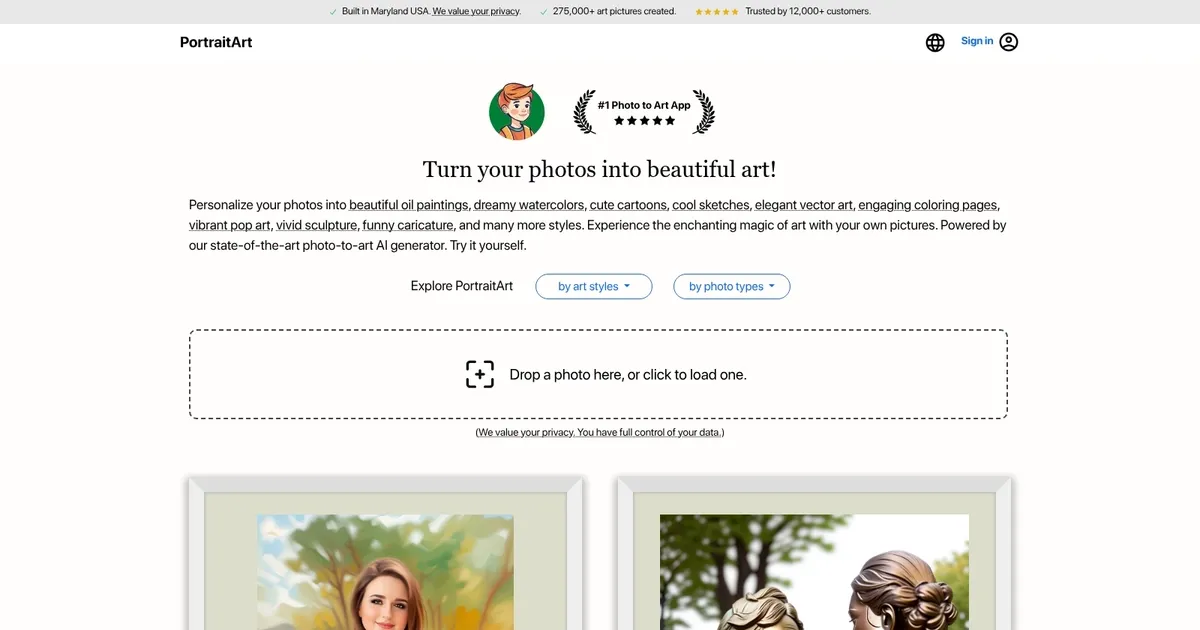
PortraitArt is an AI-powered platform that transforms your photos into stunning artworks across different styles. By uploading your images, you can generate personalized pieces such as oil paintings, watercolors, cartoons, sketches, vector art, coloring pages, pop art, sculptures, caricatures, and more. In other words, the service allows users to experience the magic of art through their own pictures — offering a creative way to preserve memories.
PortraitArt is designed to handle a range of photo types, including individual portraits, family and group photos, wedding pictures, children’s portraits, sports images, house and pet photos, car portraits, and scenic landscapes. To achieve the best results, it is recommended to use high-resolution photos with good lighting and a clean, uncluttered background.
PortraitArt claims that all uploaded photos are securely processed and used solely for creating your artwork. It will not store, share, or use your photos for any other purposes without your consent. In addition, all data transmission is encrypted to protect your personal information, and you have the option to delete your data after creating and downloading your art pieces.
PortraitArt can be tried for free, allowing users to test the service before spending their hard-earned cash. During the trial period, you can see previews of your photos transformed into various art styles, helping you decide which style best suits your needs.
Ultimately, the platform’s user-friendly interface and advanced AI tech make it accessible for anyone looking to create personalized art from their photos. Check it out.
What are the key features? ⭐
- More than 80 Art Styles: Select from oil painting, watercolor, sketch, cartoon, pop art, caricature, coloring page, sculpture, Chinese ink, and additional options for varied transformations.
- Flexible Photo Handling: Supports portraits, groups, pets, landscapes, architecture while maintaining original layout.
- Strong Privacy Measures: Encrypts data in transit and lets users delete photos after artwork creation.
- Intuitive Upload Process: Simple drag-and-drop or click interface, plus email alerts for queued jobs.
- Multilingual Support: Accessible in English, Simplified Chinese, Traditional Chinese, Indonesian, Portuguese, Arabic, and more.
Who is it for? 🤔
Examples of what you can use it for 💭
- Family member: Generates oil painting or watercolor versions of group photos for wall art or holiday gifts.
- Teacher or parent: Produces coloring pages from kid or pet photos for fun learning activities.
- Social media user: Converts selfies into pop art or caricature styles for engaging profiles and posts.
- Pet enthusiast: Creates cartoon or sketch renditions of animal pictures for sharing or custom items.
- Creative hobbyist: Applies vintage or illustration effects to landscapes for mood boards or concepts.
Pros & Cons ⚖️
- Extensive style options
- Very user-friendly
- Privacy emphasis
- Non-portrait support
- Depends on photo quality
- No deep editing tools








